Appointment Booking Automation Guide for Service Businesses
What if your booking process is losing business before your team even speaks to the customer?
For a lot of service businesses, that is exactly what happens. Calls come in during peak hours, DMs pile up after hours, and front-desk staff bounce between calendars, confirmations, and no-show cleanup. Meanwhile, booking behavior keeps moving toward self-service. In SimplyBook.me’s 2025 Global State of Bookings report, 95%+ of appointments were scheduled directly by clients and 70%+ started on mobile. If your process still depends on someone manually replying, confirming, and re-entering details, you are asking customers to work harder than they want to.
For service businesses, appointment booking automation is not just a calendar upgrade. It is a revenue system. Done well, it reduces missed inquiries, shortens response time, improves lead qualification, cuts no-shows, and keeps your team out of repetitive admin. Done poorly, it creates calendar chaos and frustrated customers.
We’ve found the best systems are simple on the surface and structured underneath. Customers should see an easy booking flow. Your business should see clean data, rule-based routing, reminders, payments, and follow-up happening automatically.
The biggest leak is not scheduling, it is the time between intent and confirmation
Most owners think the booking problem is, “We need an online calendar.” Usually that is only half true.
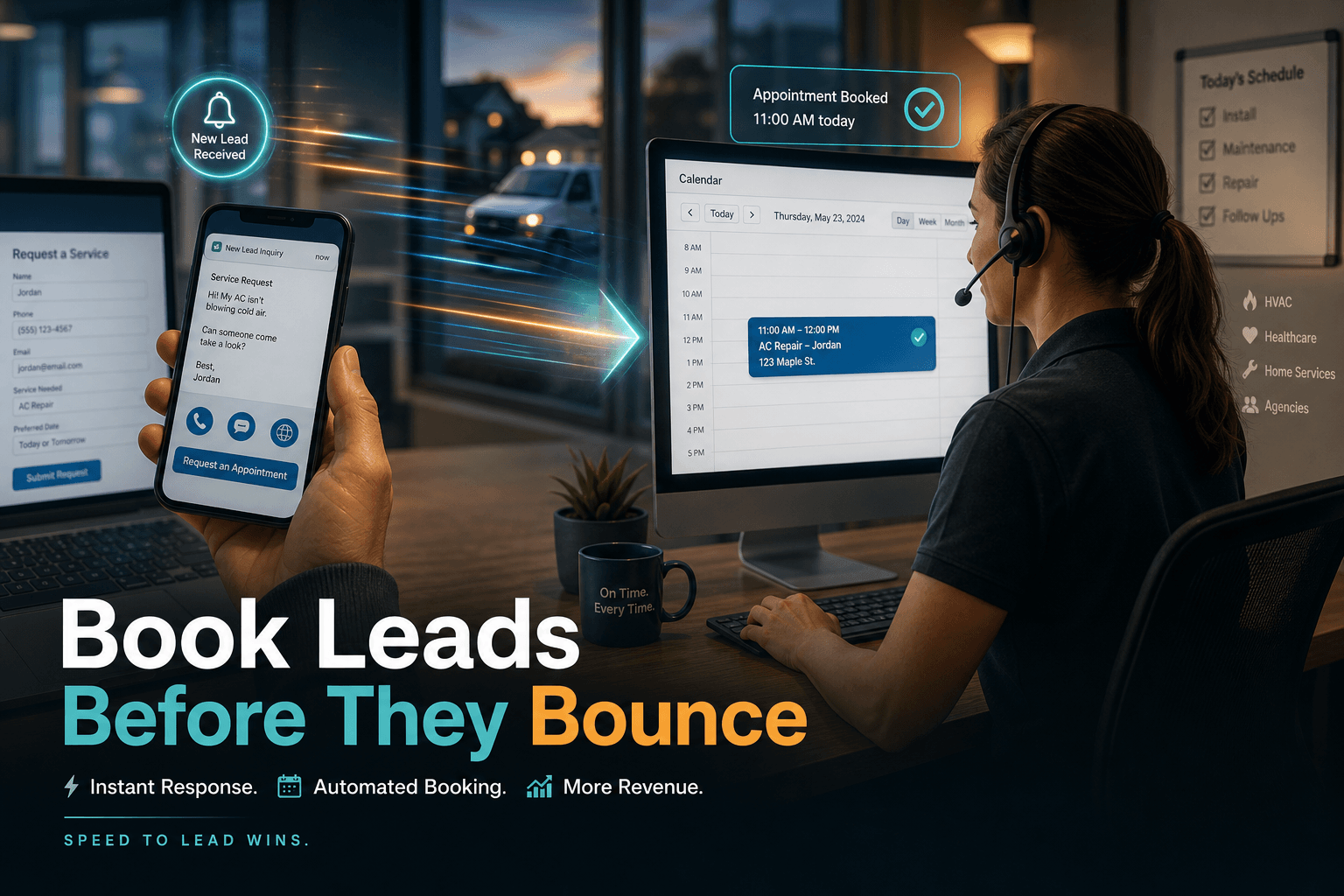
What actually breaks first is the gap between a customer deciding to book and your business confirming the slot. That gap shows up in a few familiar ways:
- a missed call during lunch rush
- a form submission that sits untouched for two hours
- a text asking for availability that never gets logged
- a manual callback that happens after the customer already booked elsewhere
This matters because service demand often arrives when your staff is busiest. In Maple’s 2025 report based on 1.2 million calls across 1,000+ U.S. merchants, businesses reported missing 33% of incoming calls during peak hours. That report focuses on restaurants, but the operational pattern is familiar across salons, medspas, home services, clinics, and real estate teams: the phone rings most when the team has the least capacity to answer it.
A strong automation setup closes that gap by doing three things immediately:
- Capturing the request from web, phone, chat, text, or social
- Checking real availability by staff, service, location, or job type
- Confirming the next step without waiting on a human handoff
That is where AI Automation starts paying off. Not in flashy demos, but in preventing a hot lead from becoming a cold one because nobody got back in time.
If your current process still depends on staff copying bookings into the calendar, this is also where 12 time-consuming tasks AI can eliminate from your workday becomes relevant. Booking admin is one of the easiest places to win back hours.
Do not automate the calendar first, automate the booking rules first
This is where a lot of teams get burned.
They buy scheduling software, connect a calendar, publish a booking link, and assume the problem is solved. Then the bad bookings start rolling in: wrong service type, wrong duration, wrong staff member, unpaid consultations, duplicate appointments, and jobs booked outside the service area.
The fix is to automate decision logic before you automate volume.
Here is what we map first in practice:
What should be bookable without approval?
Not every appointment deserves instant confirmation. A haircut probably does. A 90-minute legal consult, roofing estimate, or multi-service medspa appointment may not.
What information must be collected first?
Your intake form should capture the fields that change how the work gets routed:
- service type
- location or ZIP code
- urgency
- preferred staff member
- budget or insurance details, if relevant
- photos or notes for estimate-based work
What should trigger payment, deposit, or screening?
If no-shows hurt margins, require a deposit. If bad-fit leads waste time, add basic Lead qualification before the slot is offered. If certain appointment types always need review, route them into a pending queue instead of auto-confirming.
This is the difference between a booking page and a real Workflow Automation system.
A good appointment flow should feel like this:
Inquiry arrives
→ identify service type
→ collect required details
→ check staff/location rules
→ show valid times only
→ confirm booking
→ send reminder sequence
→ update CRM
→ notify team
→ trigger pre-appointment follow-up
If you skip the rules layer, automation scales mistakes faster.
That is one reason we often recommend reading 10 common mistakes small businesses make when integrating AI before expanding automations across customer-facing workflows.
Self-service works, but only when customers can actually change the appointment too
Here is the mildly contrarian part: online booking alone does not automatically reduce chaos.
Sometimes it reduces friction for the customer while increasing it for the business. In a 2025 Frontiers in Digital Health study on online appointment scheduling, a private practice saw unused appointments fall from a 22.7% median to 10.3% after online scheduling was introduced, and never-booked appointments fell from 8.6% to 1.6%. That is a huge operational win. But the same study also showed outcomes depend heavily on how scheduling is implemented.
That detail matters. If customers can book online but cannot easily reschedule, cancel, or confirm by text, your team inherits the mess later.
What actually works better is a full automation loop:
- instant confirmation after booking
- reminder sequence 24 to 48 hours before
- one-tap confirm, cancel, or reschedule
- waitlist or slot refill logic
- internal alerts for high-value changes
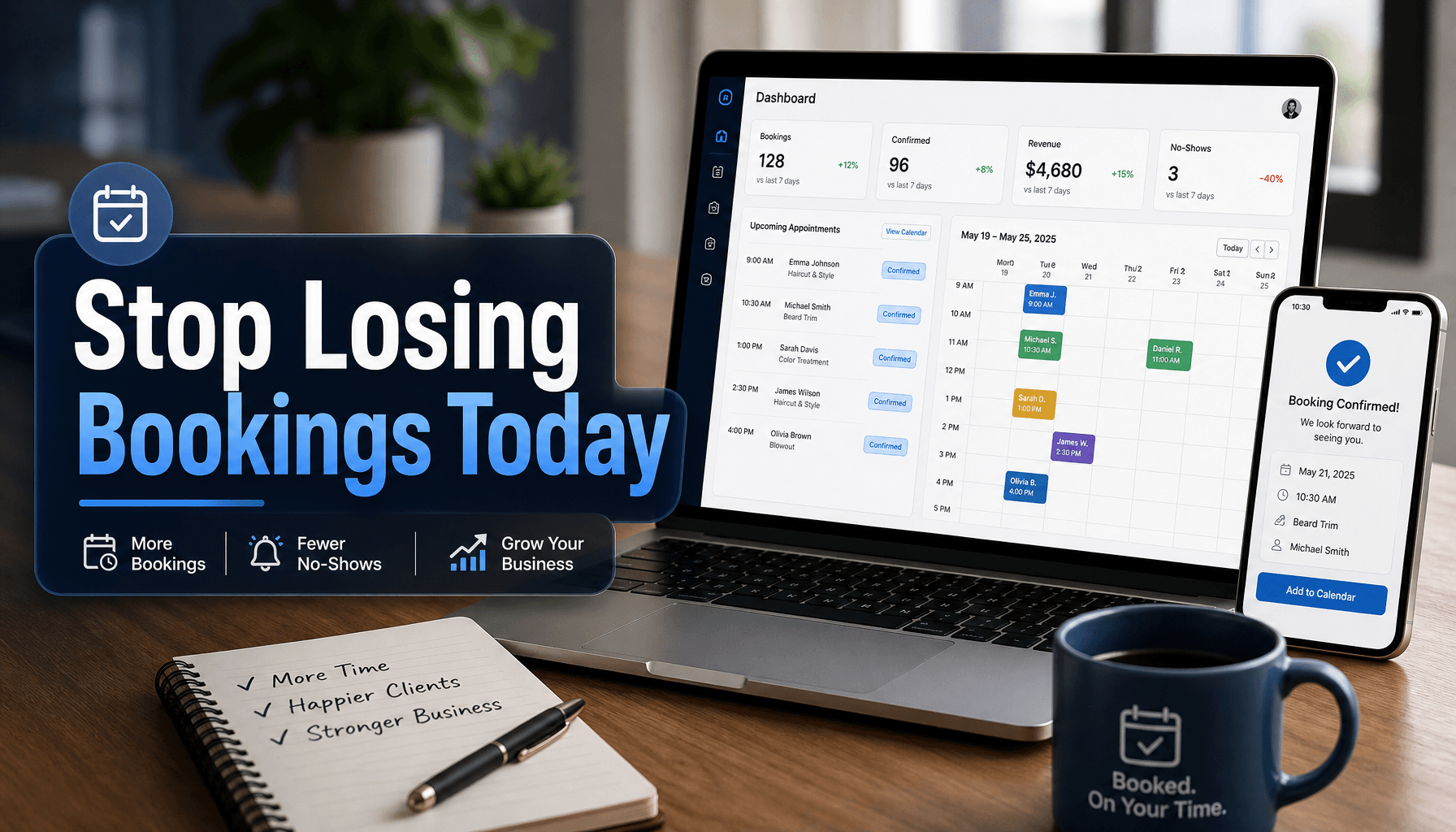
The same Frontiers study found SMS reminders were associated with lower no-show risk, with reminder use rising from 11.4% to 25.4% as no-show rates declined. In other words, the reminder layer matters almost as much as the booking layer.
We’ve seen the same pattern in service businesses outside healthcare. Customers do not mind self-service. They mind dead ends. If they need to call you just to move an appointment, your “automated” system is still manual in the places that count.
The best automation stack handles booking, reminders, payments, and CRM updates in one flow
A booking workflow creates the most value when it touches the rest of the business.
If a customer books an appointment but your CRM is not updated, staff is not notified, intake questions are missing, and reminders are sent from a different tool, you have not really automated anything. You have just spread the work across more software.
A solid stack usually connects these layers:
LayerWhat it should doBooking interfaceShow valid appointment types, staff, and time slotsMessagingSend confirmations, reminders, reschedule links, and follow-upPaymentsCollect deposits, prepayments, or cards on fileCRM AutomationCreate or update the contact, booking history, and notesInternal opsNotify the right team member and trigger prep steps
This is where AI Agents can help beyond simple forms. Instead of only showing a calendar, an agent can ask qualifying questions, route based on intent, handle after-hours requests, and push clean records into your CRM. For businesses with more than one step in the process, that often outperforms a static booking widget.
If you are comparing architectures, AI agents vs chatbots is a useful distinction. A chatbot can answer “What are your hours?” An agent can qualify the lead, book the right appointment, and trigger the next workflow.
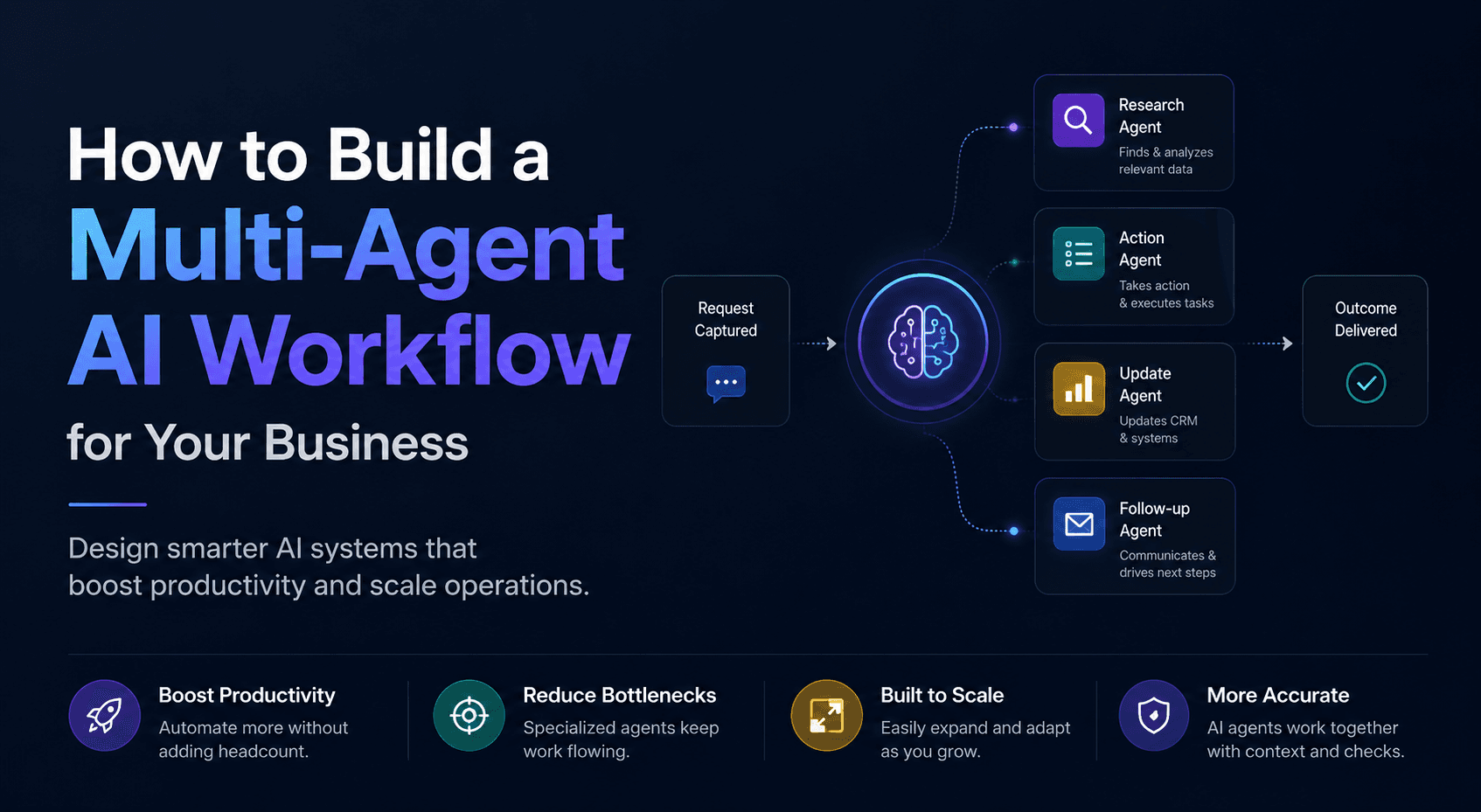
For businesses already thinking bigger than a single assistant, this is also where Multi-agent Systems become practical. One agent can handle intake, another can validate rules, and another can manage CRM Automation and follow-up.
If you are not measuring these five numbers, your automation is probably underperforming
Most teams judge booking automation by one question: “Are appointments going onto the calendar?”
That is too shallow. You need to know whether automation is improving revenue quality, not just appointment count.
Track these five metrics first:
- Inquiry-to-booking rate: How many inbound requests actually become confirmed appointments?
- Time-to-confirmation: How long does it take from first contact to booked slot?
- No-show rate: Are reminders, deposits, and rescheduling flows doing their job?
- Reschedule recovery rate: When someone moves an appointment, how often do you keep the revenue instead of losing it?
- Front-desk hours saved: How much admin time disappeared from the team’s week?
The time-savings piece is often underestimated. In Thryv’s Q1 2025 investor presentation, the company highlighted customer outcomes that included 20+ hours a week saved and 61% more appointments booked. Vendor-reported numbers should always be treated carefully, but they line up with what we see in the field: once reminders, confirmations, intake, and CRM updates run automatically, admin load drops fast.
What matters is not whether your tool has a booking page. It is whether your operation gets measurably cleaner after installing it.
If you need a broader scorecard for operational ROI, how to improve business efficiency with AI gives a useful framework for measuring automation beyond vanity metrics.
Start with one high-friction booking path, not your entire business
The fastest way to fail is to automate every appointment type at once.
Instead, pick the booking flow that creates the most pain today. Usually it is one of these:
- first-time consultations
- after-hours inbound requests
- estimate-based appointments
- repeat service rebooking
- no-show-heavy appointment categories
Then build around that one path.
A practical rollout looks like this:
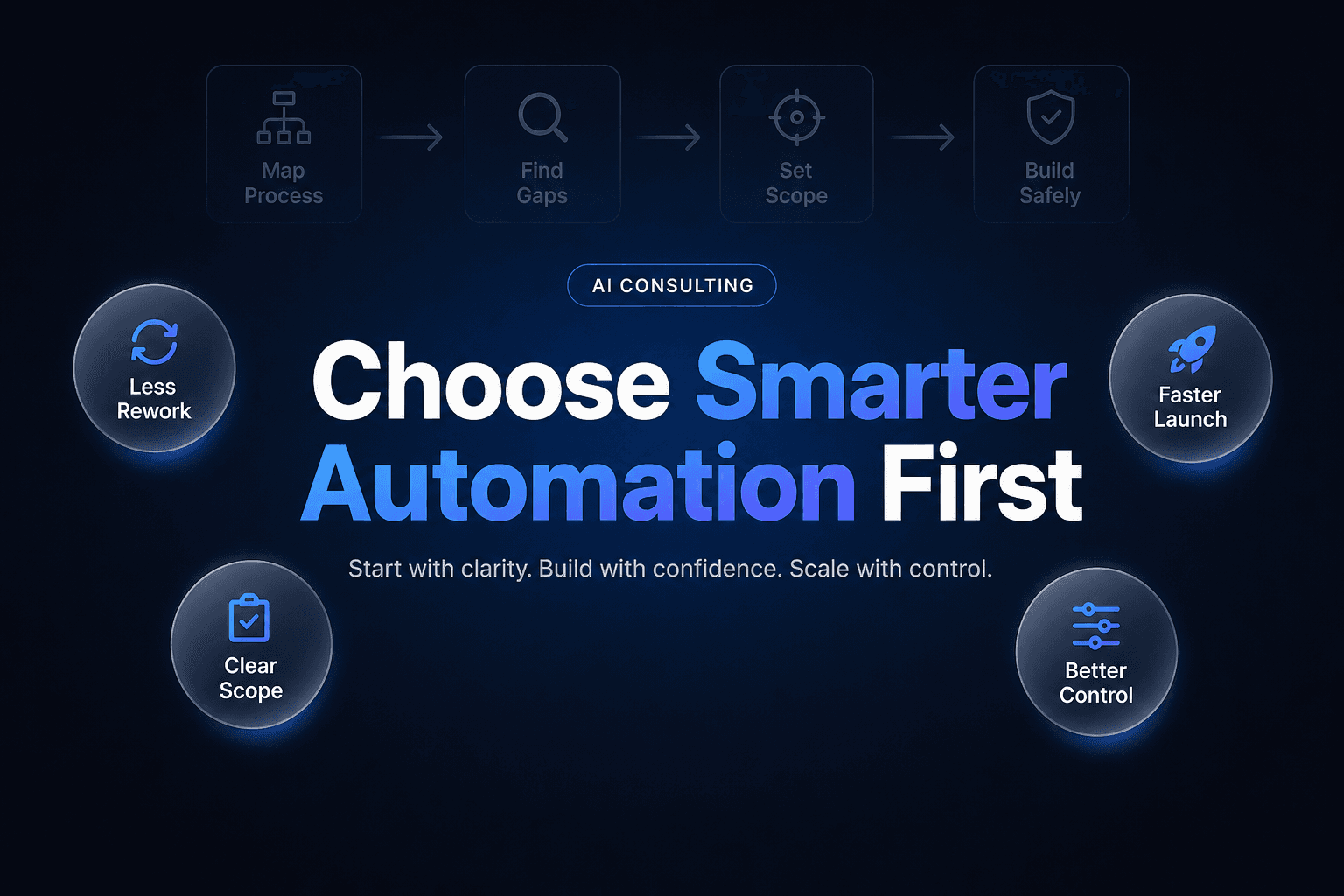
Week 1: Map the current flow
Document how bookings arrive, who handles them, what info is collected, and where delays happen.
Week 2: Set booking rules
Define duration, buffers, staff eligibility, service areas, deposit rules, and reminder timing.
Week 3: Connect the systems
Sync your calendar, messaging, intake form, and CRM. Make sure records update automatically.
Week 4: Test edge cases
Try reschedules, double-book attempts, after-hours requests, and incomplete forms. This is where weak setups usually break.
Week 5: Go live and watch the numbers
Track booking conversion, no-shows, and admin time saved for 30 days before expanding.
That is usually enough to prove whether the automation is working in the real world.
Appointment booking automation works best when it is treated like an operations system, not a website feature. For service businesses, the goal is simple: fewer missed opportunities, less admin, better Lead qualification, and a smoother path from inquiry to revenue. The businesses getting this right in 2026 are not just adding a calendar widget. They are building booking flows that qualify, confirm, remind, and update the rest of the business automatically.
If you want to build a booking system that actually fits how your team works, with AI Automation, Voice AI, and CRM Automation wired into the same flow, AI-Automated can help. We design practical systems for service businesses that need faster response, cleaner handoffs, and more booked revenue without adding headcount.