Build a Multi-Agent AI Workflow for Business
What happens when one AI agent is asked to do five jobs at once? Usually, it becomes a slow, expensive bottleneck. That’s why the better pattern for AI Automation in 2026 isn’t one “smart assistant.” It’s a team of specialized agents with clear roles, handoffs, and guardrails.
That shift is already showing up in the numbers. In PwC’s AI agent survey, 79% of companies said AI agents were already being adopted, and 66% of adopters reported measurable productivity gains. But adoption alone doesn’t mean the workflow is built well. In Fivetran’s AI and data readiness survey, 42% of enterprises said more than half of their AI projects were delayed, underperformed, or failed due to data readiness issues. The gap between those two stats is where workflow design matters.
We’ve found that Multi-agent Systems work best when you stop thinking in prompts and start thinking in operations. Who receives the task? Who checks the data? Who decides? Who updates the CRM? Who flags an exception? Once you model the workflow that way, AI Agents become much easier to trust, measure, and scale.
One general-purpose agent is usually the wrong starting point
A lot of teams begin with the wrong question: Can one agent handle this entire process? In practice, that creates messy outputs, weak accountability, and no clean way to debug failures.
A better question is: What are the distinct jobs inside this process?
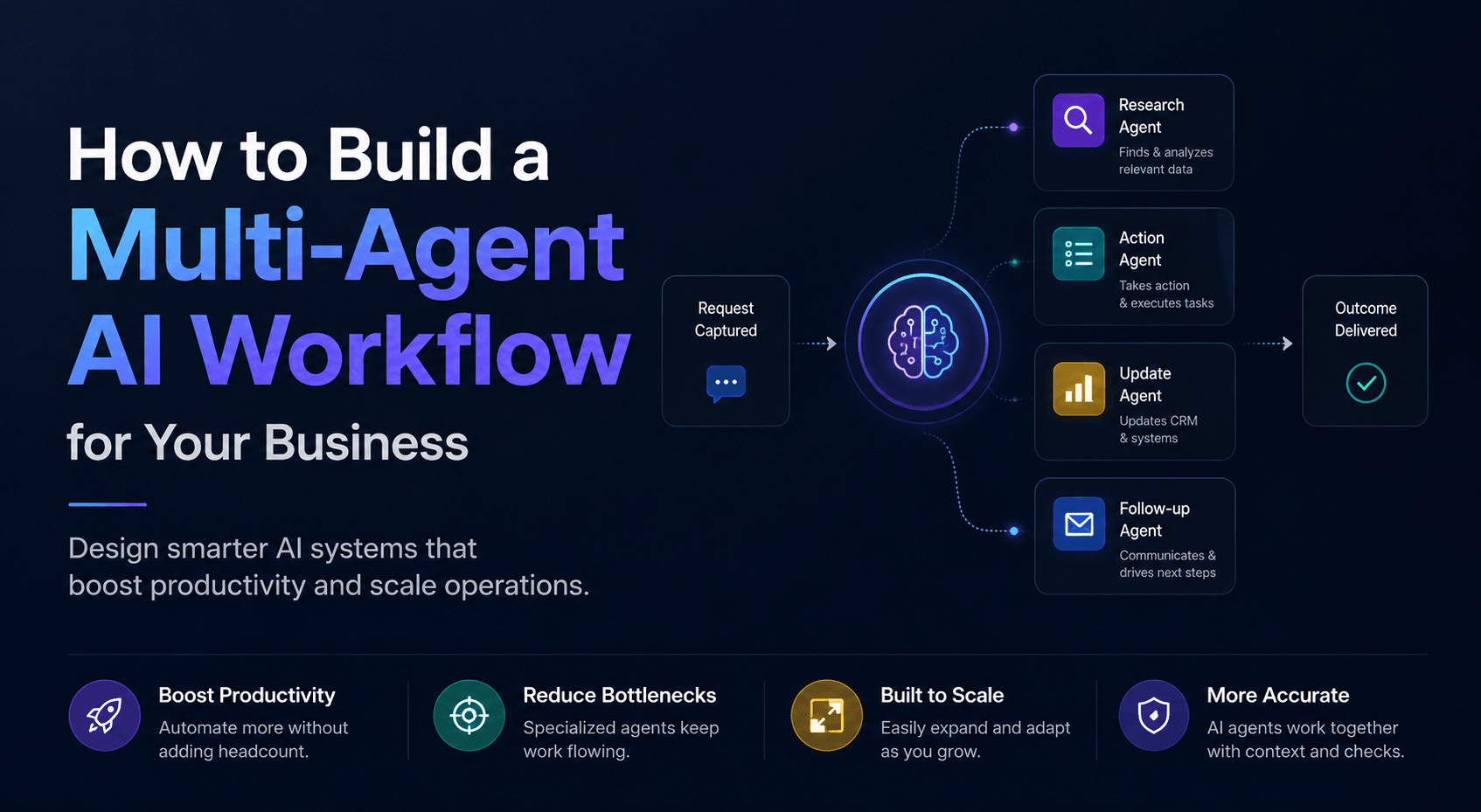
For most businesses, a useful multi-agent workflow breaks into roles like these:
- Intake agent to capture the request and classify it
- Research agent to pull the right business context
- Decision agent to recommend the next action
- Action agent to update systems or trigger follow-up
- QA agent to check output before handoff or send
This matters because business work is already role-based. A lead doesn’t just “get handled.” It gets captured, enriched, scored, routed, and followed up on. A support request doesn’t just “get answered.” It gets categorized, matched to policy, drafted, and escalated if needed.
That’s why we build workflows around assigned responsibilities, grounded knowledge, and controlled tool access instead of one oversized agent trying to improvise. If your process depends on fast handoff after inquiry, the same logic applies to inbound lead follow-up with AI agents, where specialized steps usually outperform one all-purpose workflow.
Don’t map the conversation. Map the work.
The biggest design mistake we see is building around the user interaction instead of the operational path behind it. The chat window looks clean, but the actual business process stays fragmented.
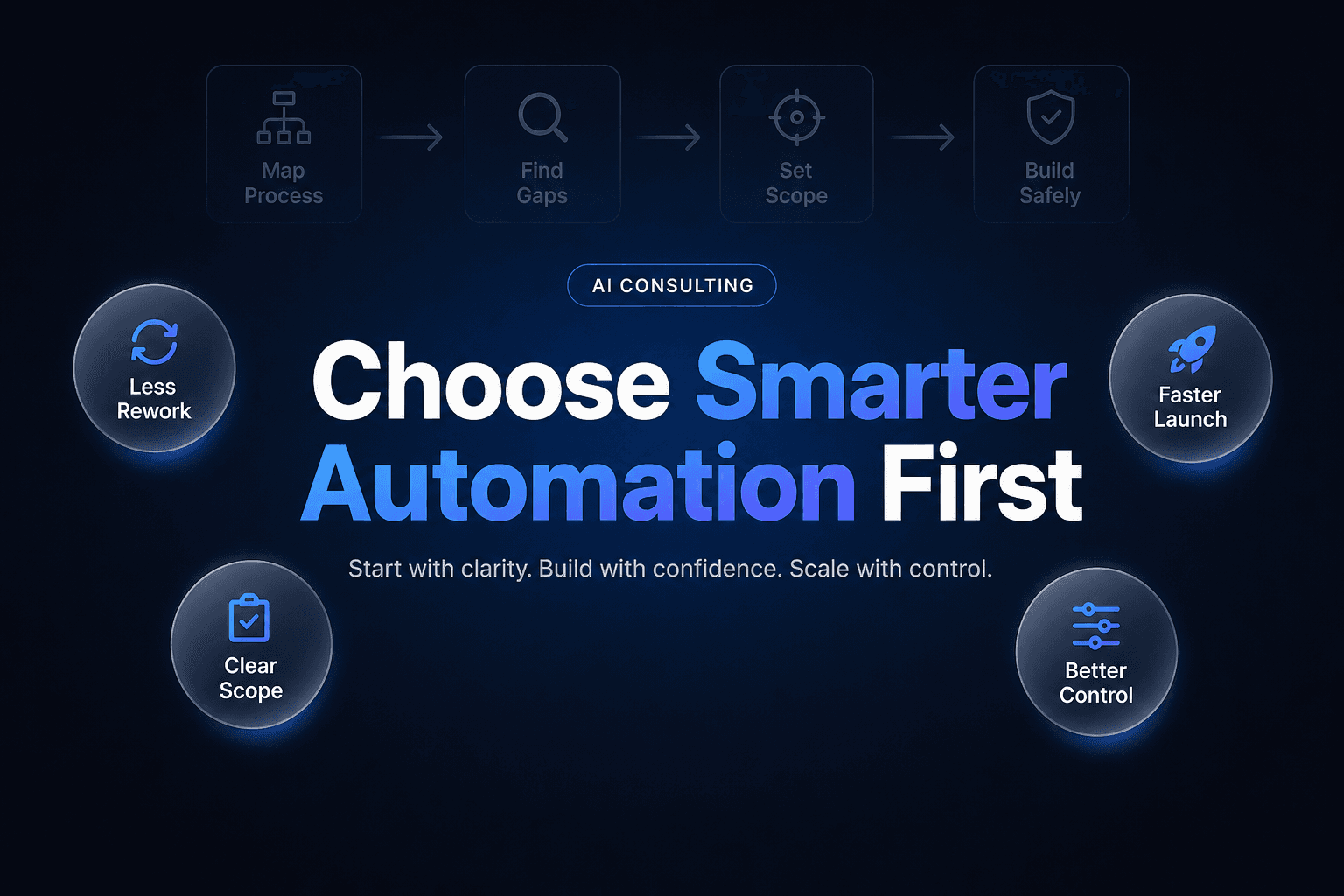
Before you configure agents, map the workflow in plain language:
- what starts the process
- what data is required
- what decision points exist
- what systems need updating
- what requires human approval
- what counts as success
This is where many projects either become useful or quietly die. In the NFIB Small Business and Technology survey, only 24% of small business owners said they currently use AI, and just 4% said they were using or planning to use it for process automation. That tells you something important: most small businesses are still experimenting at the tool layer, not redesigning workflows.
What actually works is documenting the path the work takes.
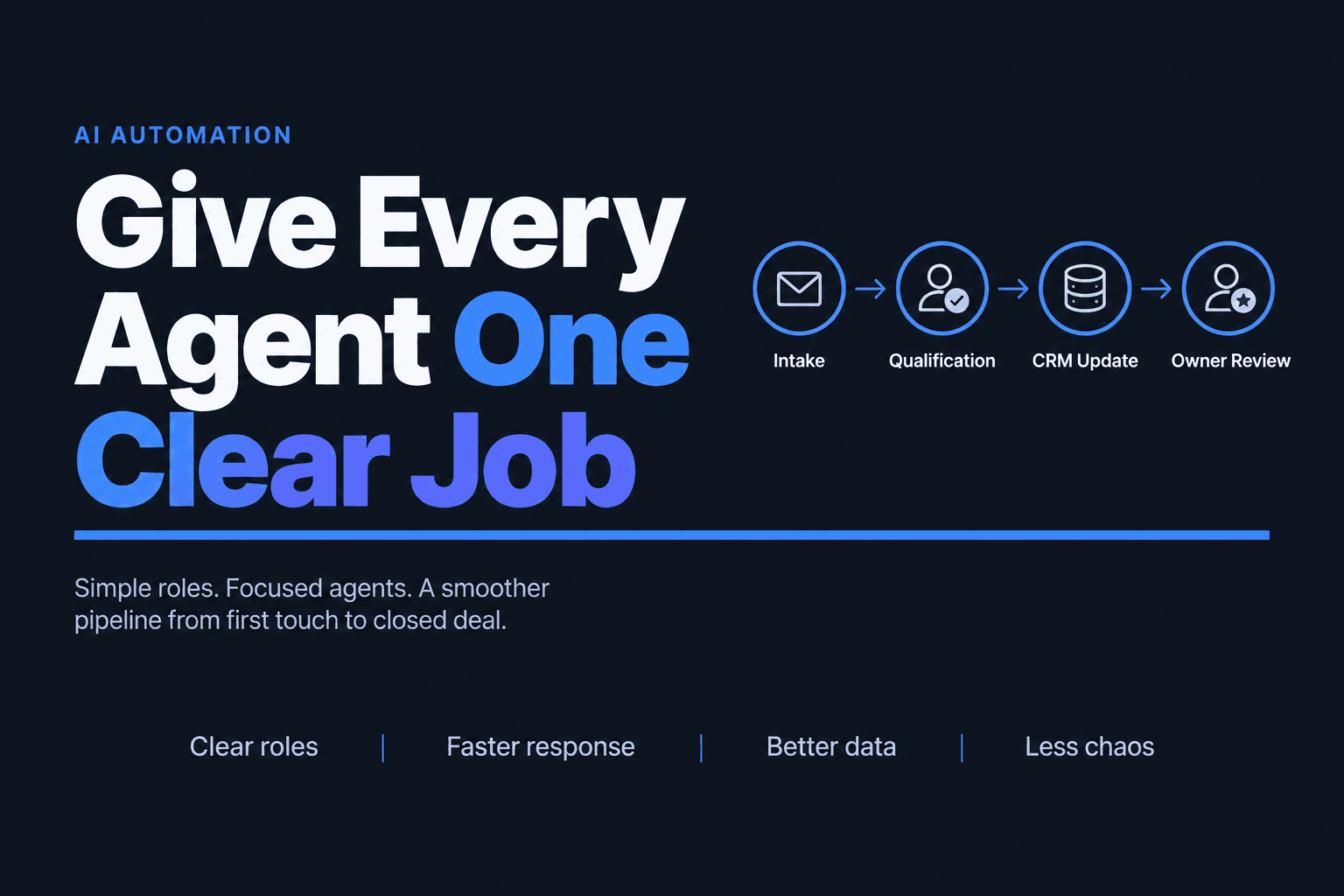
For example, a real estate team building Lead qualification automation might define the flow like this:
New inquiry arrives
→ intake agent checks source, location, price band, timeline
→ research agent enriches property and contact context
→ scoring agent assigns priority based on fit rules
→ CRM agent updates record and owner
→ follow-up agent sends next-step message
→ human reviews only high-value or edge-case leads
That kind of structure gives you something prompts alone never do: traceability. If the workflow fails, you can see which agent failed, which input was missing, and which rule needs revision. That’s also why CRM Automation tends to be one of the best early use cases. If you’re cleaning up handoffs between sales activity and records, optimizing your CRM with AI automation is often the fastest place to prove value.
The real bottleneck is usually context, not intelligence
Most multi-agent failures are not caused by weak reasoning. They’re caused by weak context.
If an agent can’t access the right SOP, customer record, policy doc, lead source, or workflow state, it will still produce an answer. It just won’t be one you should trust.
That’s exactly why data design matters so much. In Fivetran’s AI and data readiness survey, 41% of organizations said lack of real-time data access prevented AI models from delivering timely insights, and 29% said data silos were blocking AI success. In other words, the agent isn’t the whole system. The surrounding information layer is.
When we build multi-agent workflows, we usually ground them with three kinds of context:
Internal knowledge
Policies, SOPs, service definitions, pricing rules, objection handling, qualification criteria.
Structured business data
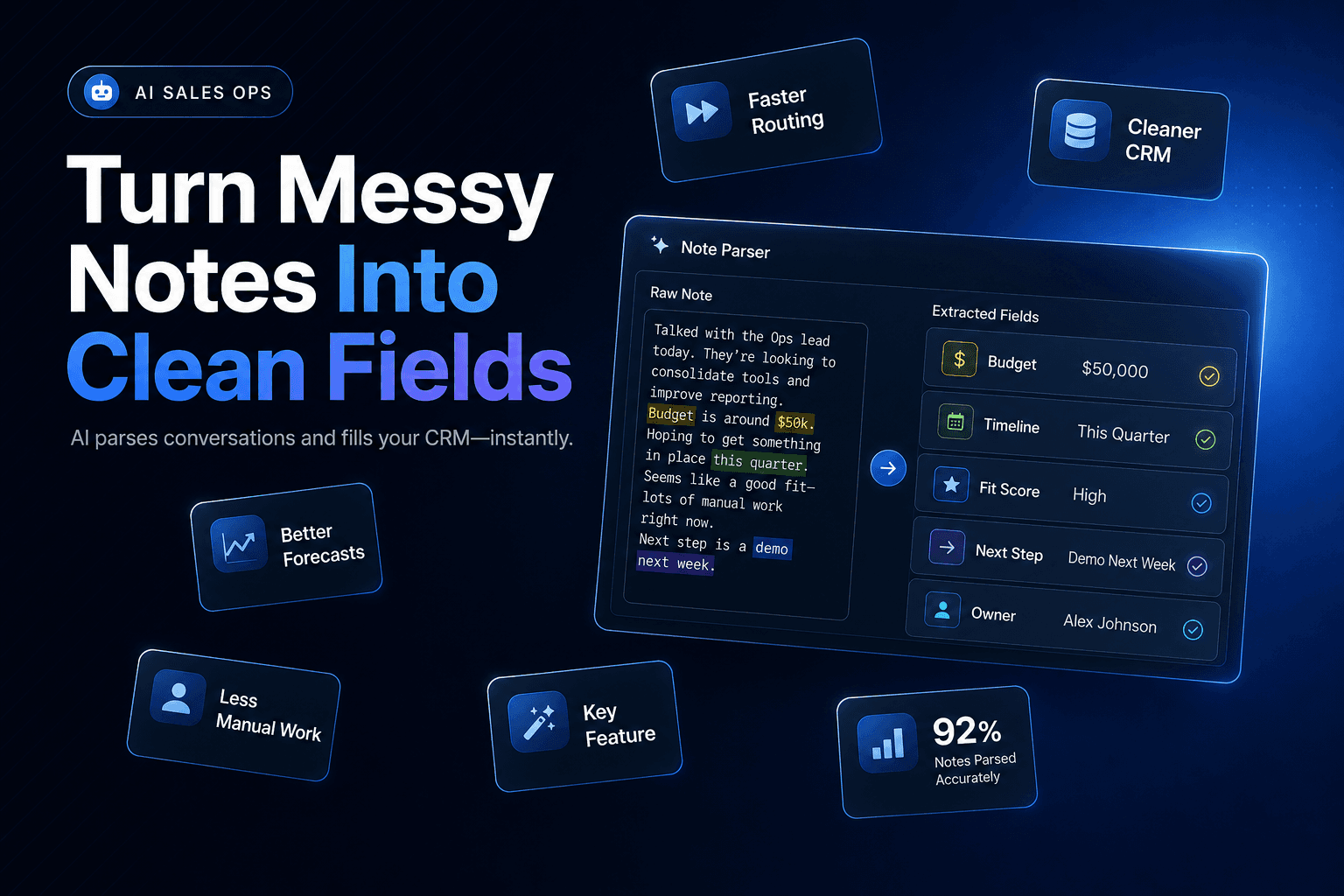
CRM fields, open tickets, deal stages, appointment status, account ownership, Smart Tables, workflow state.
Tool permissions
Which agents can read, write, search, send, update, or escalate.
This is where a platform approach matters. AffinityBots, for example, is designed around configured agents, reusable workflows, assigned knowledge, tools, and Smart Tables that agents can safely read and update. That matters because a business workflow usually needs more than chat. It needs memory, state, and controlled action.
If your workflow depends on phone conversations as an input, this same context layer becomes critical in Voice AI calling systems for small businesses, where call summaries alone are not enough unless they feed the next operational step.
Add a QA agent before you add more autonomy
Here’s the mildly contrarian point: most teams add autonomy too early and review too late.
The common assumption is that the workflow should become fully autonomous as fast as possible. We’ve found the opposite works better. The fastest way to production is usually a reviewable workflow, not an autonomous one.
Why? Because errors in a multi-agent system compound. A bad classification from the first agent can create a bad lookup, which creates a bad recommendation, which writes bad data into the CRM.
That’s not theoretical. According to ITPro’s coverage of Sinch research, 74% of companies said they had shut down or rolled back an AI customer communications agent due to governance failures. The top reasons included data exposure concerns, hallucinations, and lack of auditability.
So instead of asking, “How do we remove humans from this workflow?” ask:
- Which steps are safe to automate now?
- Which outputs need approval?
- Which actions can be draft-only?
- Which exceptions should always escalate?
A practical rollout often looks like this:
StageAgent autonomyHuman roleGood first use1Draft onlyApprove every outputSupport replies, lead summaries2Action with reviewSpot-check and handle exceptionsCRM updates, routing, enrichment3Conditional autonomyReview flagged cases onlyFollow-up, scheduling, status updates
That progression gives you clean data on quality before you increase risk. It also builds internal trust much faster than promising full autonomy on day one.
If you can’t measure the handoff, you can’t prove the ROI
A multi-agent workflow should be measured like an operations system, not a demo. The question is not whether the agents produced something impressive. The question is whether the workflow improved throughput, speed, accuracy, or conversion.
That’s where a lot of AI projects go soft. Teams report usage, but not outcomes.
The better scorecard is usually simple:
- time from intake to first action
- manual touches removed per task
- error or rework rate
- handoff completion rate
- lead-to-meeting or ticket-to-resolution rate
- percent of records updated correctly
This is especially important for smaller teams. In the QuickBooks Small Business Insights survey, 74% of AI users said AI was boosting productivity, and 24% said their workdays were shorter. Useful stats, but still broad. For your business, the proof usually comes from one narrow metric tied to one workflow.
For example:
- a sales team measures time from form fill to qualified CRM record
- a service business measures booked appointments per 100 inbound leads
- an ops team measures status-update time across disconnected systems
- a support desk measures first-response draft time and escalation accuracy
If reporting is still manual, that measurement layer becomes its own bottleneck. That’s why teams often pair agent workflows with automated reporting for operations, so performance data is visible without another spreadsheet project.
Build your first multi-agent workflow where repetition is high and judgment is narrow
The best first workflow is rarely the most exciting one. It’s the one with repeatable inputs, obvious rules, and measurable outcomes.
Good starting points include:
Lead intake and qualification
One agent captures the inquiry, another enriches it, another scores it, another updates the CRM, and another triggers follow-up.
Ticket triage and routing
One agent classifies the request, one pulls relevant policy context, one drafts a response, and one escalates exceptions.
Account research before outreach
One agent gathers public data, another summarizes fit, another updates account notes, and another creates the rep brief.
Appointment booking workflows
One agent confirms intent, one checks availability, one books, and one sends reminders or fallback options.
The reason these workflows work first is simple: they generate immediate operational value without requiring the agent to “understand the whole business.”
If you’re getting started, keep the design rules tight:
- Pick one process with visible friction
- Assign one success metric
- Define agent roles before prompts
- Ground every agent with approved knowledge
- Limit tool access by role
- Add review before autonomy
- Measure results weekly and revise the weak step
That last point matters. A multi-agent system is not a static asset. It’s an operating workflow that gets better when you inspect handoffs, tighten inputs, and remove ambiguity.
A well-built multi-agent workflow doesn’t feel like adding another AI tool. It feels like adding a dependable operations layer. If you want to build one around AI Agents, Workflow Automation, Voice AI, or custom agent development, AI-Automated can help you design the workflow, assign the right agent roles, connect the right systems, and launch a pilot that proves value fast.