7 Ways AI Workflow Automation Can Save Agencies from Repetitive Client Ops
Most agencies do not lose margin in one dramatic disaster. They lose it in the quiet, repeatable nonsense: reformatting client briefs, chasing approvals, writing the same status email three different ways, and copying updates from one tool into another because apparently software still enjoys playing telephone.
That is why AI Workflow Automation matters for agencies in 2026. Not because it sounds modern, and not because clients are begging to hear about your automations. It matters because repetitive client ops are a hidden profit leak. Forrester’s 2026 agency AI study found that nine in 10 US marketing agencies use generative AI, while half use agentic AI for marketing execution, and 81% say staff productivity is the main goal. That tells you two things fast: agencies are already using AI, and most are still thinking about it as a speed tool instead of a margin protection tool.
What actually protects margin is standardizing the work around delivery. Intake. Updates. Revisions. Notes. Approvals. Reporting. Tool syncs. The chores that senior people keep doing in expensive chairs. Below are eight ways agencies can use AI Automation, AI Agents, and Workflow Automation to stop repetitive client ops from quietly eating the account.
1. Why does every new request still arrive like a scavenger hunt?
A client sends a “quick request” by email. The brief is half there. The due date is implied. The asset link is missing. Someone on the account team spends 20 minutes decoding it, then another 10 asking follow-up questions the client thought they already answered.
That is fixable.
A solid intake automation can watch email, forms, Slack channels, or portal submissions, extract the request type, capture fields like campaign name, deliverable, deadline, approver, and source files, then create a structured task in your project tool automatically. In practice, this is where agencies stop losing time before work even starts. Adobe’s 2026 workflow planning materials describe turning an uploaded brief into structured planning records with AI inside the workflow itself, which is exactly the right model for agency intake instead of relying on free-text chaos in inboxes Adobe Summit 2026 workflow planning track.
If your intake still depends on an account manager translating messy requests by hand, you are paying senior labor rates for admin cleanup. For teams trying to make intake and routing more production-ready, How to Build an AI Intake System for Service Businesses is a useful blueprint, even if your “service business” happens to be an agency with too many briefs and not enough patience.
2. Stop writing custom status emails when the tools already know the answer
This is one of the easiest margin wins, and agencies still skip it.
Clients ask for updates because they cannot see the system behind the work. So account managers become human notification layers, translating project boards into reassuring prose all week long. That work feels small until you multiply it across 20 clients.
The better setup is simple: pull milestone changes, completed tasks, blockers, and upcoming deadlines from your PM tool, summarize them with AI, and send a branded check-in on a schedule. Not robotic. Just consistent. A Monday update can say what moved, what is waiting on client input, and what is next, without anyone building it from scratch.
This matters because meeting and coordination overload is not some harmless annoyance. Atlassian workplace research found 78% of workers say they are expected to attend so many meetings it is hard to get their work done, and 77% say meetings often end with a decision to schedule yet another follow-up meeting. Agencies feel that pain twice, once internally and once with clients. Automatic status communication cuts the “just checking in” loop before it becomes billable-life erosion.
If your agency is also rethinking response speed and handoff discipline, Why Speed to Lead Still Wins in 2026 and How AI Helps You Get There shows the same principle on the sales side.
3. The expensive part of feedback is not the revision, it is the translation
Clients rarely leave feedback in the format production wants.
They email a paragraph. Comment in a PDF. Drop three Slack messages. Mention something on a call. Then your account team becomes a translator, turning “can we make it pop more?” into actual next steps that a designer or strategist can use without developing a stress twitch.
This is a perfect use case for AI Agents. An agent can collect comments from email, docs, proofing tools, and call transcripts, cluster them by asset or issue, identify action items, flag contradictions, and route the right tasks to the right owners. Adobe’s current review and approval documentation emphasizes a more structured, transparent, and collaborative review process across creative workflows, which is exactly what agencies need when feedback starts arriving from five places at once Adobe GenStudio reviews and approvals.
What most teams get wrong is treating revisions like a people problem instead of a workflow problem. If every round depends on one account manager manually normalizing feedback, your margin disappears in the gap between comment and action. For a broader look at systems that coordinate multiple specialized steps, The Complete Guide to Multi-Agent AI Systems for Small Business Operations is highly relevant.
4. If your notes die in someone’s notebook, the meeting did not really happen
A client call ends. Everyone feels aligned. Then, 24 hours later, three people remember three different versions of what was approved.
That is not a communication issue. It is an ops issue.
AI meeting workflows can generate agendas before the call from open tasks and past decisions, capture notes during the meeting, summarize decisions by client or workstream, and assign follow-up tasks automatically once the call ends. This is especially useful in agencies where account managers, strategists, and delivery leads all attend the same meeting and all leave thinking someone else is writing the recap.
Here is the basic version we have found works:
Open tasks + prior decisions
-> AI agenda draft
-> meeting transcript + notes
-> decision summary
-> action items by owner
-> CRM/project updates
-> client recap email
The reason this matters is brutally practical. Atlassian’s meeting research also found 62% of workers often attend meetings that did not even state a goal in the invite. If the meeting is fuzzy going in and undocumented coming out, your agency pays twice. Automation turns that drift into an actual operating system.
5. Chasing logos and sign-offs is not client service, it is operational debt
Every agency knows this pain. The campaign is ready, except for the headshot, the final copy block, the brand guideline PDF, the legal note, the landing page access, and one tiny approval from a person who has apparently moved into the woods.
Asset collection and approvals are where timelines quietly go to die.
The right workflow does not just “send reminders.” It tracks what is missing, knows who owes what, nudges by channel, escalates when deadlines slip, and moves the asset into the next review stage automatically once received. Adobe’s approval workflow guidance for 2025 and 2026 repeatedly points to the value of a structured, auditable review path instead of approvals scattered across email or chat Adobe Journey Optimizer approval workflows.
Here, a simple table helps:
Manual approval patternAutomated approval patternFiles requested ad hoc in emailMissing assets requested from a checklistApprovals buried in Slack threadsApprovers assigned by role and stagePM follows up manuallyReminders and escalations fire automaticallyNo clear audit trailApproval status is visible in one workflow
This is also where good structure matters. Why Structured Data Is the Secret Ingredient in Better AI Automations is worth reading if your current approval process still treats “final_final_v8_reallyfinal.pdf” as a governance system.
6. Your margin is leaking between the CRM and the project board
One of the least glamorous problems in agencies is duplicate entry. A client call happens. Someone updates the CRM later. Someone else updates the PM tool now. Billing status lives somewhere else. Reporting tags are wrong. Then leadership wonders why no two systems agree.
That mess is expensive.
Salesforce’s 2026 State of Sales findings for SMBs say reps spend 60% of their time on non-selling tasks like manual data entry, research, and tool-switching. Agencies may not call the role “sales rep,” but the pattern is painfully familiar in account management and delivery ops. Every manual sync between tools is labor you are paying for instead of margin you are keeping.
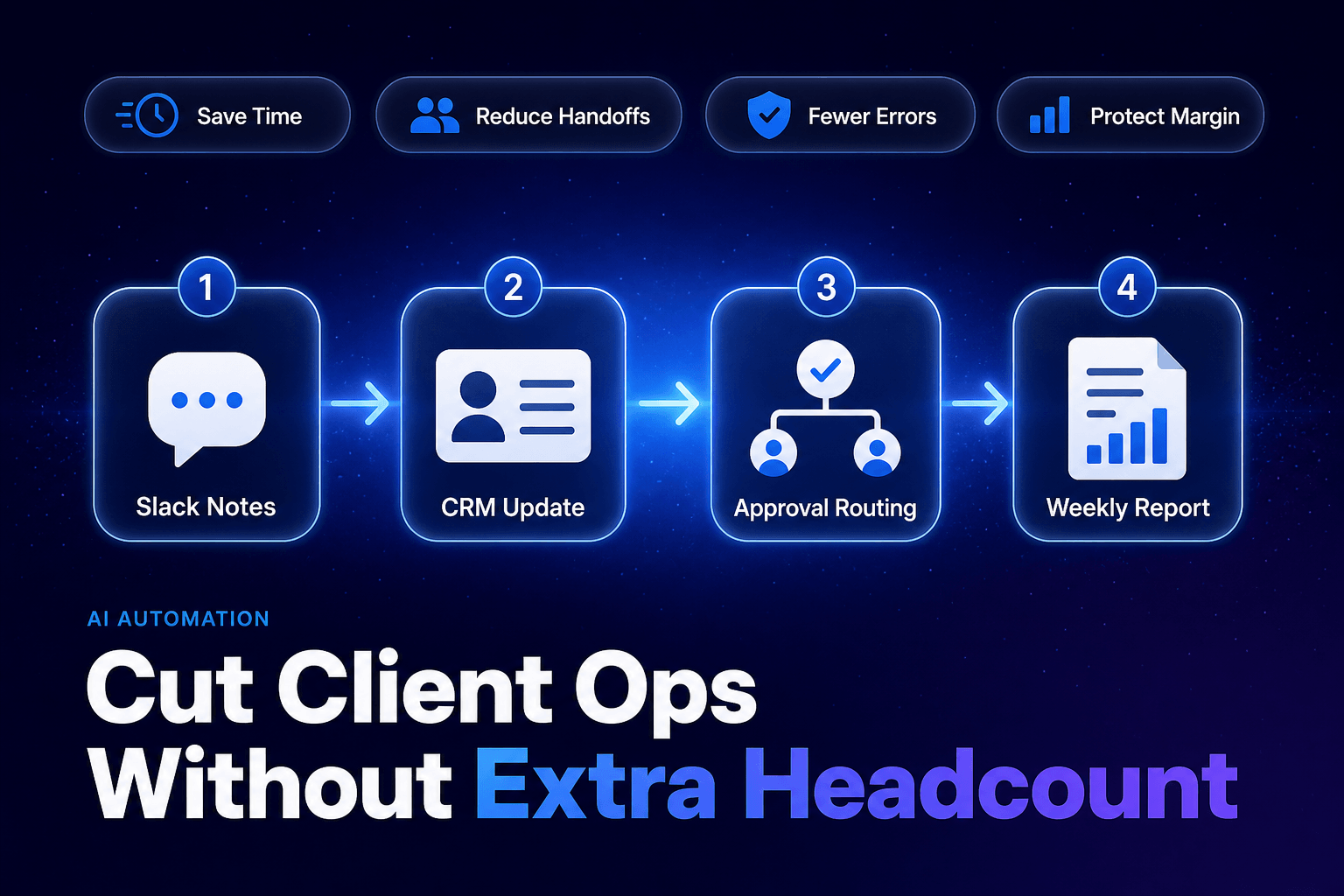
This is where CRM Automation and Workflow Automation actually earn their keep. When a call is logged, the client record should update. When a project hits a milestone, the account health field should change. When an approval is complete, the task stage and report status should move too. If you want a cleaner foundation for this specifically, 7 Ways to Use AI Agents to Clean Up CRM Data Automatically covers the data hygiene side that usually gets ignored until reporting breaks.
7. Monthly reporting should not require senior people to cosplay as spreadsheet archaeologists
Clients want reporting. Fair enough. What they usually do not need is a senior strategist spending half a day copying metrics into slides, writing the same pattern summary as last month, and manually spotting anomalies that software could have flagged before the coffee got cold.
Alteryx’s 2025 State of Data Analysts research found analysts still spend 10 to 11 hours per week gathering and preparing data, while 45% spend six or more hours per week on data cleansing alone. That is not an agency study specifically, but the reporting pain maps perfectly to agency life. Pulling numbers is rarely the strategic part. Interpreting them is.
A better reporting workflow pulls channel metrics automatically, compares them against prior periods, flags outliers, drafts the narrative, and creates a client-ready summary for review. Human input should go into the insights, not the screenshot scavenger hunt. For agencies thinking about automation across the whole lead-to-delivery lifecycle, How to Improve Business Efficiency with AI: Strategies, Tools, and Real-World Examples for 2026 connects this reporting layer to broader ops design.
8. Do not automate everything, automate the normal path and escalate the weird stuff
Here is the contrarian bit: over-automation is real, and bad agencies can absolutely build workflows that make client service feel like arguing with a parking meter.
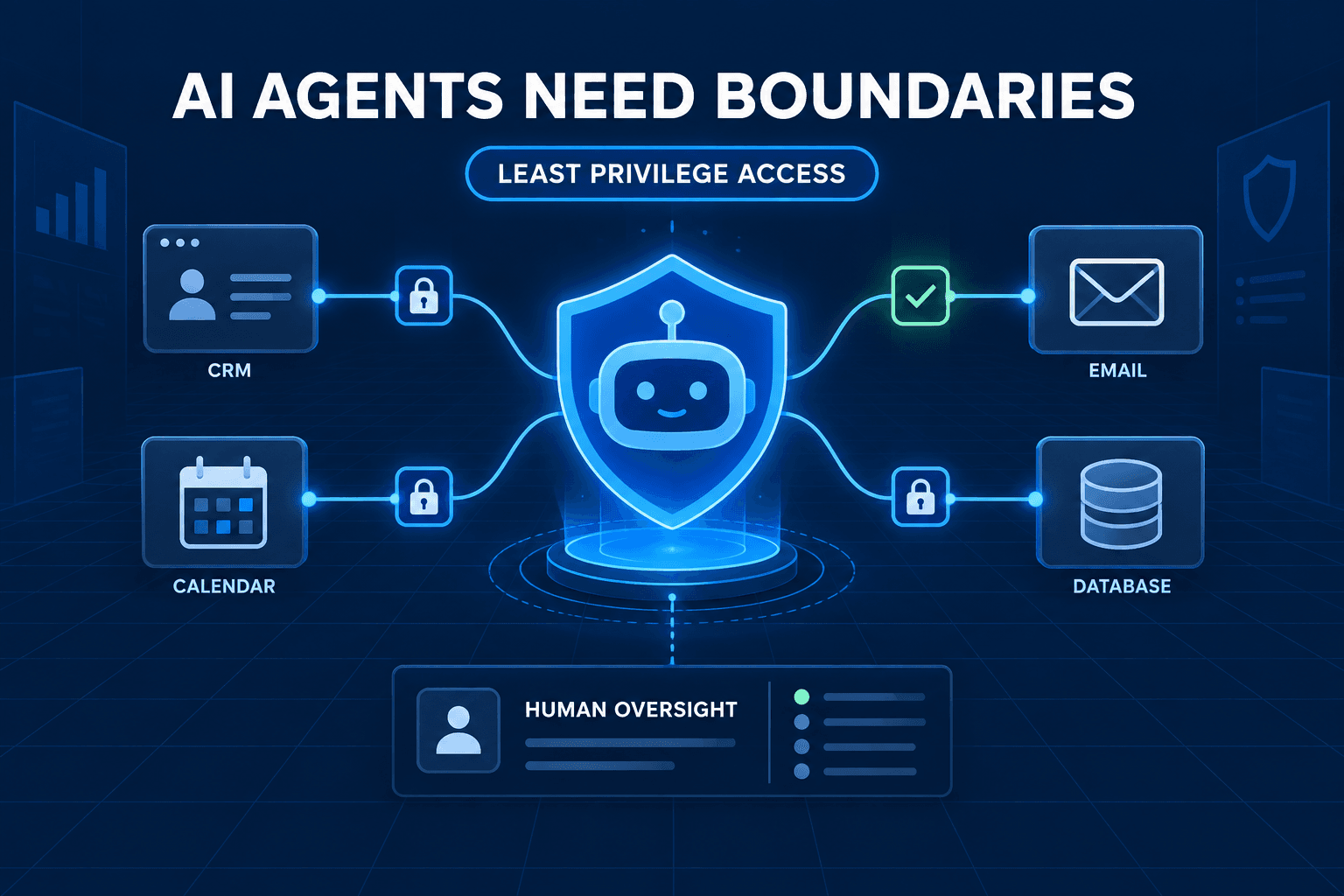
Forrester’s 2026 view on agentic AI makes the broader point clearly: plenty of companies are chasing agentic AI, but only a minority have it running in meaningful production because orchestration maturity and governance are still weak. That applies to agencies too. If your workflow cannot tell the difference between a normal revision request and a sensitive client issue, it is not smart. It is just fast.
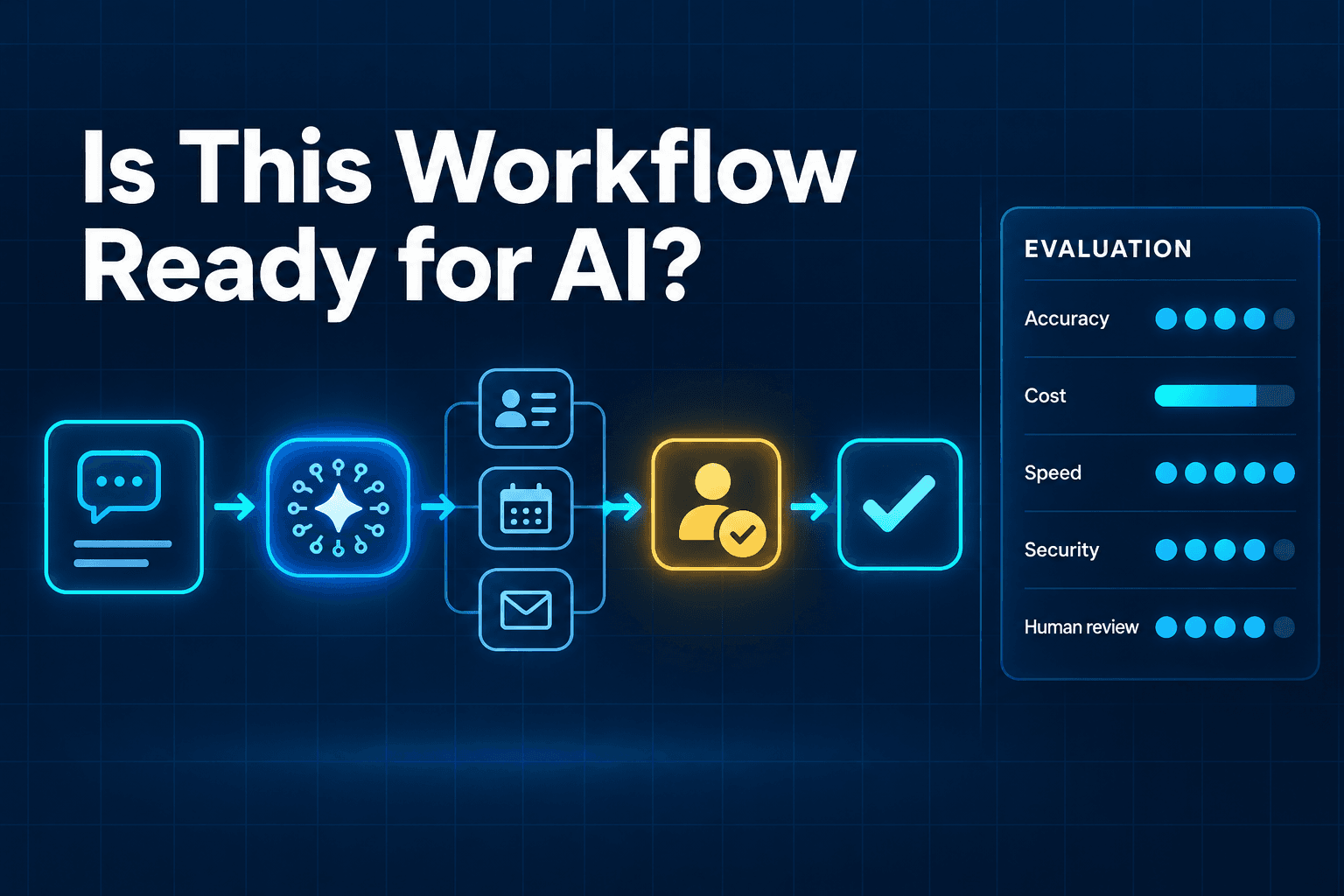
The fix is to automate the predictable path and escalate exceptions:
- routine requests, auto-process
- missing inputs, auto-remind
- standard approvals, auto-route
- unusual scope changes, human review
- sensitive client tone issues, human review
- conflicting feedback from multiple stakeholders, human review
That is how you scale without making the client experience brittle. If you need a broader architecture lens, AI Agents for Business Automation in 2026: ROI, Implementation, and Trends is a strong companion piece.
The Bottom Line
Agency margin does not usually collapse because the team forgot how to do good work. It gets squeezed because good people spend too many hours on repetitive client ops that never should have needed their full attention in the first place.
The goal of AI Workflow Automation is not to replace account teams. It is to stop making them act like human middleware. When intake is structured, updates are automatic, approvals move cleanly, notes become actions, and reports build themselves most of the way, the same headcount can support more clients without turning every week into controlled chaos.
If your agency is tired of protecting delivery with manual heroics, AI-Automated can help you design practical AI Automation, AI Agents, and CRM Automation workflows that remove the admin drag and protect margin where it actually leaks.