How to Evaluate AI Agents for Business Workflows
How to Evaluate AI Agents for Business Workflows
AI agent demos are easy to find. Choosing a workflow that is safe, useful, and worth the investment is harder.
Before you give an agent access to your CRM, inbox, calendar, or customer data, you need a way to evaluate the work you are asking it to do. The goal is not to find the flashiest tool. It is to identify a narrow, repeatable job where an agent can create measurable value under clear human oversight.
This guide walks through how to assess potential use cases, run a controlled pilot, and decide what is ready to scale. We will use one example throughout: an inbound lead-qualification agent that reviews form submissions, classifies leads, creates draft CRM records, and escalates uncertain cases to a team member.
Why Evaluating AI Agents Matters More in 2026
AI is moving beyond one-off prompts and basic chat assistants. Businesses are testing agents that can review information, make limited decisions, call approved tools, update systems, and hand work back to people when a situation falls outside the rules.
OpenAI's research on how agents are transforming work describes the growing use of AI for longer, more complex work. The opportunity is real, but so is the practical challenge: a workflow that looks impressive in a demo can still be unreliable, expensive, or risky in daily operations.
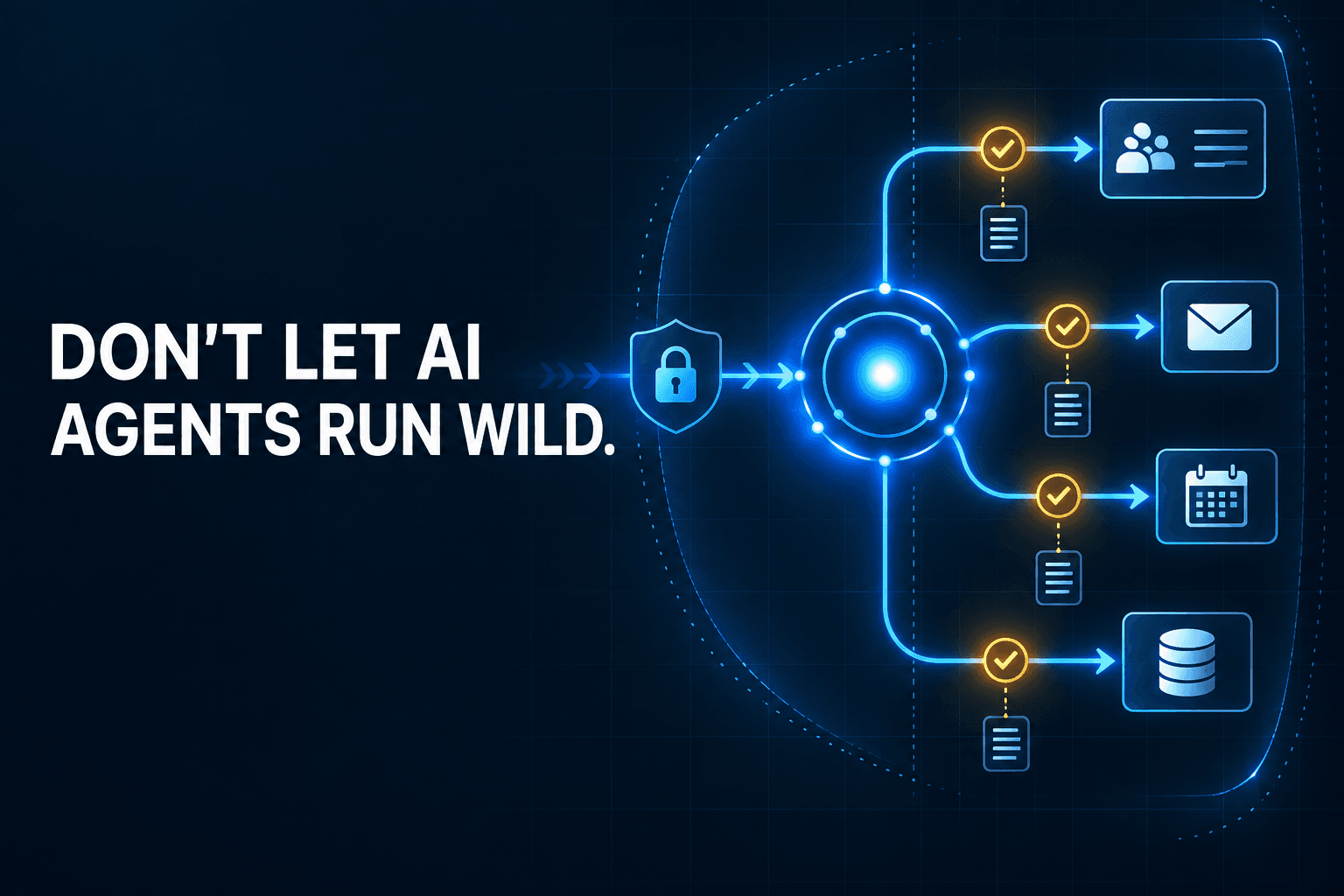
A weak evaluation process can lead to surprise costs, poor customer experiences, and overly broad access to business systems. A strong process gives an agent a defined job, a limited set of tools, and a clear standard for success.
AI Agents Are Becoming Workflow Operators, Not Just Assistants
An assistant may help draft an email or summarize a meeting. An agent can take the next step.
For example, a lead-qualification agent might:
- Read an inbound form submission.
- Identify the prospect's company, need, and urgency.
- Check for an existing CRM record.
- Create a draft record with recommended fields.
- Route uncertain or high-value leads to a human reviewer.
That workflow includes decisions, system access, and consequences. It should be evaluated as an operational process, not simply as a writing task.
A Good Agent Is Narrowly Scoped
The most reliable agents behave like focused digital employees. They have one role, limited permissions, defined handoffs, and a scorecard.
Instead of asking an agent to "handle sales operations," give it a job such as: "Review inbound website leads, assign a lead category, and prepare a CRM draft for human approval."
That approach follows the principle to treat AI agents like digital employees: define the role before granting access or measuring performance.
Start With the Workflow, Not the AI Tool
Many teams begin by comparing models, platforms, or vendor features. Start somewhere more useful: the workflow itself.
A strong first use case is repetitive enough to document, valuable enough to measure, and safe enough to review. The tool matters, but no platform can fix an unclear process, messy data, or missing ownership.
The Five Signs a Workflow Is Ready for an AI Agent
Use this checklist to screen possible use cases:
- It happens often enough to matter. A workflow that occurs several times a day or hundreds of times a month usually makes a better case than a rare task.
- Inputs and outputs are predictable. You should be able to state what the agent receives and what a successful result looks like.
- It uses a limited number of systems. A first agent should not need to navigate ten disconnected tools or depend on undocumented tribal knowledge.
- Mistakes are recoverable. A human should be able to catch an error before it causes irreversible financial, legal, or customer harm.
- One business owner can define “good.” Someone must be able to review outputs, resolve exceptions, and decide whether the agent is helping.
For the lead-qualification example, the input is a website form submission. The output is a correctly categorized lead and a draft CRM record. A sales-operations owner can review the work, which makes it a solid early candidate.
Workflows to Avoid as a First Deployment
Avoid workflows that are high-stakes, poorly documented, exception-heavy, or sensitive to policy interpretation.
Examples include approving refunds, changing contract terms, making hiring decisions, handling legal disputes, or executing financial transfers. These may become automation candidates later, but they are poor first projects because errors are costly and hard to reverse.
Good ROI measurement starts with a use case where time saved, error reduction, response speed, or revenue protection can be measured against a clear baseline.
Use This AI Agent Evaluation Framework
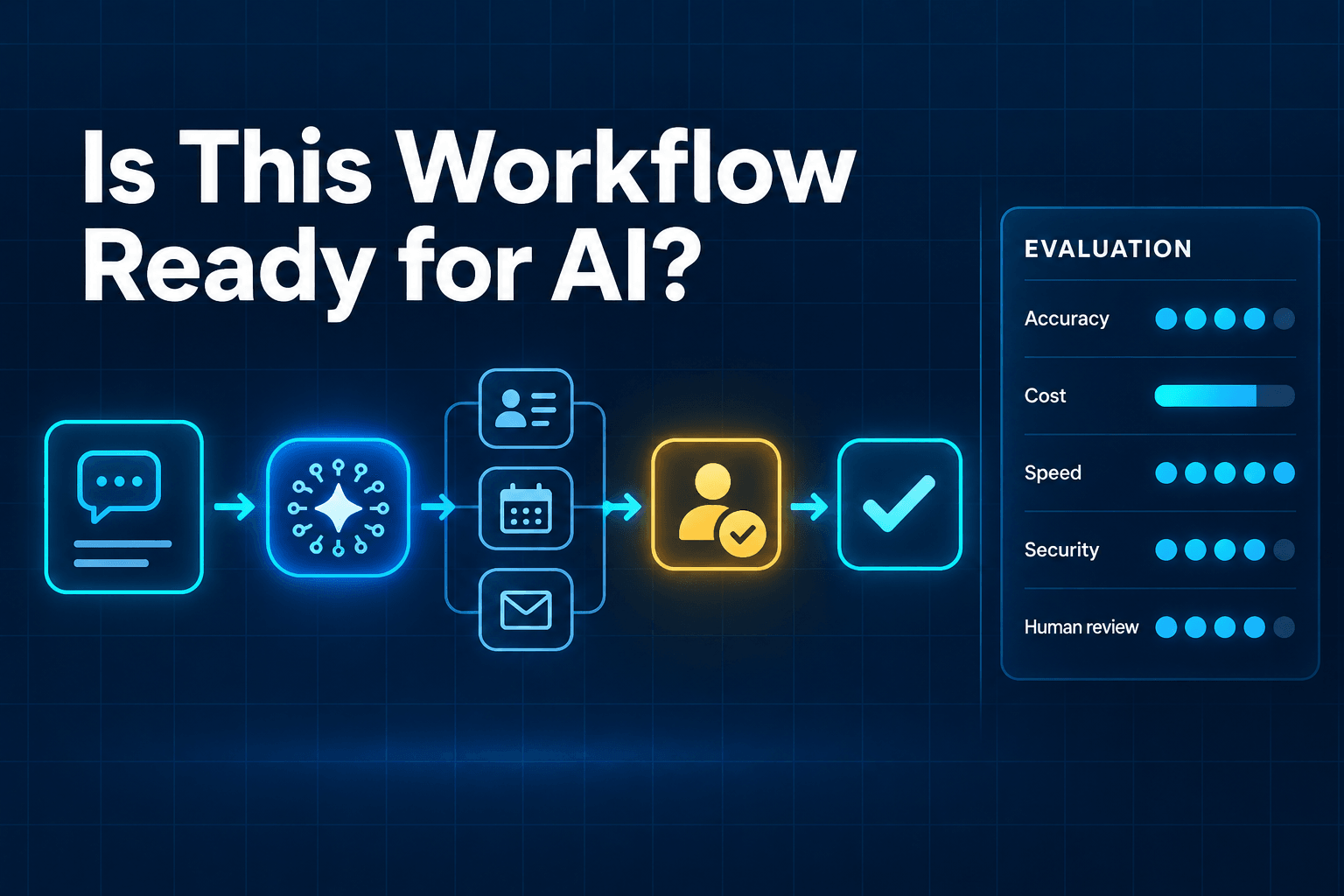
Score each possible workflow from 1 to 5 in the six categories below. A high total does not automatically mean “go live.” It means the workflow is a stronger candidate for a controlled pilot.
| Evaluation category | What to assess | Strong score looks like |
|---|---|---|
| Business value | Time, revenue, service, or error reduction | Frequent work with a measurable business outcome |
| Workflow clarity | Triggers, steps, outputs, handoffs | Documented rules and defined exceptions |
| Data readiness | Quality, structure, and permissions | Current, consistent, accessible data |
| Tool and access risk | Systems and actions required | Limited, reversible, approval-based access |
| Error tolerance | Consequences of a wrong result | Errors are easy to detect and correct |
| Measurability | Baselines and success metrics | Clear before-and-after performance data |
1. Business Value
Ask what the agent would improve. Possible benefits include fewer manual hours, faster lead response, reduced data-entry errors, more consistent follow-up, or revenue protected from missed inquiries.
For lead qualification, value may come from responding to every inbound lead quickly and giving sales representatives cleaner records to review.
2. Workflow Clarity
Can your team describe the trigger, inputs, decisions, systems, outputs, and escalation paths?
If the answer is “it depends on who is working that day,” document the process before automating it. Agents perform best when the operating rules are visible and specific.
3. Data Readiness
An agent needs usable data. Records should be structured, current, available in the right system, and protected by appropriate permissions.
For example, a lead agent needs consistent form fields, defined lead stages, and clear ownership rules in the CRM. Learn why structured data powers more reliable AI automations before asking an agent to make sense of scattered notes and incomplete records.
4. Tool and Access Risk
List every system the agent must read from or write to. Then decide the minimum access it needs.
During a pilot, start with read-only access, draft records, or approval steps. An agent that can suggest a CRM update is much safer than one that can edit every record, send every email, or change customer details without review.
5. Error Tolerance
Ask one simple question: what happens if the agent is wrong?
Drafting a follow-up email is low risk because a person can edit it. Issuing a refund or agreeing to a contract change is high risk because the action can have immediate consequences.
Your first agent should work in an area where errors can be caught quickly and corrected cheaply.
6. Measurability
Every pilot needs a baseline and a scorecard. Useful workflow metrics include:
- Task completion rate
- Output accuracy rate
- Correct routing rate
- Exception and escalation rate
- Review time per task
- Average handling time
- Cost per completed workflow
- Business outcome, such as meetings booked or leads contacted
Without these measures, a team may think an agent is useful because it feels fast while missing rising costs, rework, or low-quality handoffs.
Design a Pilot That Can Prove Value in 30 Days
A pilot is not a broad automation rollout. It is a focused test designed to answer one question: does this agent improve a specific workflow enough to justify expansion?
Define One Job and One Owner
Give the agent a short job description.
For example: “Review inbound website leads, identify lead type and urgency, and create a draft CRM record for review.”
Then assign a human owner. This person approves changes, reviews recurring exceptions, and makes decisions about workflow rules. If no one owns the outcome, the pilot will drift.
Run in Shadow Mode Before Allowing Actions
Start by letting the agent recommend actions rather than take live actions.
For two weeks, the lead agent might classify leads and prepare draft records while a sales-operations specialist compares its work with the human process. Review mistakes, unclear decisions, and cases where the agent should have escalated.
Shadow mode is one of the most important pilot practices because it surfaces problems before they reach customers or core systems.
Set a Clear Success Threshold
Choose the threshold before the pilot begins.
For example:
The agent must correctly classify at least 90% of routine leads, cut first-response preparation time by 50%, and escalate every low-confidence or incomplete submission.
The exact numbers will vary. What matters is that they are tied to the workflow, agreed on in advance, and compared against a baseline.
Measure AI Agent Performance Across the Entire Workflow
Do not judge an agent only by its final response. A polished answer can hide slow tool calls, incorrect routing, failed retries, or expensive processing.
For monitoring AI agents in production, evaluate the full session: inputs, decisions, tool calls, state changes, exceptions, human review, and the final outcome.
Quality Metrics
Quality answers the question: did the agent do the job correctly?
Track:
- Classification accuracy
- Correct CRM field completion
- Groundedness in approved source data
- Approved output rate
- Correct escalation rate
- Rework required after review
For the lead agent, a successful record is not just complete. It is assigned to the right category, contains accurate data, and reaches the correct owner.
Operational Metrics
Operational metrics show whether the workflow works reliably at scale.
Track:
- Task completion rate
- Average time to complete
- Tool-call failure rate
- Retry rate
- Queue time
- Exception volume
- Failed handoffs between systems
If an agent produces good work but fails whenever the CRM is slow or a form field is missing, address those conditions before scaling.
Cost and Risk Metrics
Cost and risk determine whether the workflow is sustainable.
Track cost per completed task, inference or token consumption, approval overrides, permission violations, and failed system updates. A low-cost agent that creates substantial human cleanup is not necessarily a good investment.
Review these metrics together. Speed without quality creates rework. Quality without predictable cost may limit scale. A healthy workflow balances both.
Add Guardrails Before You Scale
Guardrails do not make an agent less useful. They make its role clear enough to operate safely and consistently.
Limit What the Agent Can Do
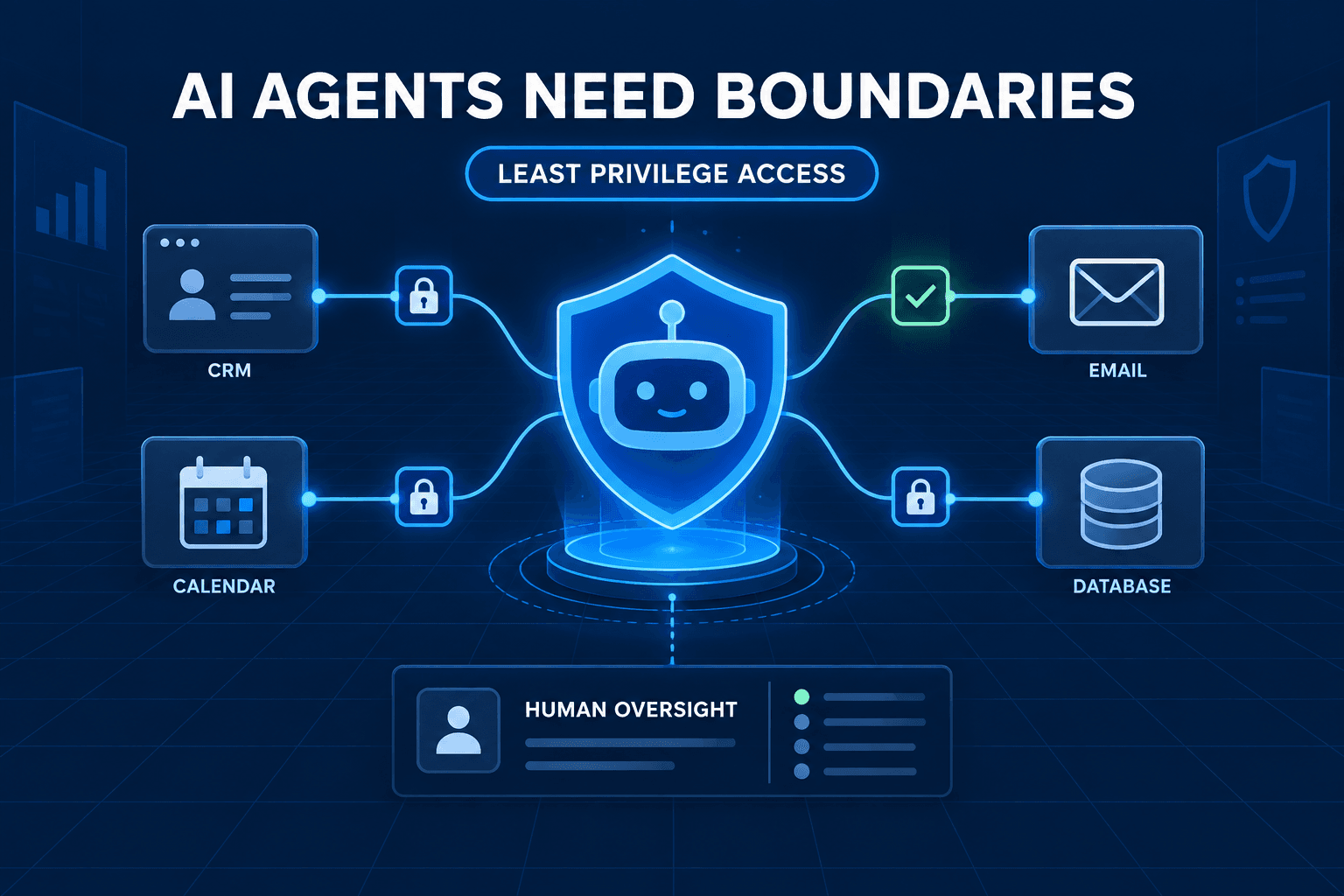
Use least-privilege access. Give the agent access only to the systems, fields, and actions it needs for its current job.
For a lead-qualification agent, that might mean reading web forms, searching CRM contacts, and creating draft records. It does not need permission to delete contacts, change account ownership, or send messages from an executive's inbox.
Define Human Escalation Rules
Write down the situations that require the agent to pause and ask for help.
Common escalation triggers include:
- Missing or conflicting information
- Low confidence in a classification
- Customer complaints
- Financial commitments
- Sensitive personal data
- Requests that fall outside policy
- High-value opportunities
These rules protect the business while helping people focus their attention where it matters most.
Keep an Audit Trail
Log the input, tools used, output, approvals, failures, and changes made in connected systems.
An audit trail helps your team diagnose errors, improve instructions, resolve disputes, and prove the agent's contribution over time. It also makes it easier to tell the difference between a process issue and an agent issue.
Common Mistakes That Make AI Agent Projects Fail
Most failed agent projects do not fail because the underlying model is incapable. They fail because the operating environment was not ready.
Avoid these common mistakes:
- Automating an unclear process. If people cannot agree on the steps, the agent has no stable process to follow.
- Giving broad permissions too early. Start with drafts and approvals, then expand access only when evidence supports it.
- Skipping baseline metrics. You cannot prove time saved or quality improved if you do not know the starting point.
- Treating a pilot as a finished deployment. A pilot proves a concept. Production requires ongoing monitoring, maintenance, and exception handling.
- Ignoring structured data. Inconsistent fields, duplicate records, and vague ownership rules create poor outputs regardless of the model you choose.
The solution is not to make the agent more general. It is to make the workflow more explicit.
FAQ
What is the best workflow to automate with an AI agent first?
Start with a frequent, rules-informed workflow with clear inputs, defined outputs, and a human fallback. Inbound lead qualification, appointment routing, intake normalization, and follow-up preparation are often strong starting points.
How do you measure whether an AI agent is working?
Track task completion, output accuracy, escalation quality, time saved, cost per completed task, and the business outcome. Measure the full workflow rather than only the final response.
Should AI agents be able to update a CRM automatically?
They can, but start carefully. Use structured fields, limited permissions, audit logs, and human approval for exceptions. A draft-first workflow is often the safest first step.
What guardrails should an AI agent have?
Limit data access, tool permissions, approved actions, spending or commitment thresholds, and the types of records it can edit. Require escalation when information is incomplete, confidence is low, or the request is sensitive.
How long should an AI agent pilot run?
A 30-day pilot is often enough to collect representative data, compare results against a baseline, and decide whether to expand, revise, or stop the workflow.
Choose One Workflow, Build the Scorecard, Then Expand
The right first agent is rarely the one with the broadest capabilities. It is the one with a clear job, manageable risk, clean handoffs, and measurable value.
Choose one workflow. Score it using the evaluation framework. Run it in shadow mode. Set a success threshold, monitor the entire workflow, and expand permissions only when the evidence supports it.
Need help choosing the right first agent? Request an AI automation audit from AI-Automated to identify the workflows with the strongest return and lowest implementation risk.