AI Agent Evaluation Checklist for Business Automation
AI Agent Evaluation Checklist for Business Automation
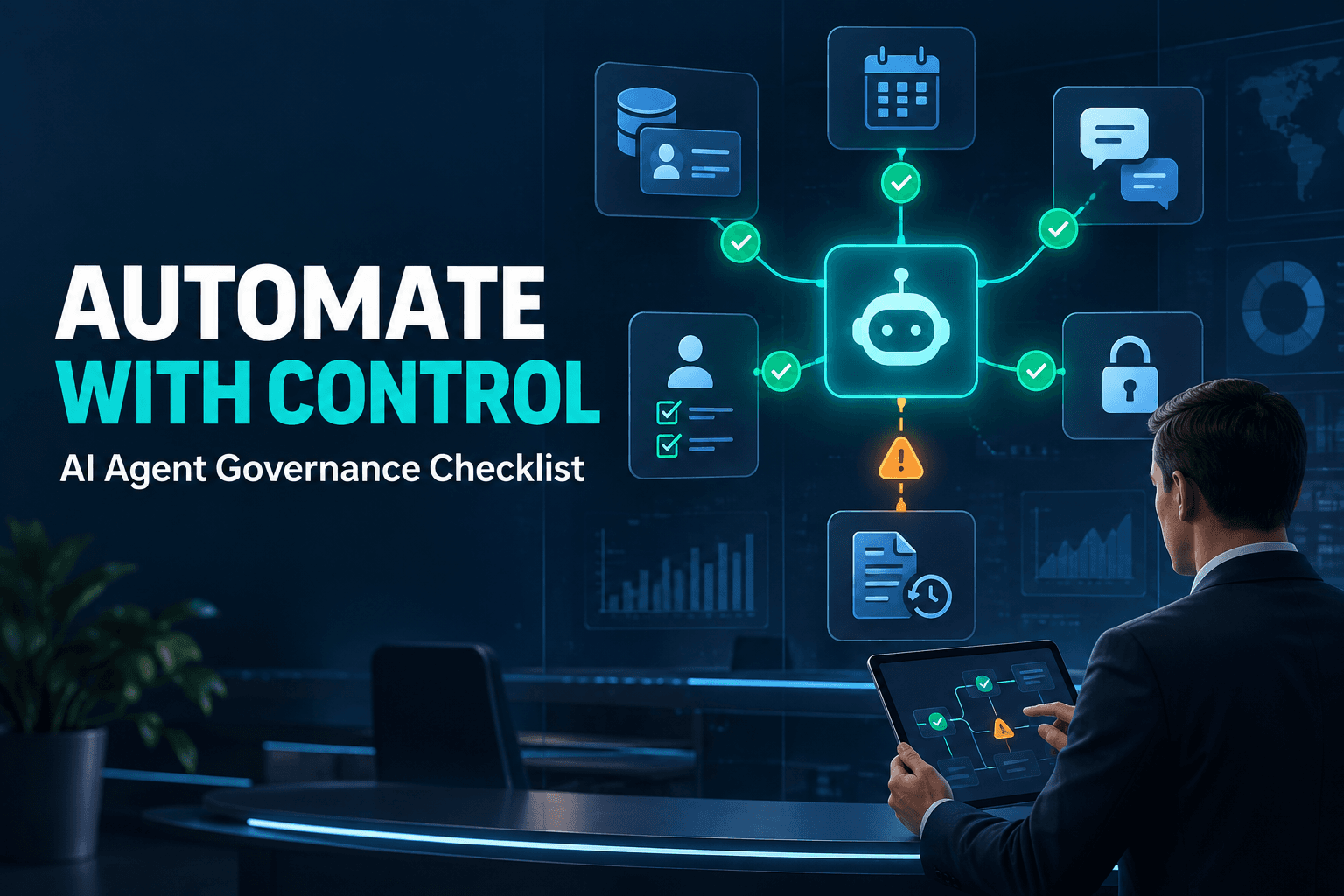
An AI agent that drafts a reply or summarizes a customer conversation can be useful. An agent that updates the wrong CRM record, sends an unapproved message, or loops through a workflow at 2 a.m. creates an operational problem.
That gap is the difference between a demo and a deployment.
Many businesses can build a compelling AI prototype quickly. But a capable model is only one part of a production-ready workflow. The agent also needs a defined job, accurate data, limited system access, clear escalation rules, and a way to prove it is creating value.
This AI agent evaluation checklist gives you a practical way to assess those requirements before connecting an agent to the systems your team depends on. Use it to choose a safe first pilot, catch risks early, and measure whether the automation deserves a larger role.
What Is an AI Agent Evaluation Checklist?
An AI agent evaluation checklist for business automation is a structured review of whether an agent can perform a specific business task reliably, safely, and measurably. It goes beyond a basic software test plan.
A test plan may confirm that an agent can call an API or complete a happy-path task. An evaluation checklist asks more useful operational questions:
- Is this the right task to automate?
- Does the agent have dependable data?
- Can it take only the actions it truly needs?
- What happens when information is missing or systems disagree?
- Who reviews a high-impact decision?
- Is the business outcome improving after launch?
Evaluate the workflow, not just the model
An agent is never just a model response. It is the full workflow around that response: prompts, business rules, data sources, integrations, permissions, tool calls, approval gates, exception handling, and logs.
OpenAI's practical guide to building agents likewise emphasizes clear tools, guardrails, and human intervention where appropriate. A strong workflow makes the correct action easy and the risky action difficult.
Start with one defined job
The best first agents are specialists, not general-purpose bots.
For example, a lead-qualification agent can extract contact details, identify urgency, assign a lead score, and route the record to the right person. It should not also negotiate pricing, edit contracts, or issue refunds.
Give the agent one job, a narrow set of tools, and a visible scorecard. You can expand its scope once it has earned that responsibility.
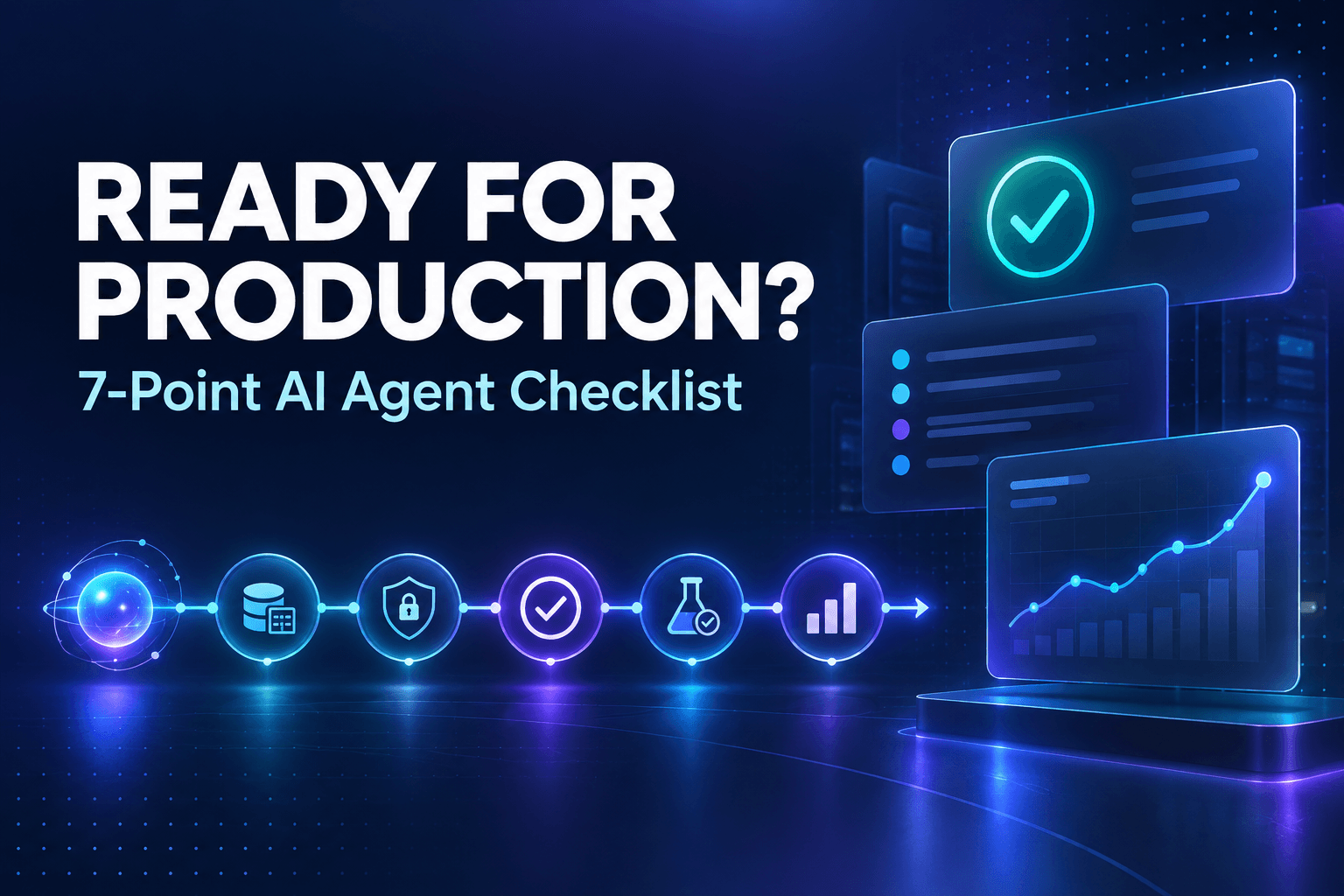
The 7-Point AI Agent Evaluation Checklist
Use this checklist before launch, then revisit it throughout the pilot. Each point protects a different part of the workflow.
1. Is the business outcome specific and measurable?
Start with the business result, not the technology.
Define the job in one sentence: “This agent classifies inbound service requests and assigns them to the correct queue.” Then define what a successful run looks like and who owns the outcome.
Useful metrics might include:
- Percentage of inbound leads routed within five minutes
- Number of correctly categorized support tickets
- Reduction in manual CRM updates
- Percentage of appointments confirmed without human intervention
- Reduction in follow-up delays
Avoid vague goals like “save time” or “make the team more productive.” Those may be benefits, but they are not enough to evaluate the workflow. Pick one primary KPI, record its baseline, and set a pilot target.
2. Does the agent have the right data in a usable format?
Reliable automation depends on reliable inputs. If customer statuses are inconsistent, contacts are duplicated, or owners are missing, the agent will inherit those problems at scale.
Give the agent access only to the data it needs. Standardize key fields, naming conventions, lifecycle stages, and ownership rules before you automate decisions around them. Also identify what the agent should do when critical information is missing. In many cases, the safest fallback is to flag the record for a person rather than guess.
For a deeper look at this foundation, read Structured Data Powers Better AI Automations.
3. Are permissions limited to the minimum required?
An agent should have the least access necessary to do its job.
Separate read-only tasks from tasks that change records, trigger workflows, or contact customers. A lead-routing agent may need permission to read a web form, create a CRM record, and assign an owner. It does not need broad administrator access to your CRM, billing platform, or shared drive.
Document exactly what the agent can:
- Read
- Write or update
- Trigger
- Send from
- Delete or merge
- Escalate to a human
Review those permissions on a defined schedule, especially as the pilot expands. Limited access reduces the blast radius when an integration fails or the agent encounters an unexpected input.
4. Which actions require human approval?
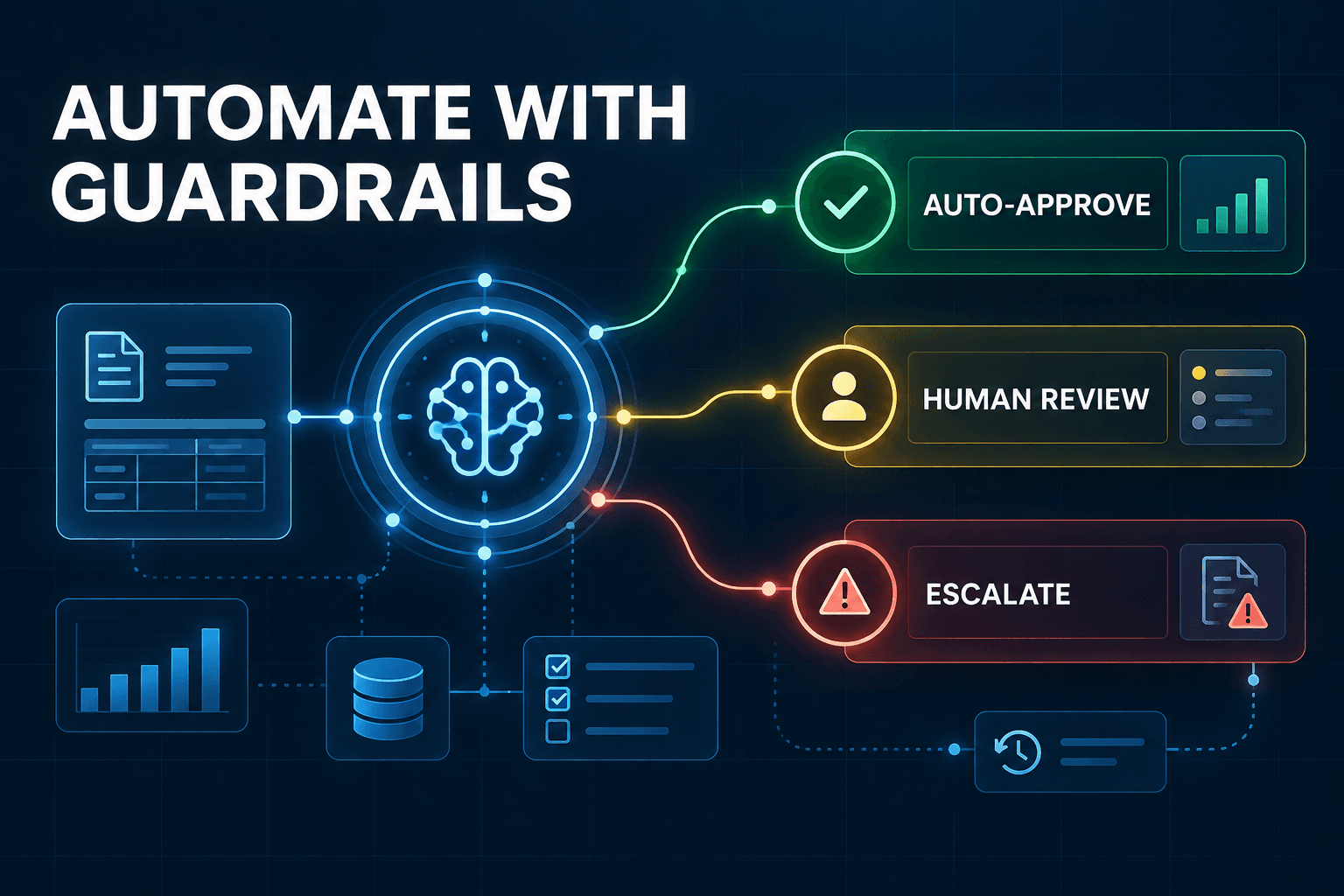
Not every agent action needs a person in the loop. Requiring approval for every low-risk classification can remove the speed advantage of automation.
The better approach is to place approval gates where the cost of a mistake is high.
Actions that often deserve review include:
- Sending external messages with pricing, commitments, or legal language
- Deleting or merging customer records
- Issuing refunds or changing billing information
- Escalating sensitive complaints
- Making decisions from incomplete or conflicting information
Let the agent gather context, prepare a recommendation, and route the work. Keep a human responsible for consequential, irreversible, or customer-facing actions until the workflow demonstrates consistent quality.
5. Can the agent explain what it did?
When something goes wrong, your team needs more than the agent's final answer. They need a readable record of the run.
Capture the trigger, relevant data used, tools called, actions taken, result, and reason for any escalation. An operations manager should be able to answer practical questions without reading code:
- Why was this lead assigned to this rep?
- Which record did the agent use?
- Why did it send this case to approval?
- Did a system error prevent completion?
This traceability matters even more as more tools and systems become connected. Dataiku's guidance on enterprise agentic AI highlights governance, observability, and controls as key considerations for production systems.
Do not mistake a generated explanation for an audit trail. Logs should show what actually happened in the workflow.
6. Has the workflow been tested against normal and messy scenarios?
Happy-path performance is rarely the reason an automation fails in production. Test the exceptions first.
Build a small evaluation set that includes:
- A clean, typical request
- A request missing key details
- Duplicate contact records
- Conflicting information across systems
- A suspicious instruction embedded in inbound text
- An API failure or system outage
- A request the agent must escalate rather than complete
For each scenario, define the expected result. Sometimes the right result is not completion. It may be pausing, asking for clarification, or routing the case to a person.
This testing framework should also include recovery checks. If the CRM is unavailable, does the agent retry safely, create duplicate work, or alert the right team member? A production-ready agent must know when not to act.
7. Is the agent improving a business KPI after launch?
An active agent is not necessarily a useful agent.
Before launch, record a baseline for speed, quality, manual effort, error rate, or another relevant KPI. During the pilot, review the results weekly. Look at completion quality, cost, exceptions, customer impact, and human rework alongside raw volume.
For example, an agent might route leads faster while lowering qualification accuracy. That is not a win. It may need better data, tighter instructions, a lower-confidence threshold, or a narrower job.
Pause, adjust, or reduce the scope if quality declines. Scale only when the agent consistently improves the business result it was assigned to improve.
A Simple AI Agent Scorecard for Your First Pilot
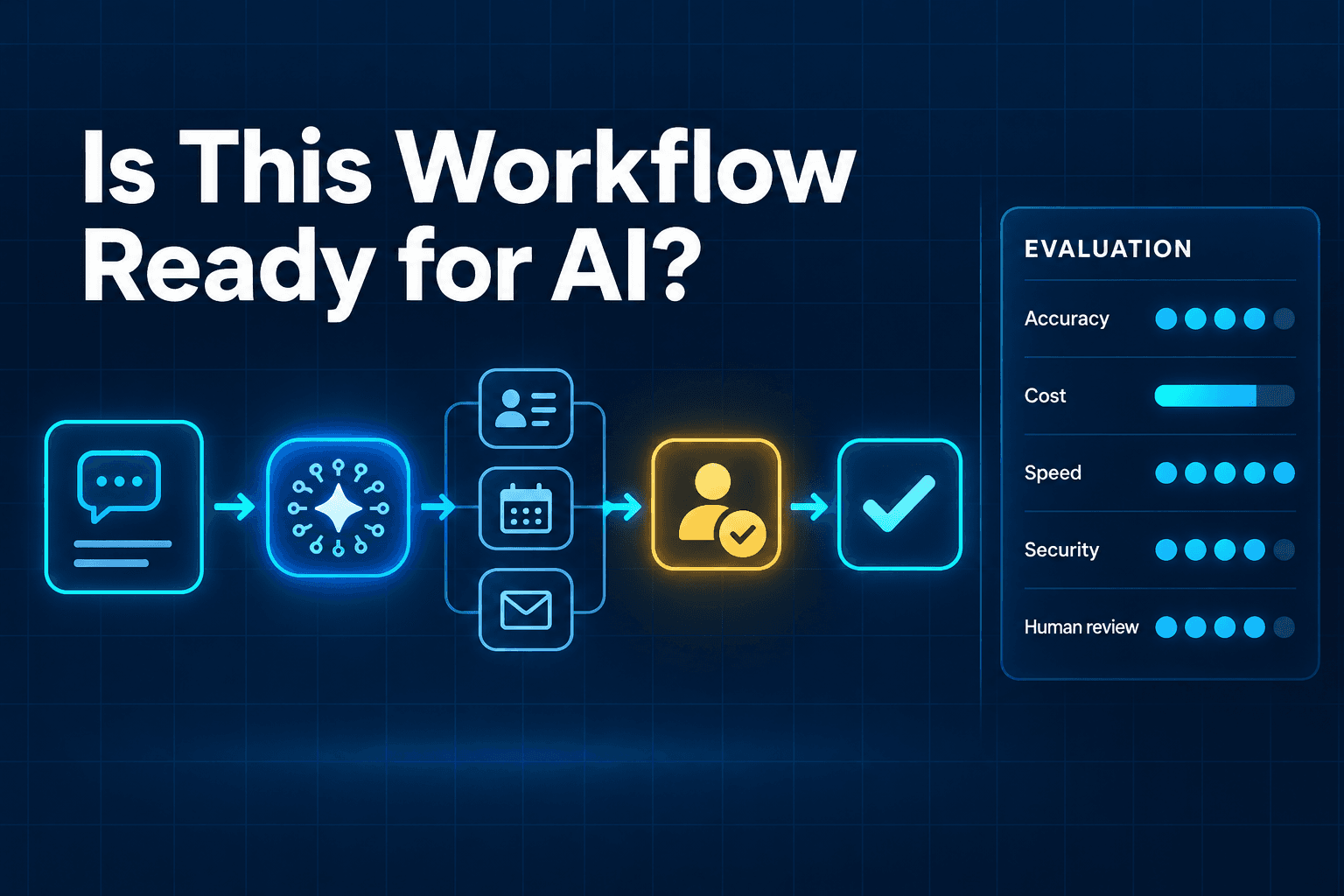
Use this scorecard before connecting an agent to production systems. A single weak area does not always mean you should abandon the pilot, but it does show where to add safeguards before launch.
| Area | Evaluation question | Pass criteria |
|---|---|---|
| Business outcome | Is the task connected to a measurable KPI? | One owner and one defined success metric |
| Data quality | Are required fields complete and standardized? | Clean test dataset and missing-data fallback |
| Permissions | Does the agent have only necessary access? | Least-privilege roles documented |
| Approval | Are high-risk actions reviewed? | Approval gates mapped |
| Reliability | Does it handle messy inputs and failures? | Test cases passed |
| Traceability | Can the team inspect each run? | Action log available |
| Results | Does it improve the baseline KPI? | Pilot target achieved |
A simple pass, revise, or pause decision works well for a first pilot. Do not wait for perfect conditions, but do not use live customer data or broad access as a substitute for deliberate evaluation.
Where AI Agents Fit Best in Business Automation
The right first use case is repetitive, narrow, measurable, and relatively low-risk.
Good starting points include:
- Turning messy lead notes into CRM-ready data
- Classifying and routing inquiries
- Preparing draft follow-ups for review
- Confirming appointments and flagging exceptions
- Summarizing support requests before human assignment
- Updating structured fields from repeatable inputs
For instance, turning unstructured lead notes into sales-ready data is often a strong pilot because the output can be reviewed, corrected, and measured without giving an agent authority over a major decision.
Use cases to delay include high-stakes financial decisions, unreviewed legal or contractual communication, broad administrative access across systems, and any workflow without an accountable owner or success metric.
Build Agents Like Digital Employees, Not General-Purpose Bots
A useful agent should have a job description.
Give it defined responsibilities, the right tools, clear limits, and an operational owner. Review its performance as you would review a new process or employee: Is the work accurate? Is it timely? Where does it need help? Is it creating more rework than it removes?
This mindset prevents a common mistake: treating agents as unlimited assistants that should handle every request. As explained in Why Small Businesses Should Treat AI Agents Like Digital Employees, the most reliable agents begin with focused responsibilities and earn broader scope through measurable performance.
A narrowly scoped agent is easier to test, safer to govern, and more valuable to the team using it.
Start With One Workflow You Can Measure
You do not need to automate an entire department to make progress. Choose one repetitive workflow, document its current baseline, and apply the seven-point checklist before connecting an agent to production systems.
The goal is not to prove that an AI agent can act autonomously. The goal is to create a workflow that is safer, faster, and easier to improve than the manual process it supports.
Not sure which workflow is safe and valuable enough to automate first? AI-Automated can map the process, identify the right approval points, and build a measured pilot around a real business outcome.
Frequently Asked Questions
What should I evaluate before deploying an AI agent?
Evaluate the business goal, data quality, system permissions, approval requirements, testing process, audit trail, and measurable performance target. The agent should have a defined job and a clear owner before it reaches production systems.
How do you measure AI agent performance?
Measure the business result the agent is meant to improve, such as routing speed, completion accuracy, resolution rate, manual time saved, or reduction in rework. Pair KPI tracking with quality reviews of individual runs.
Do AI agents need human approval?
Not for every action. Human approval is most useful when an agent could make a costly, irreversible, externally visible, or high-stakes decision. Low-risk, repeatable actions can often run automatically once they are well tested.
What is the difference between AI agent testing and AI agent evaluation?
Testing checks whether an agent behaves correctly in defined scenarios. Evaluation is broader. It also assesses permissions, governance, reliability, business outcomes, and whether the workflow is ready to scale.
What is a good first AI agent use case for a small business?
Choose a repetitive, narrow, measurable process with clear inputs and low consequences if something goes wrong. Lead routing, CRM data cleanup, appointment confirmation, and support-ticket triage are common starting points.