AI Agent Governance for Business Automation
AI Agent Governance for Business Automation: A Practical Guide
An AI agent receives a new lead, reviews the inquiry, creates a CRM record, and sends a follow-up in seconds. That sounds useful—until it applies the wrong qualification rule to a high-value account, routes it to the wrong team, and sends a message nobody would have approved.
The question is not whether an agent can take action. It is whether it should be allowed to take that action without a check in place.
AI agent governance for business automation gives teams a practical way to answer that question. It defines what an agent is responsible for, which systems it can access, when a person must approve its work, and how the business reviews what happened afterward.
Done well, governance does not turn automation into red tape. It lets you automate routine work with confidence while protecting customers, revenue, and your team’s time.
Why AI Agent Governance Matters Now
AI agents are moving beyond chat windows. They can read inboxes, look up records, call tools, update business systems, trigger workflows, and hand tasks to other agents or people.
That creates real operational value, but it also expands the potential impact of a bad decision.
UiPath’s 2026 AI and Agentic Automation Trends Report points to multi-agent systems and governance-as-code as important parts of how organizations are approaching agentic automation. The takeaway is straightforward: as agents connect to more business processes, their rules and oversight need to be built into the workflow—not bolted on after an incident.
Teams are moving from single-purpose bots to connected workflows
A basic chatbot may answer a question. A business agent can take a sequence of actions: inspect a form submission, check availability, create a record, draft a reply, and notify the right person.
Each added capability can save time, but it also raises the stakes. An agent with read-only access has limited downside. An agent that can change ownership, issue credits, alter permissions, or send customer messages needs much stronger controls.
Recent discussions of agentic AI have also focused on context, tool access, verification, and real-time information. Firecrawl’s overview of agentic AI trends underscores why those details matter: agents are only as dependable as the context they receive and the boundaries around their actions.
The biggest risk is not always a dramatic failure
Most costly agent failures will not make headlines. They look like:
- A promising lead routed to the wrong salesperson
- A CRM record updated with inaccurate information
- Two automated follow-ups sent to the same customer
- A sensitive request missed because the agent did not escalate it
- A reply that implies a promise your business cannot keep
These errors create rework, missed revenue, and lower customer trust. Governance is not just a compliance exercise. It is a reliability practice.
What AI Agent Governance Means in Business Automation
AI agent governance is the set of rules, permissions, tests, human oversight, and records that control how an agent operates in a business workflow.
It answers practical questions:
- What job does this agent own?
- Which data can it see?
- Can it draft, recommend, update, send, or delete?
- Which actions require approval?
- How will we review decisions and improve the workflow?
Governance is not a blanket ban on autonomy. It does not mean a manager must approve every calendar confirmation or CRM tag. It also does not mean a carefully worded prompt is enough to keep an agent safe.
A prompt guides behavior. Real guardrails come from permissions, workflow logic, validated data, approval steps, and a record of what the agent did.
A useful rule: The greater the customer impact, financial impact, or difficulty of reversing an action, the stronger the control should be.
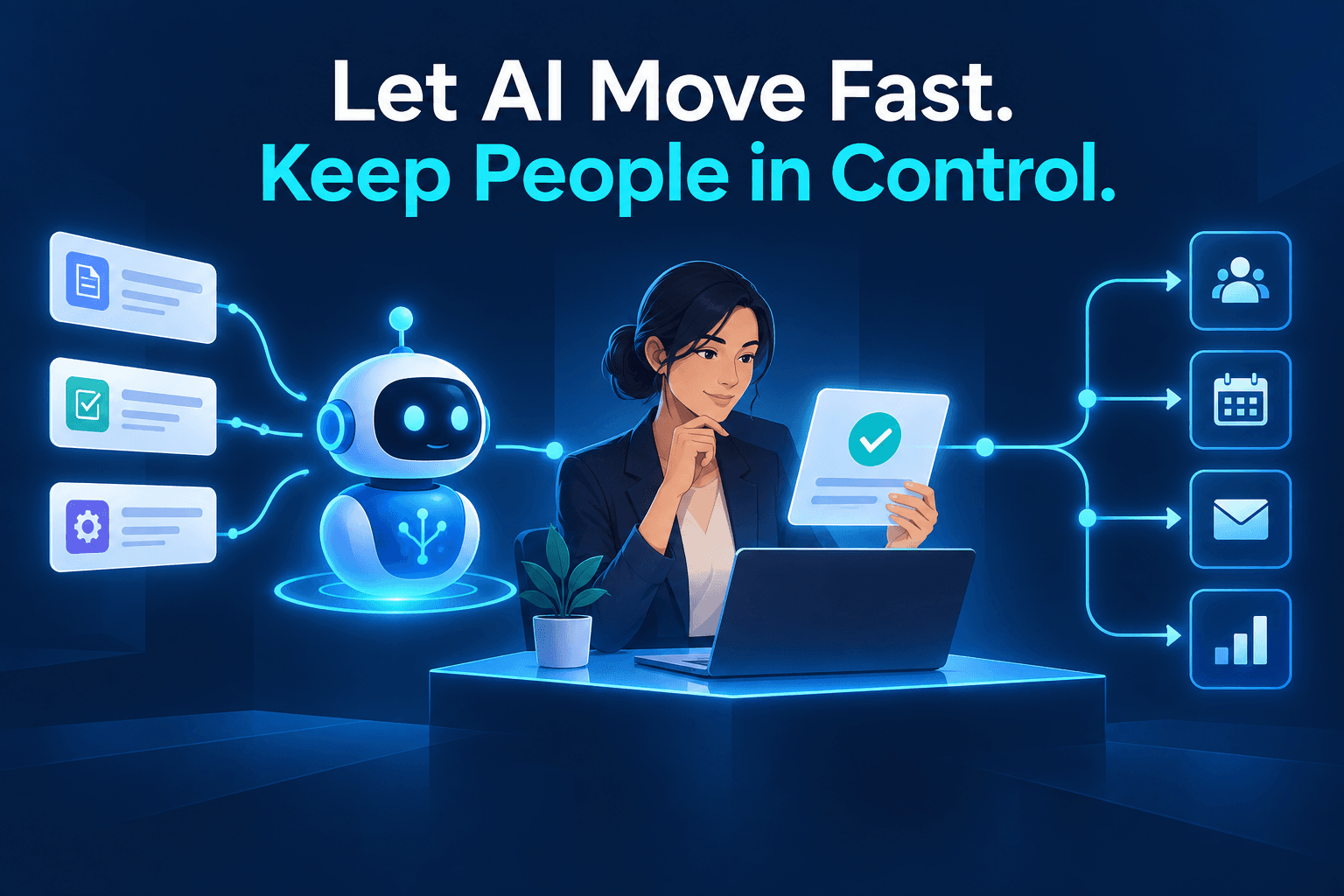
The goal is simple: let agents remove busywork while keeping people in control of judgment-heavy, high-impact, or irreversible decisions.
The 5-Part AI Agent Governance Framework
AI agent governance for business automation works best when it is built into the workflow from the first version—not treated as a policy document nobody uses.
1. Give every agent one clear job
Start narrow. “General business agent” is not a job description; it is a vague collection of risks.
Instead, give an agent a specific mission, such as:
- Qualify inbound service leads
- Prepare weekly project-status summaries
- Confirm appointments and handle routine rescheduling
- Sort support requests by urgency
- Draft follow-ups for incomplete customer intake forms
A narrow role makes it easier to define success and spot failure. For example, a lead intake agent might be measured by response time, routing accuracy, escalation rate, and the percentage of CRM records approved without edits.
Think of agents as team members with a focused role and a scorecard. Our guide to AI agents as digital employees explores that model in more detail.
2. Set access and action limits
List exactly what the agent can do in each system:
| Capability | Example question |
|---|---|
| Read | Can it view new inquiry forms and existing customer records? |
| Draft | Can it prepare an email without sending it? |
| Recommend | Can it suggest a lead category or next action? |
| Update | Can it add a tag or create a new CRM record? |
| Send | Can it send a routine confirmation message? |
| Delete or change | Can it alter ownership, remove records, or issue a refund? |
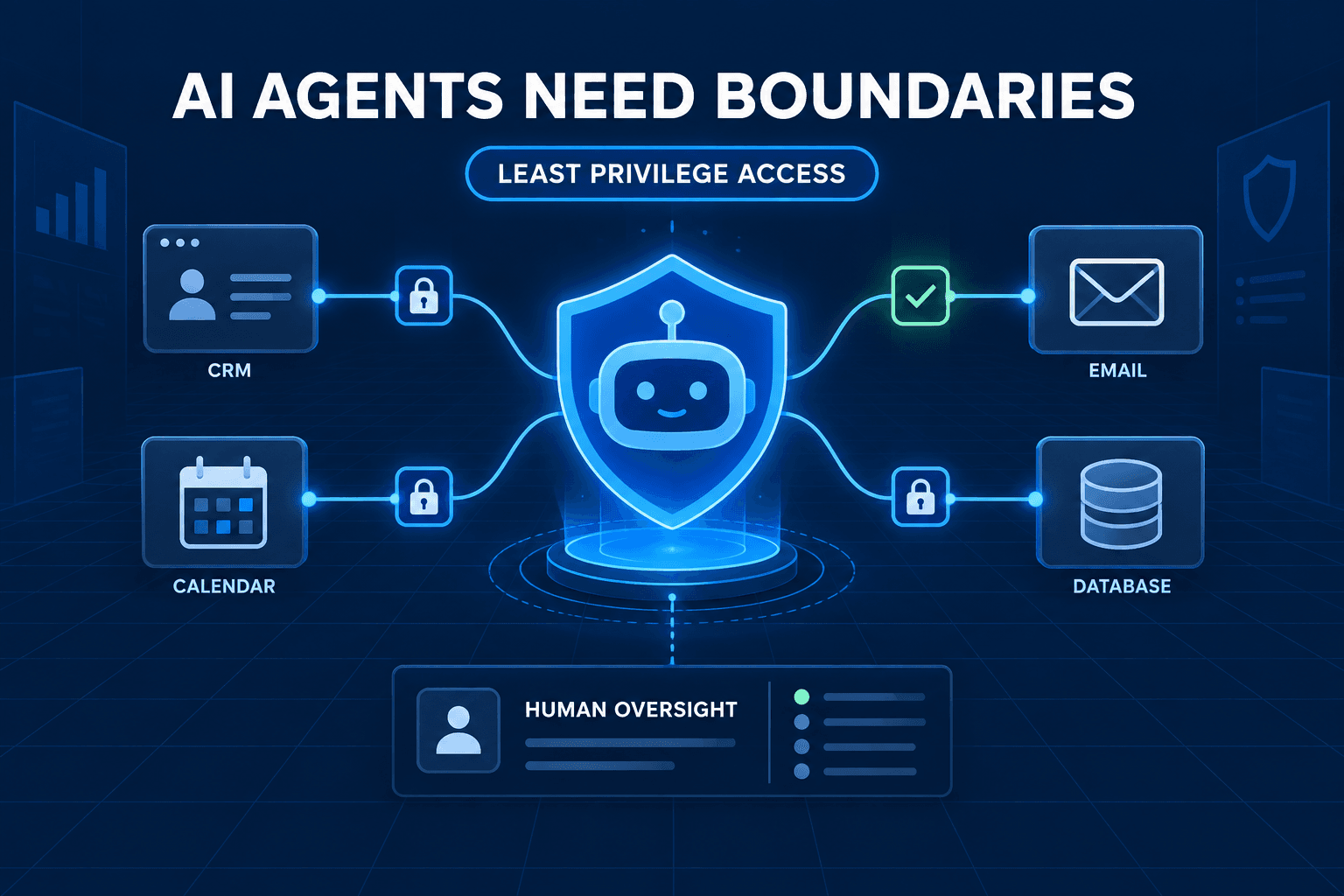
Use the principle of least privilege: give the agent only the access it needs to complete its assigned work.
For example, an intake agent may create a new CRM record and add an urgency tag. It should not be able to overwrite an existing deal owner, edit pricing, issue refunds, or delete records. Those permissions can be added later if the agent proves reliable and the workflow truly requires them.
3. Build approval gates around high-consequence actions
Not every action deserves the same level of review. A useful model is to classify actions by risk:
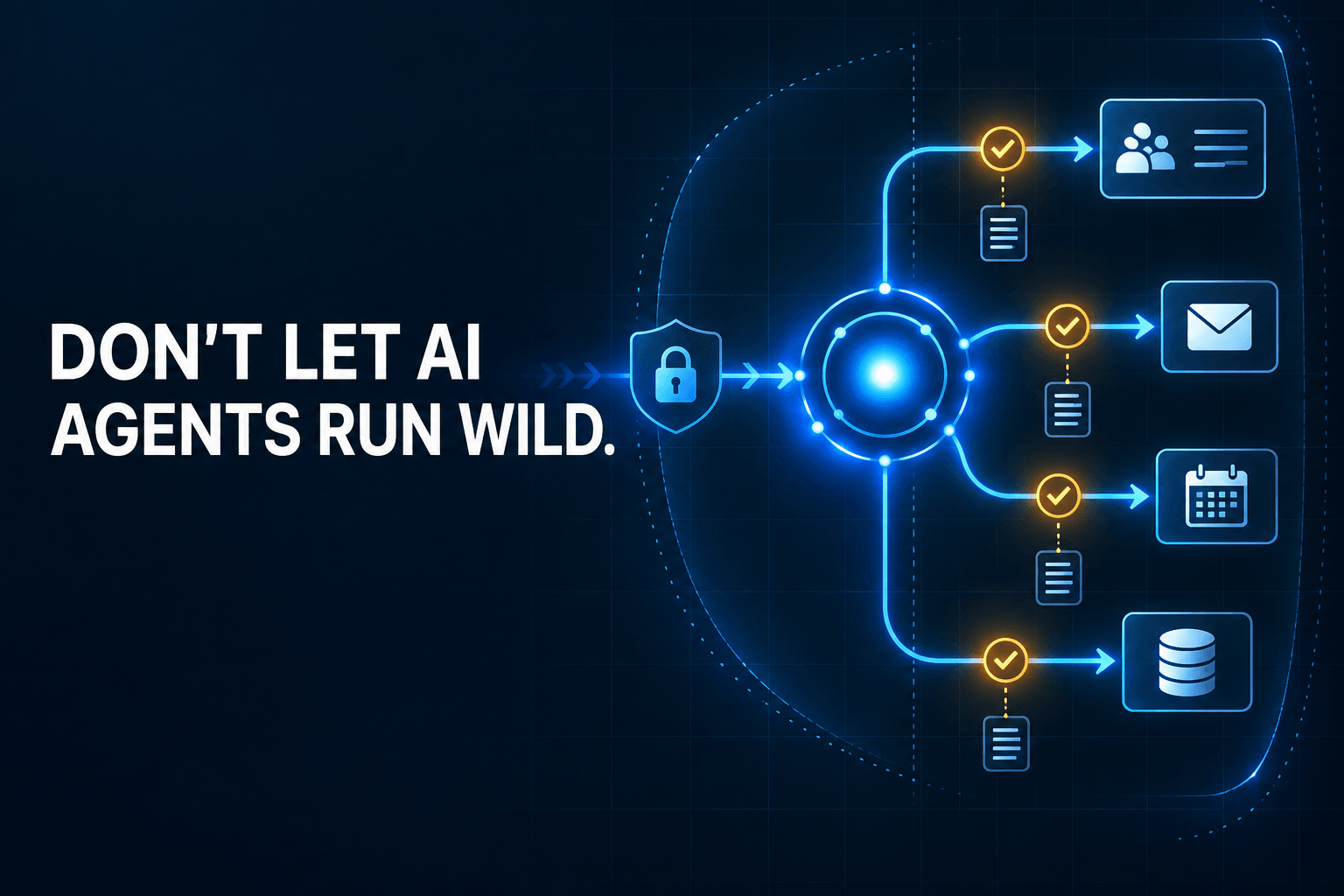
- Green — act automatically: Low-risk, repeatable, reversible actions. Example: adding a source tag to a new CRM record.
- Yellow — draft or recommend: The agent prepares the work, then asks a person to approve it. Example: drafting a response to a customer whose request is unclear.
- Red — escalate immediately: The agent takes no autonomous action. Example: a refund request, pricing exception, contract change, HR concern, health-related request, or access-permission change.
This approach keeps the workflow fast where it is safe to be fast. It also ensures people are involved when judgment, reputation, money, or regulation is at stake.
Approval gates should be clear enough for the agent and the team. Avoid instructions such as “escalate when necessary.” Define the conditions instead: “Escalate if the customer asks for a refund, mentions cancellation, requests a legal commitment, or has an account value above $10,000.”
4. Test the workflow with real edge cases
A smooth demo is not a reliable system. Before launch, test the cases that make real operations messy:
- Incomplete form submissions
- Conflicting CRM records
- Duplicate contacts
- Angry or ambiguous customer messages
- Missing tool access
- Requests outside the agent’s stated job
- Instructions that conflict with company policy
Define measurable criteria before you test. A lead agent could be evaluated on correct classification, correct routing, appropriate escalation, and no unsupported claims. Review the cases where it failed, but also the cases where it succeeded for the wrong reason. That is often where hidden process problems show up.
5. Keep an audit trail and improve the rules
A strong AI automation audit trail records the information that matters:
- The input or customer request
- Data retrieved from connected systems
- Tools the agent used
- Its recommendation or decision
- Any approval or rejection
- The final action taken
- Exceptions and errors
You do not need a mountain of paperwork. You need enough detail to answer three questions: What happened, why did it happen, and how do we prevent or repeat it?
Audit trails make debugging faster. They also build trust with the people who depend on the workflow. Over time, review patterns reveal weak data, unclear policies, common exceptions, and new opportunities to automate safely.
Example: Governing an AI Lead Intake Agent
Consider a service business that receives inquiries through its website and shared inbox. The goal is not to give the agent unrestricted control. It is to remove routine administrative work without losing qualified opportunities.
| Workflow stage | Agent action | Governance control |
|---|---|---|
| New inquiry arrives | Extract contact details and service need | Read access to the form and inbox only |
| Lead is qualified | Assign lead category and urgency | Uses documented qualification criteria |
| CRM is updated | Creates a record and applies tags | Cannot overwrite an existing owner |
| Follow-up is sent | Drafts a reply using an approved template | Auto-send only for low-risk, complete inquiries |
| Request is unclear | Escalates to a team member | No guessing or unsupported commitments |
For example, a request for standard maintenance in a normal service area might receive an automatic acknowledgment and scheduling link. A request involving a custom project, a complaint, a pricing exception, or an urgent safety concern moves to a human review queue.
That governance does not slow the business down. It prevents the exceptions that create expensive rework later: missed leads, incorrect promises, duplicate outreach, and unclear ownership.
Common AI Agent Governance Mistakes
Giving an agent broad access before it earns trust
Start with narrow permissions. Let the agent prove accuracy in a supervised workflow before allowing it to send messages or update more sensitive fields. Expanding access should be an intentional business decision, not a default setting.
Treating prompts as the entire control system
A prompt might tell an agent not to alter records or make promises. But prompts are not permission systems. The workflow should enforce the rule through access controls, approval gates, templates, validation, and escalation logic.
Automating a messy process without fixing inputs
Unclear intake forms, duplicate CRM records, and inconsistent naming conventions produce inconsistent agent behavior. Clean inputs are part of governance, not a separate housekeeping task. Here is why structured data makes AI automations more reliable.
Building a multi-agent workflow too soon
Multiple agents can be useful, but every handoff adds complexity. Validate one agent’s job, data contract, escalation path, and outcome before adding orchestrators or specialist agents. If you are considering that next step, review these mistakes to avoid in multi-agent workflows.
A 30-Day Plan for Governed AI Automation
You do not need to redesign every process at once. Use the first month to prove one workflow safely.
Week 1: Choose one narrow, measurable workflow
Pick a repetitive task with a clear owner and low-to-moderate risk. Good candidates include lead intake, appointment confirmation, internal status summaries, or first-pass support triage.
Choose a workflow where you can measure a result: response time, routing accuracy, fewer manual touches, or fewer missed follow-ups.
Week 2: Document the rules, data, and exceptions
Write down the inputs, expected outputs, system of record, permissions, and escalation triggers. Identify the Green, Yellow, and Red actions. If two experienced employees would handle a case differently, resolve that policy question before asking an agent to decide.
Week 3: Test historical and supervised live cases
Run the agent against past examples, then test it with live work under supervision. Compare its output with human decisions. Log errors, exceptions, and unclear cases. Improve the workflow before adding permissions.
Week 4: Launch with monitoring and a review cadence
Launch with limited scope. Monitor accuracy, cycle time, exceptions, customer impact, and approval rates. Hold a weekly review until the workflow is stable.
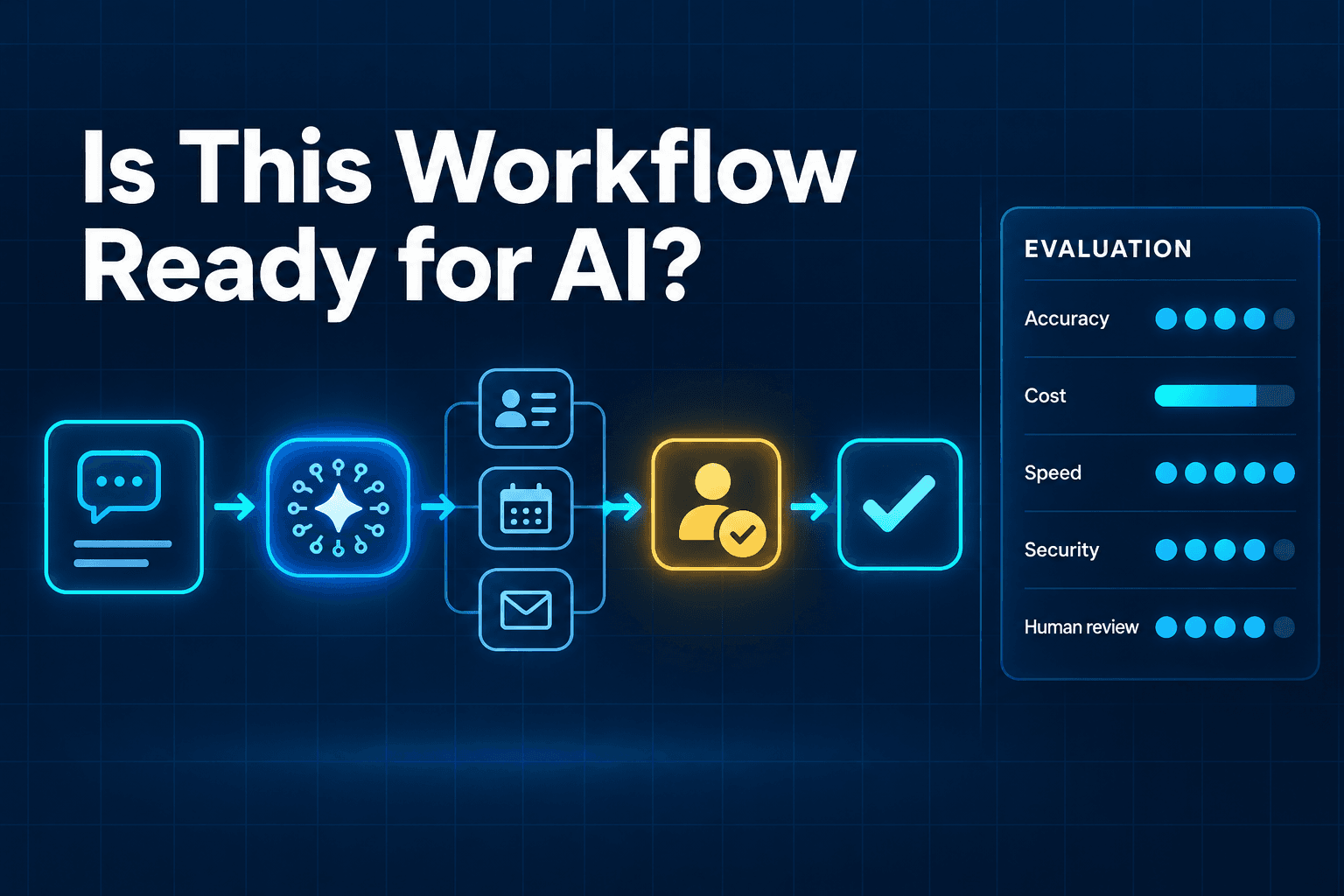
A simple AI workflow scorecard can help your team compare opportunities by value, complexity, and risk. The best first project is not always the flashiest one—it is the one with clear rules and a measurable payoff.
Build Agents That Move Work Forward Without Losing Control
The companies that benefit most from AI will not necessarily deploy the most agents. They will deploy the most reliable ones.
Start with one clear job. Limit the agent’s permissions. Add approval gates where consequences are high. Test edge cases before launch. Keep an audit trail so you can improve the system with evidence.
That is how you turn an impressive demo into a dependable business process.
Want to identify the safest, highest-return AI workflow for your team? Request an AI automation audit from AI-Automated to map where agents can act autonomously and where human approval should remain in the loop.
FAQ
What is AI agent governance?
AI agent governance is the set of rules, permissions, approval requirements, tests, and audit records that control how an AI agent accesses information and takes action in a business workflow.
Do all AI agents need human approval?
No. Low-risk and reversible actions can often run automatically. Human approval is most important for high-impact, sensitive, financial, regulated, or difficult-to-reverse decisions.
What should an AI agent be allowed to do?
Start with the minimum access needed to complete a clearly defined job. An agent may be allowed to read, draft, recommend, update, or send information, but each capability should be explicitly approved.
How do you test an AI agent before launch?
Test with real examples and edge cases, including missing data, ambiguous requests, conflicting records, and situations that require escalation. Score results against defined accuracy and safety criteria rather than relying on whether the output merely “looks good.”
What is the difference between AI governance and AI agent governance?
AI governance is the broader organizational approach to managing AI use. AI agent governance focuses specifically on agents that can use tools, access systems, make decisions, and take actions within business workflows.