6 Ways to Automate Appointment Rescheduling Without Losing the Human Touch
Most appointment rescheduling advice focuses on calendars, links, and reminder settings. That matters, but it misses the part customers actually feel.
A reschedule is a trust test. If the process is clunky, people assume your team is disorganized. If it’s too automated, they feel brushed off. The goal is not just to move an appointment from Tuesday to Thursday. It’s to make the customer feel like the change was handled smoothly, with context, care, and zero unnecessary back-and-forth.
That matters more now because self-service booking has become normal. The SimplyBook.me 2025 Global State of Bookings report found that booking volume rose 10.1% in Q1 2025 vs. Q1 2024, while 40% of appointments were self-scheduled, which means clients increasingly expect fast, low-friction scheduling tools. At the same time, Zendesk’s 2025 CX Trends Report shows customers want AI interactions to feel more human, personalized, and engaging, not colder or more generic.
When we build rescheduling workflows, that’s the balance we aim for: speed on the front end, human judgment where it counts, and messaging that feels like it came from a real team.
1. Let clients reschedule themselves, but don’t give them a blank calendar
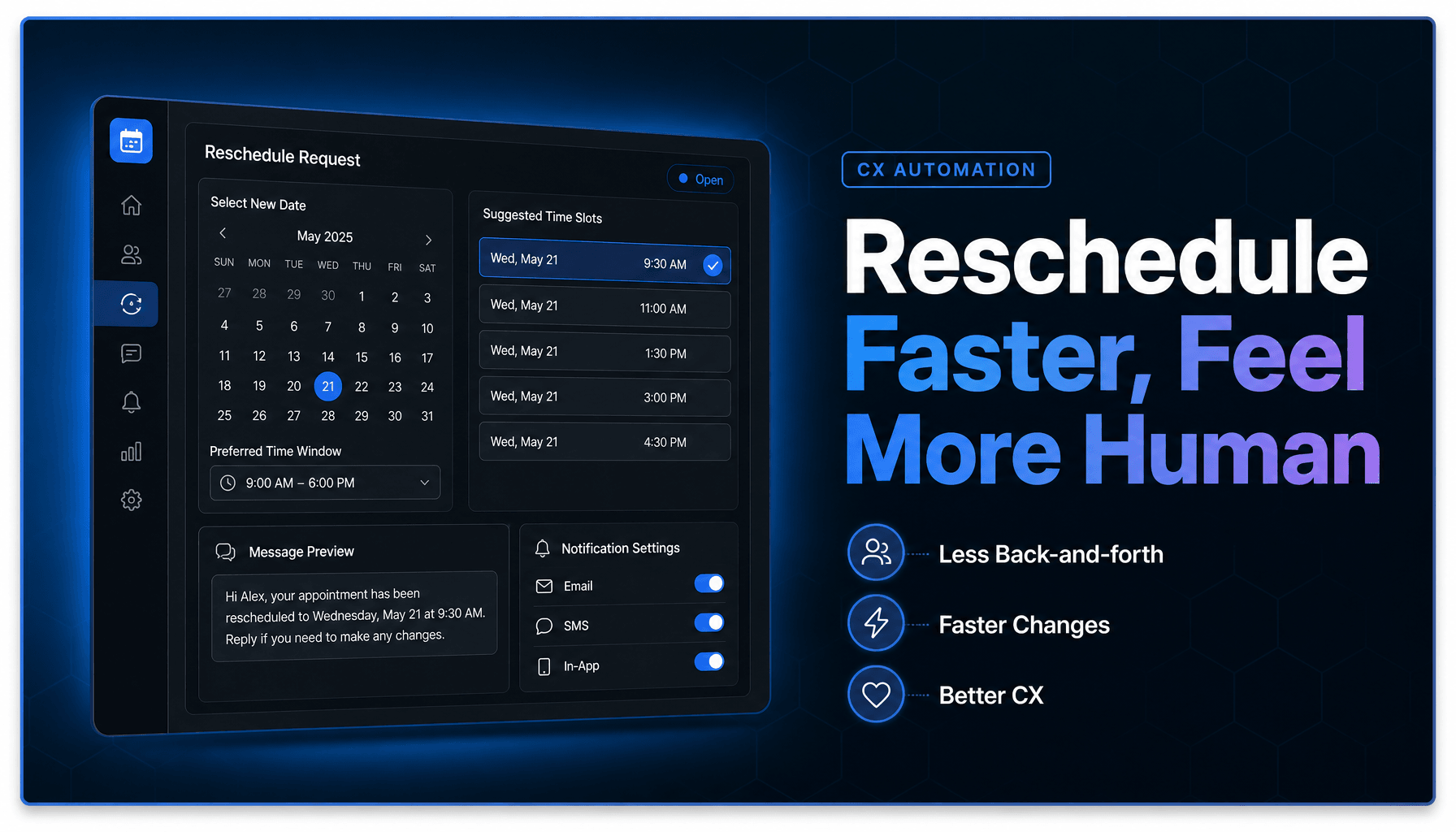
The best self-serve rescheduling links remove friction without creating operational mess. A client should be able to tap one link, see live availability, and move their appointment in under a minute. But in practice, the system only works if you put guardrails around it.
That means protecting buffer time, limiting same-day moves, hiding staff who are not qualified for a specific service, and automatically blocking conflicts before the customer ever sees them. We’ve found this is where a lot of teams go wrong. They add a reschedule button, then wonder why technicians lose travel time, why providers get double-booked, or why a simple haircut turns into a specialist-only slot.
The customer experience improves when the choices feel simple. The operations side improves when those choices are constrained intelligently.
Where to place the link for maximum convenience
Put the reschedule link anywhere a customer is already looking for appointment details: confirmation emails, reminder texts, missed-call follow-ups, and portal pages. Acuity’s appointment information guidance notes that default reminder emails include appointment information plus Cancel and Reschedule buttons, which is exactly the kind of low-friction access people expect.
How to prevent calendar chaos
Use rules like minimum notice windows, staff-specific availability, service matching, and automatic conflict checks. If a reschedule would break a route, violate prep time, or require manager approval, stop the self-serve flow and route it for review instead.
2. The reminder is not just a reminder, it is your best chance to prevent a bad reschedule
A lot of businesses treat reminders like compliance messages: date, time, address, done. That is a missed opportunity.
A good reminder gives the client enough time to make a change before the appointment becomes a problem. SimplyBook.me’s no-show playbook reports that automated reminder systems can reduce no-shows by up to 38%, especially when reminders go out 48 hours, 24 hours, and shortly before the appointment. That same logic applies to rescheduling. The earlier you prompt action, the more likely the client is to move the appointment cleanly instead of ghosting, calling in a panic, or showing up late.
What actually works is warm, direct copy. Not “Your appointment is scheduled for 3:00 PM.” Better: “Hi Sarah, you’re booked for Thursday at 3:00 PM with Jenna. If that time no longer works, you can reschedule here in a few taps.”
What to include in reminder copy
Include the service, date, time, staff member, location, and one clear reschedule path. Keep the tone conversational. One CTA is enough.
When to send reminders
For higher-value or prep-heavy appointments, 72 hours and 24 hours often work well. For routine services, 24 hours plus a same-day reminder may be enough. The point is to create enough runway for a smooth change, not just to reduce no-shows.
3. Don’t send every reschedule request through the same path
This is where customer experience usually breaks. Businesses try to standardize everything, then force high-value or high-complexity customers through the same form as everyone else.
That saves a little admin time and costs a lot of goodwill.
A better system uses Workflow Automation to route requests based on urgency, appointment value, service type, and relationship context. If a long-term client wants to move a strategy call, that should not sit in the same queue as a routine haircut. If a real estate lead wants to shift a showing, the assigned agent should see the request with full context. If a prospect is rescheduling a demo tied to a live deal, sales should know before the slot is lost.
This is the same thinking behind strong AI lead intake systems that route, score, and respond automatically. The system should decide who needs human attention and who does not, without making the customer repeat details.
Use cases that need human review
VIP clients, complex service changes, high-value sales meetings, policy exceptions, and anything involving multiple participants or locations.
Use cases that can stay fully automated
Simple date swaps, standard service appointments, recurring bookings, and low-risk availability changes.
4. Give your team AI-assisted drafts, not canned replies that sound dead on arrival
Fast replies matter, but robotic replies make things worse. That is why AI-assisted drafting works best when it helps staff respond faster with context, not when it sends generic copy untouched.
A team member handling reschedules should be able to open a request and see a suggested response that already reflects the scenario: last-minute conflict, provider delay, no-show recovery, or waitlist opening. From there, they edit and send. That cuts response time without flattening the tone.
In practice, this is where AI Agents and CRM Automation become useful behind the scenes. The system can pull the appointment type, prior notes, customer history, and preferred times, then draft something that sounds informed instead of scripted. If you want a broader look at where this fits, our guide to AI Agents for business automation in 2026 breaks down how these systems support real operational work.
Build message templates by scenario
Create templates for:
- last-minute client conflicts
- provider schedule changes
- missed appointments
- waitlist openings
- double-confirmation requests for high-value meetings
A short internal decision tree helps:
If customer initiated + simple time change -> send guided self-serve option
If customer initiated + policy exception -> draft human review reply
If business initiated + inconvenience caused -> draft apology + priority rebooking
If no-show + good client history -> draft warm recovery note
Keep the brand voice consistent
Train templates on your real tone, preferred phrases, and service standards. If your team normally sounds calm and helpful, the AI should not suddenly sound stiff, chirpy, or overly formal.
5. For urgent changes, the fallback should be live chat or SMS, not a dead-end form
Some reschedules are too time-sensitive for email. If the appointment is today, if the technician is en route, or if the customer is already frustrated, they need a real-time path.
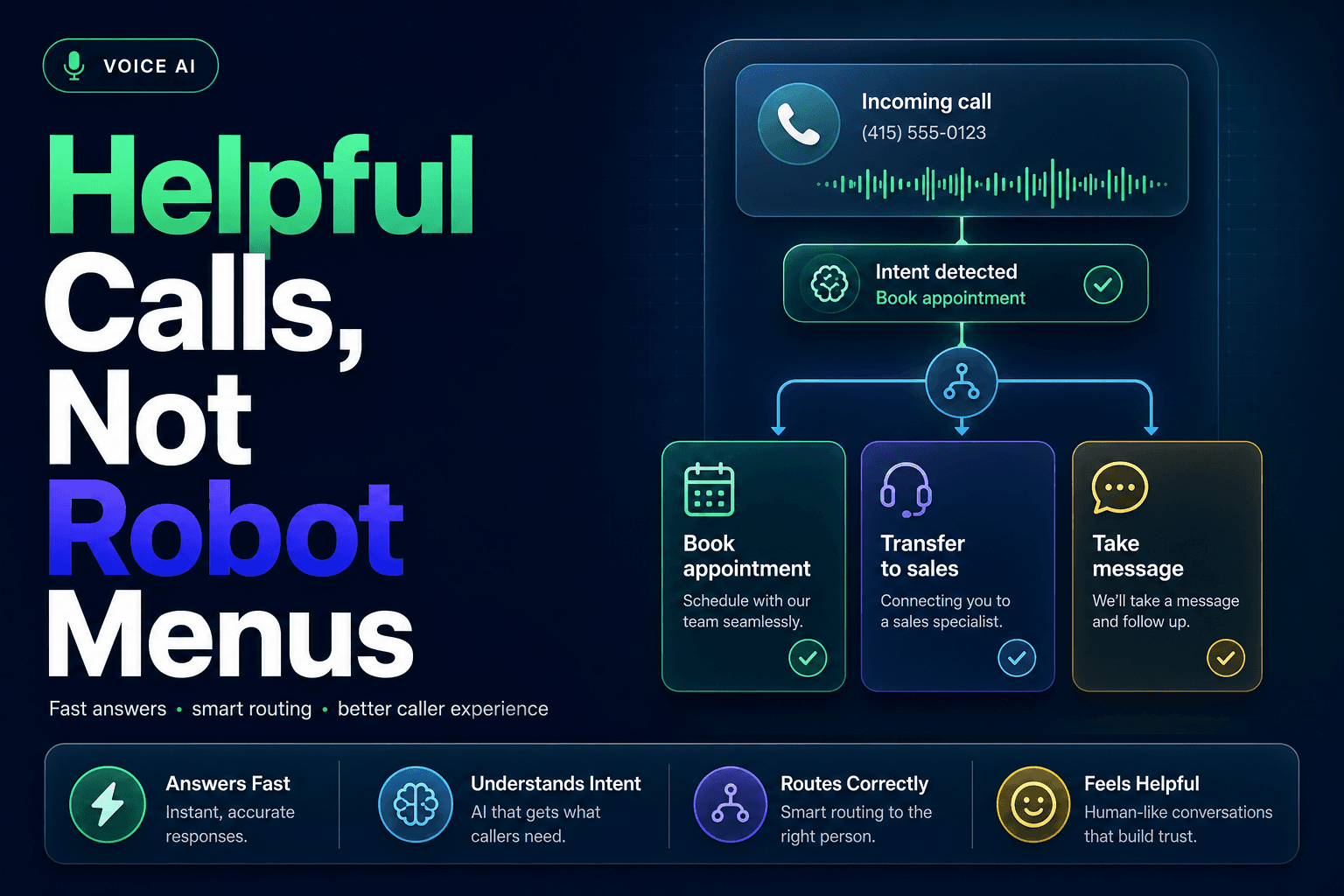
This is where a live chat or SMS fallback matters. Automation should detect urgency, collect the basics, and hand off fast. It should not trap someone in a form when what they actually need is confirmation from a person.
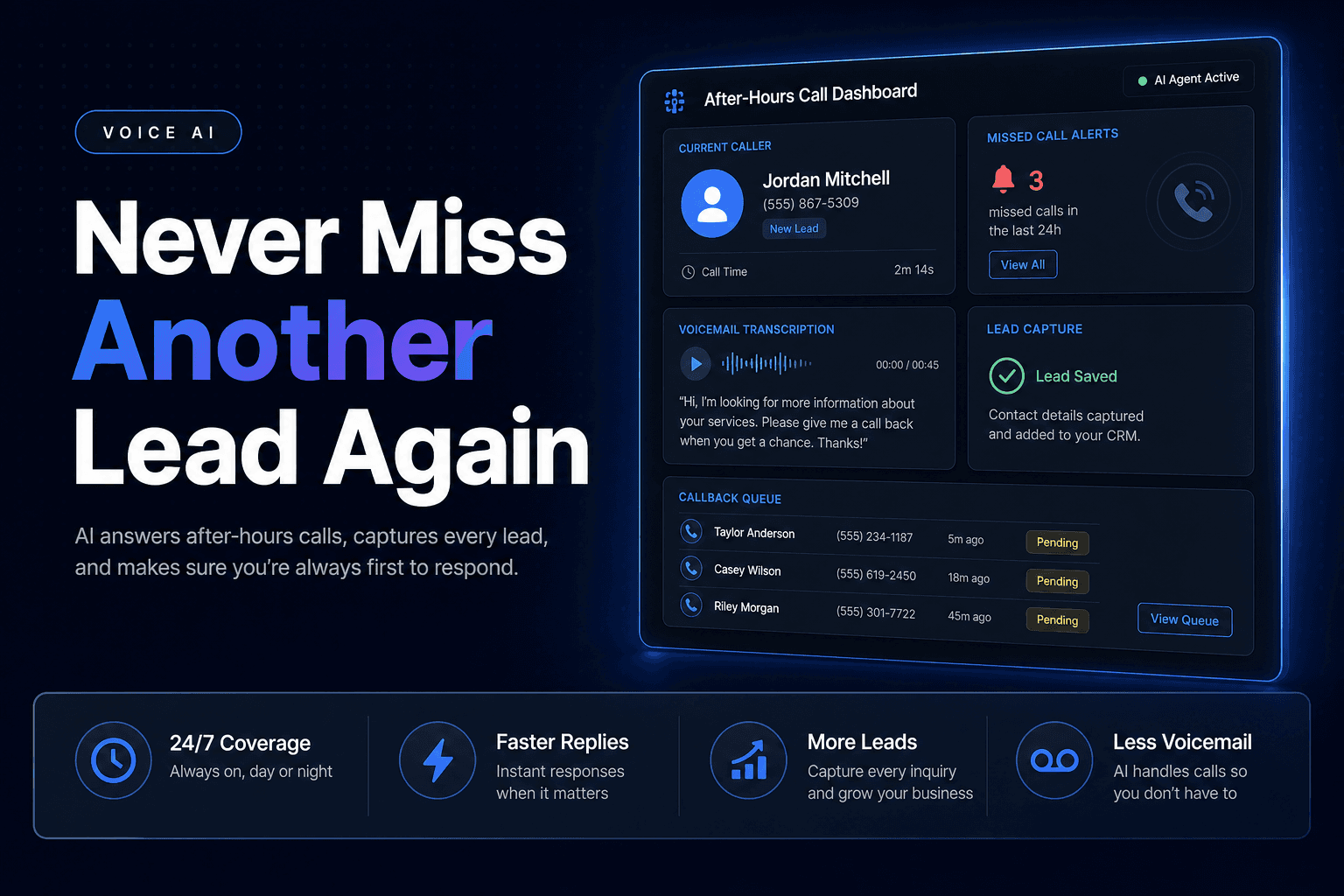
That handoff matters even more in phone-heavy businesses. Maple’s 2024-2025 call data report found that businesses missed 33% of incoming calls during peak hours, which is a useful reminder that “call us to reschedule” often fails at the exact moment demand spikes. This is also why Voice AI can be valuable for after-hours triage or overflow. We covered that in more detail in 8 ways to use Voice AI to cut missed calls in a small business.
What the handoff should include
Pass along the customer name, appointment time, service type, reason for change, preferred alternatives, and any prior notes. The customer should never have to start over.
How to keep response times fast
Use escalation rules for same-day appointments, assign owners by service line, and add after-hours coverage so urgent changes do not sit overnight.
6. The follow-up after the reschedule is what makes the whole thing feel professional
A reschedule is not complete when the slot changes in the calendar. It is complete when the customer feels sure everything is handled.
That means sending an immediate confirmation with the new date and time, updated calendar invite, location details, prep instructions, and a direct contact path for questions. This sounds basic, but it is where confusion usually shows up. Customers are not upset because the appointment moved. They are upset because they are no longer sure what is happening.
There is also a softer layer here. For higher-value relationships, a brief human note can rebuild confidence fast: “Glad we found a better time. You’re all set for Thursday, and I’ll be your point of contact if anything changes.” That message takes seconds, but it changes the feel of the interaction.
If your team wants to tighten the rest of the follow-up journey too, our guide on how to automate lead follow-up covers the sequencing, timing, and messaging details that keep automated communication from feeling generic.
Confirmation messages that reduce confusion
Include:
- new appointment date and time
- location or meeting link
- prep instructions
- assigned staff member
- reply path for questions
Reinforce the relationship after the change
For VIP clients or sensitive situations, add a thank-you, a quick check-in, or a personal note from the assigned team member. Small signals of attention do a lot of work here.
The Bottom Line
Automation should make rescheduling feel easier, not colder. The strongest systems combine self-serve convenience, smart routing, AI-assisted drafting, and fast human fallback so customers get speed without losing context or care.
That is the real standard in 2026. Not just fewer clicks, but fewer awkward moments.
If you want to build a rescheduling workflow that protects the customer experience while reducing admin load, AI-Automated helps teams design AI Automation, Voice AI, and Multi-agent Systems that keep calendars moving without making clients feel handled by a machine.