The Complete Guide to CRM Automation for Teams That Hate Manual Data Entry
What if your CRM is not failing because people are lazy, but because you turned expensive humans into part-time typists?
That is the ugly little truth behind a lot of “CRM adoption problems.” In the Salesforce State of Sales Report, 7th Edition, sales professionals say they spend more than half their time on non-selling work like data entry and prospecting, and teams using AI still report that 46% of sales pros see data quality issues hurting sales. So yes, the CRM is supposed to be the system of record. Too often, it becomes the system of repeated copying and pasting.
For teams that hate manual data entry, CRM Automation is not a nice-to-have. It is how you stop lead records from rotting, keep follow-ups moving, and make your pipeline useful without begging reps to “please update the notes” for the fourth time this week. Done well, it also becomes the backbone for AI Automation, Lead qualification, and cleaner Workflow Automation across your revenue stack.
If reps have to remember everything, your CRM design is already broken
Most teams try to fix CRM hygiene with reminders, dashboards, and a gentle nudge that nobody asked for. We’ve found that rarely works for long.
What actually happens is simpler. A rep finishes a call, jumps into Slack, answers an email, books the next meeting, then promises themselves they will update the CRM later. “Later” becomes tomorrow. Tomorrow becomes “I’ll do it before forecast.” Now your pipeline has three stale deal stages, two missing contacts, and notes that read like someone typed them while boarding a plane.
This is why the first rule of CRM Automation is brutally practical:
- If a field can be captured automatically, do not ask a human to type it.
- If a workflow can trigger from behavior, do not wait for a manual status change.
- If data comes from another system first, sync it instead of re-keying it.
A healthy CRM should collect information from the work itself:
- form fills
- call transcripts
- calendar activity
- email replies
- chatbot conversations
- proposals and invoices
- enrichment tools
That shift matters because disconnected data creates bigger problems than annoyance. In Forrester’s Q1 2025 Data Management Strategy Survey, 45% of respondents said they missed growth opportunities due to poor data, and 41% said poor data quality was affecting AI use cases. Bad data does not stay politely inside the CRM. It spills into routing, follow-up, forecasting, and customer experience.
If your team hates data entry, that is not resistance. It is feedback.
Start with the workflows that create revenue, not the fields your CRM admin likes
The mistake we see all the time is automating the record before automating the motion around the record.
A cleaner contact object is nice. A faster path from inquiry to booked meeting is nicer.
So instead of asking, “Which fields should we automate first?” ask:
Where does manual entry slow money down?
Usually it is one of these:
- new lead capture
- qualification and scoring
- ownership assignment
- follow-up sequences
- meeting logging
- proposal or quote progression
- closed-lost reason capture
For a small business or lean sales team, the best first automations usually look like this:
| Workflow | Manual version | Automated version |
|---|---|---|
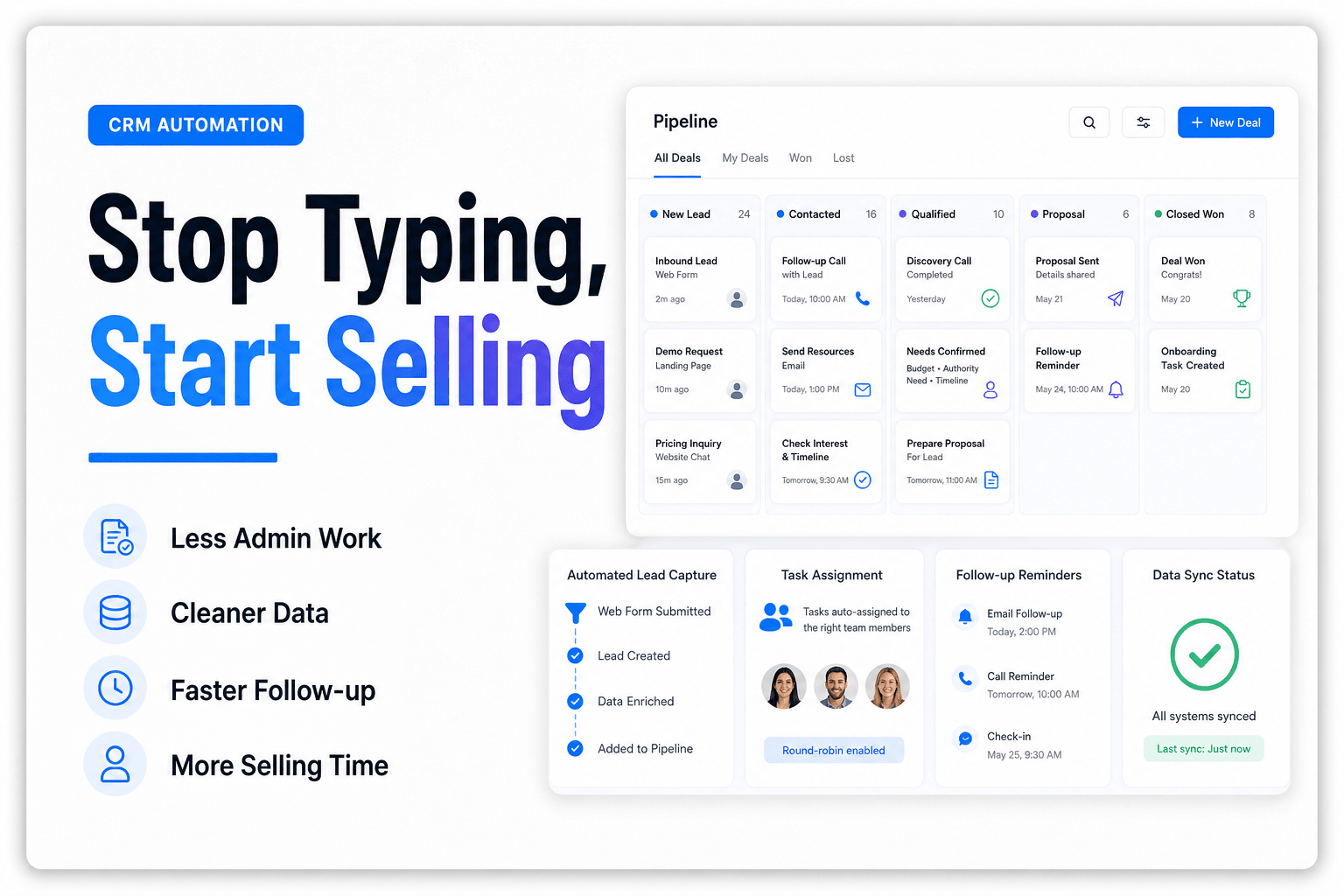
| Website lead intake | Someone checks form submissions and creates a contact | Form creates contact, enriches company data, assigns owner, triggers first response |
| Inbound call handling | Notes live in a phone app or on paper | Call transcript populates CRM, tags intent, creates task, routes by service line |
| Meeting follow-up | Rep writes recap and forgets next step | Transcript generates summary, updates deal, creates follow-up task |
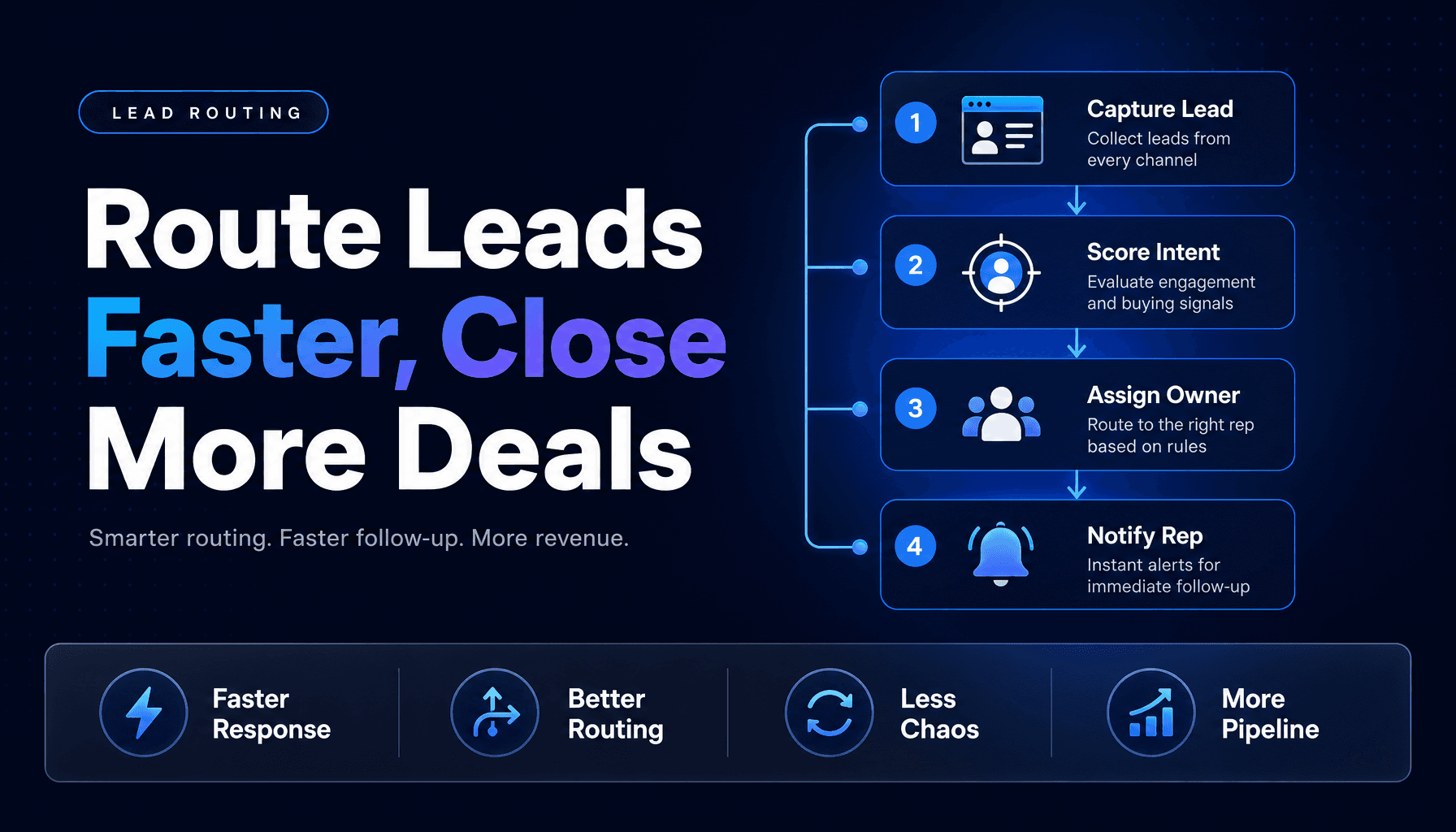
| Lead routing | Inbox triage and round-robin guessing | Rules assign by geography, service, urgency, or account owner |
| Quote stage updates | Rep manually changes stage after sending proposal | Proposal viewed or signed triggers stage movement and alerts |
This is where a purpose-built intake flow beats generic automation every time. If you are fixing the front end of the funnel, our guide on how to build an AI lead intake system that routes, scores, and responds automatically goes deeper on the capture-to-response layer.
In practice, the real win is not “saving clicks.” It is removing the lag between customer action and team action.
The highest-friction moment is not data entry, it is re-entry
Teams often think the problem is typing into the CRM. Usually the worse problem is typing the same thing into five places.
A lead comes in through a website form. Then someone copies it into the CRM. Then into a nurture tool. Then into a spreadsheet for routing. Then into Slack for visibility. Congratulations, you have built a very expensive intern out of your ops team.
This is where Workflow Automation earns its keep. The CRM should act as the hub, not the graveyard.
A practical architecture usually includes:
1. One system of record
Pick the place where the canonical contact, company, and opportunity data lives. For most teams, this is the CRM.
2. Clear event triggers
Use events like form_submitted, call_completed, meeting_booked, proposal_signed, or lead_replied to drive updates.
3. Field mapping that adults can read
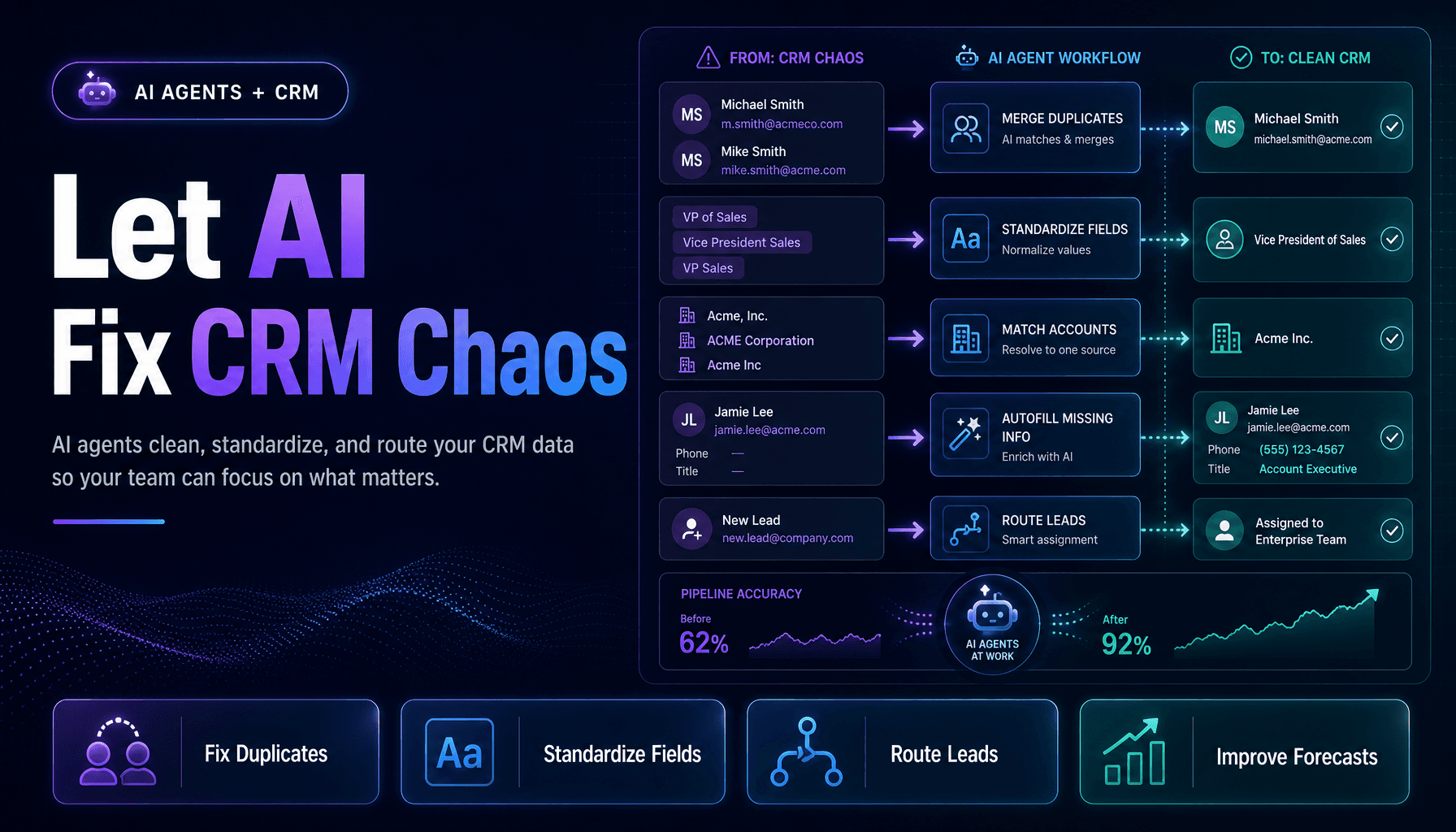
Do not let service_type, service, requested_service, and need_help_with all mean the same thing. If you missed our piece on why structured data is the secret ingredient in better AI automations, it is worth fixing this before you pile on more AI.
4. Bidirectional sync only where it is truly needed
Not every tool deserves write access. Some systems should feed the CRM. Fewer should overwrite it.
This matters even more when your team uses a pile of tools. The Salesforce State of Sales Report, 7th Edition says teams that do not use an all-in-one platform average eight standalone tools, and nearly half of reps feel overwhelmed by the volume. Too many tools does not just create clutter. It creates contradictory records.
Your CRM automation project is partly a systems project and partly an anti-duplication campaign.
Don’t automate every field, automate decisions
Here is the mildly contrarian part: a lot of CRM automation projects fail because they automate data capture but stop short of making the data useful.
Now you have beautifully logged junk.
A smarter approach is to automate the decision layer after capture:
- Should this lead go to sales now, or into nurture?
- Is this contact a duplicate, or a new buying group member?
- Does this inquiry belong to support, sales, or operations?
- Is this deal actually progressing, or just collecting activity?
- Which records need human review because the confidence score is low?
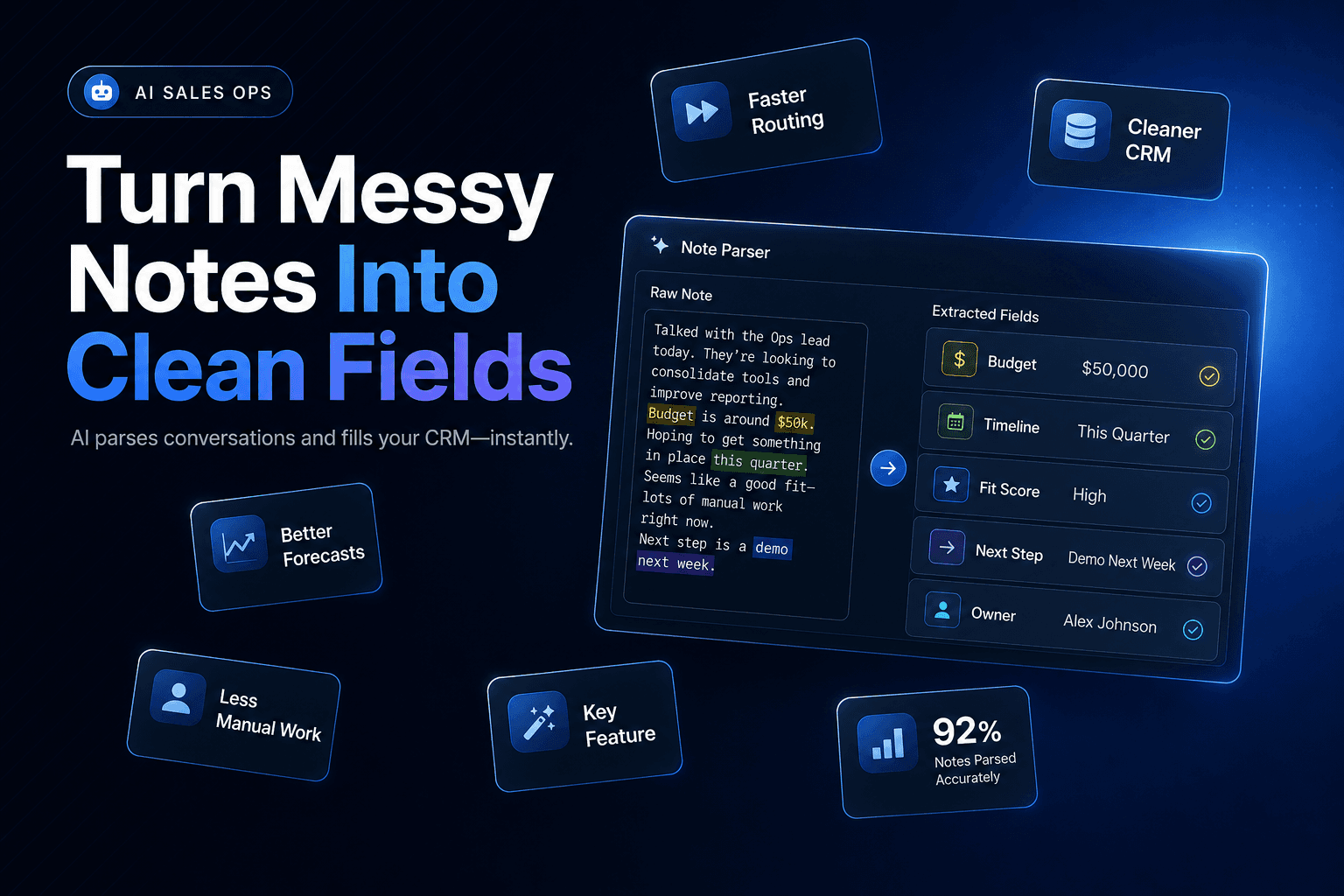
That is where AI Agents start doing practical work instead of party tricks. An agent can summarize a call, extract buying signals, suggest next steps, and update the CRM with draft values for approval. For more on that architecture, see The Complete Guide to Multi-Agent AI Systems for Small Business Operations.
We’ve found the best decision automations usually include guardrails:
- Auto-fill objective fields like company, source, timestamp, and owner.
- Suggest subjective fields like urgency, fit, or next best action.
- Require review for exceptions, conflicts, or low-confidence extractions.
That balance keeps the system fast without letting hallucinated nonsense write your pipeline story.
The teams that win measure fewer things, but they measure the right ones
If you judge CRM automation by “records updated,” you will get lots of updated records and very little business improvement.
A better scorecard tracks whether automation reduces delay, improves completeness, and helps revenue work happen faster.
Here is a simple metric set we like:
CRM Automation Scorecard
- Time from lead capture to first response
- % of new records auto-created without manual entry
- % of required fields completed at creation
- Duplicate rate by source
- Time from meeting end to CRM update
- Lead-to-owner assignment time
- Conversion rate by automated vs manual intake path
This is where good automation becomes visible. In the 2025 Field Sales Report from SalesRabbit, field reps reported spending 49% of their time on administrative work and data entry, and nearly 50% spend two hours daily on admin work. If your automations shave even one hour a day off that load for six reps, you are not just “streamlining operations.” You are getting 30 hours a week back from the nonsense pile.
And if your response speed improves with better routing and automated handoffs, that compounds. Our post on why speed to lead still wins in 2026 and how AI helps you get there breaks down why those minutes matter more than another motivational sales dashboard.
What actually goes wrong: teams automate the mess instead of fixing it
The biggest CRM automation mistake is treating bad process like a software problem.
We’ve seen teams automate:
- duplicate-heavy forms
- vague lifecycle stages
- rep-owned fields that nobody defines the same way
- routing rules based on territories that changed six months ago
- follow-up sequences that fire before qualification is complete
Then they wonder why the CRM got faster and worse.
Before you automate, pressure-test these five things:
- Required fields: Are they truly required, or just historical clutter?
- Lifecycle definitions: Would two managers label the same lead the same way?
- Ownership rules: Are they based on current capacity and coverage?
- Source reliability: Which app should be trusted for each field?
- Human handoff points: Where should automation stop and a person step in?
If your lead assignment still feels chaotic, how to design a lead routing system that sends every prospect to the right person is the right companion read.
CRM automation is not about making your database prettier. It is about making your team faster without making your data less trustworthy.
Conclusion
Teams do not hate CRM because they hate discipline. They hate CRM because too many setups still ask humans to do work software should have handled three steps earlier.
The fix is a better operating model: automatic capture, cleaner field mapping, event-based workflows, smarter routing, and AI-assisted decisions with guardrails. When you do that well, your CRM stops being a chore list and starts acting like actual infrastructure for AI Automation, Lead qualification, and CRM Automation that the team can trust.
If your business is still copying notes between forms, inboxes, calendars, and the CRM, that is not a process. That is a leak.
At AI-Automated, we build practical automation systems that capture leads, update CRMs, route work, and remove the repetitive admin that slows teams down. If you want a CRM that updates itself more often than your reps remember to, book a process audit and we’ll show you where automation can cut the most manual entry first.