How to Secure AI Agents With Least Privilege Access
How to Secure AI Agents With Least Privilege Access
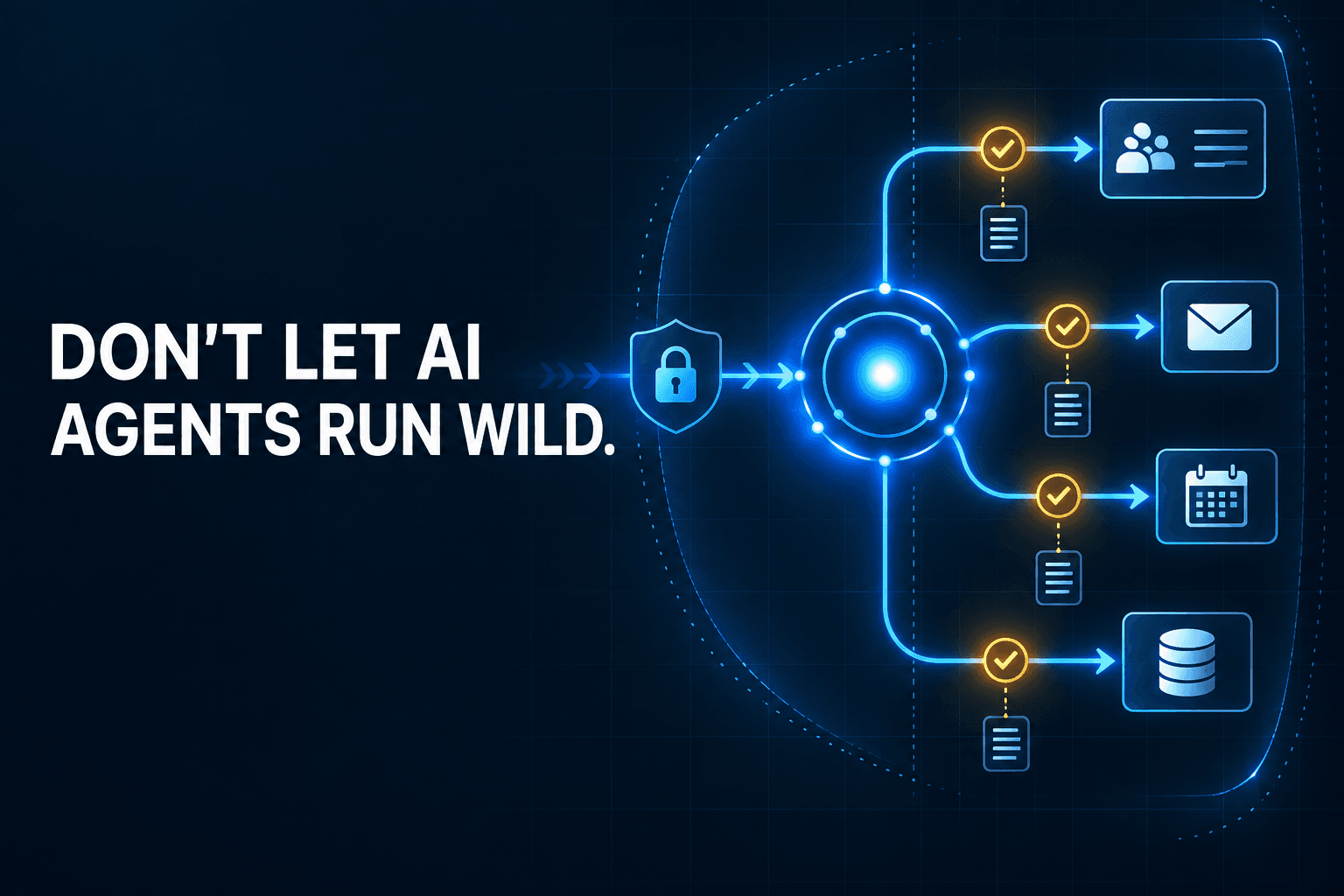
An AI agent that can update your CRM, read an inbox, book meetings, and message customers can be remarkably useful. It can also become the most over-permissioned user in your business.
The answer is not to avoid automation. It is to give every agent a defined job, only the access that job requires, clear approval points, and an audit trail a manager can understand. That is least privilege access in practice.
With those boundaries in place, you can capture the speed of secure AI automation without handing an unproven system broad, untracked authority.
Why AI Agent Access Is a Bigger Risk Than Traditional Automation
Traditional automations usually follow a fixed path: when this happens, do that. An agent can make decisions along the way. It may read a support email, search the CRM, summarize account history, draft a response, update a record, and trigger another workflow.
That flexibility makes AI agent access control essential.
Agents act across multiple systems
Think of an agent as a digital employee operating with delegated authority. An agent that drafts a sales follow-up is useful. An agent that sends the follow-up, changes the deal stage, assigns a task, and creates a calendar invite has far more power.
Every added connection increases the potential impact of a mistake. A small error in one system can quickly become a customer message, an incorrect record change, or a missed appointment in another.
As agents become better at using tools and completing multi-step work, businesses need to set boundaries before connecting them to critical systems. Anthropic's work on agents that plan and use tools across complex tasks illustrates why that planning matters.
The new risks are operational, not just technical
The risk is not limited to a hacker breaking into an account. An agent can take the wrong action because it misunderstood the context, followed malicious instructions embedded in external content, or was given a tool with too much power.
For example, an agent reading inbound messages could encounter an indirect prompt injection: text designed to manipulate the agent into exposing data or taking an unintended action. Other risks include tool poisoning, accidental data leakage, incorrect lead routing, unwanted calendar changes, and runaway workflow costs.
Google Cloud's guidance on agent security and governance identifies multi-system access, prompt injection, and governance as important obstacles to safe agent deployment. The practical takeaway is simple: powerful agents need deliberate operating rules.
What Least Privilege Means for AI Agents
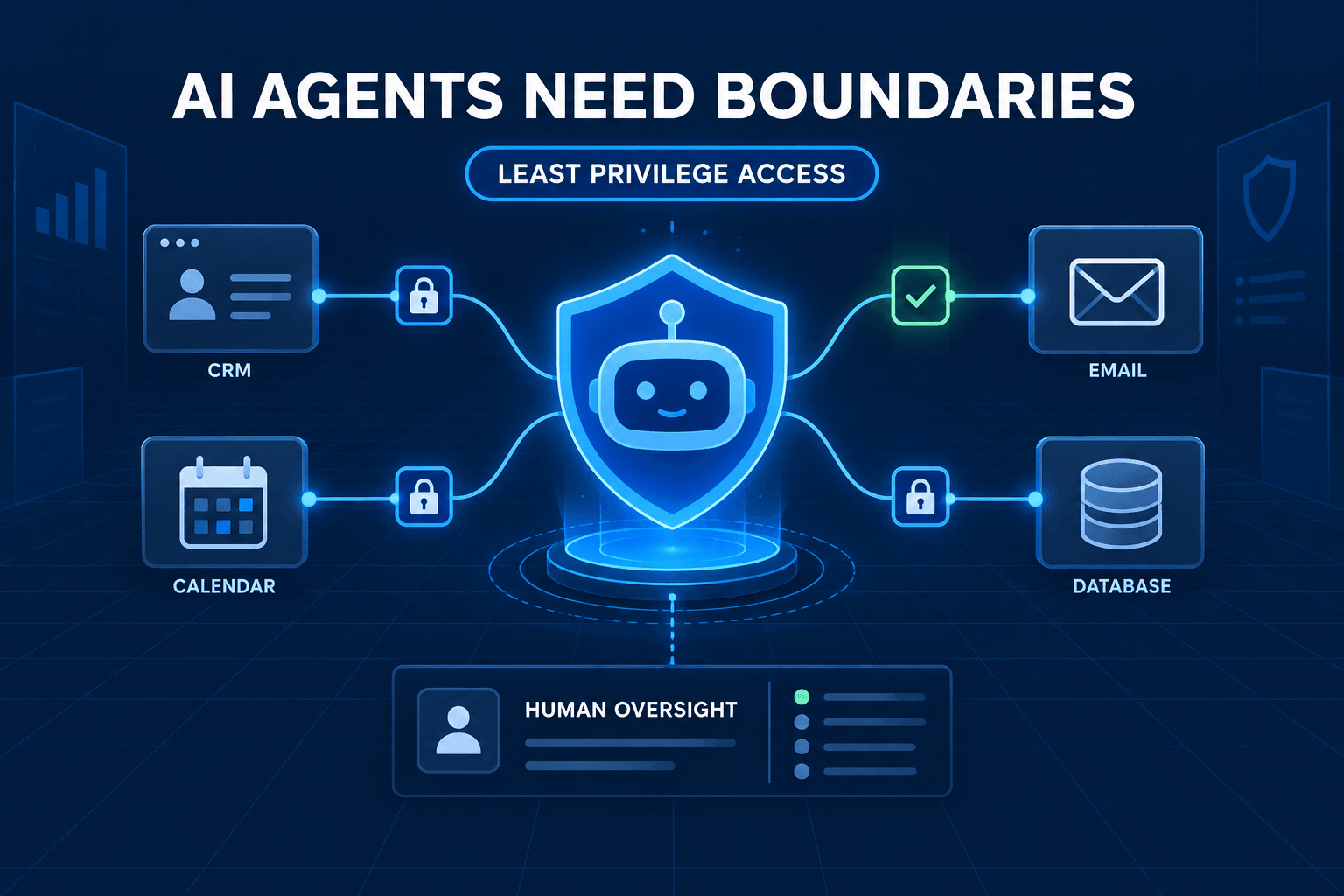
Least privilege for AI agents means giving an agent only the data, tools, and permissions it needs to complete its defined job—nothing more.
This is not about making agents less useful. It is about making them useful in a controlled way.
Give every agent one job
A lead-enrichment agent may research a company and draft suggested CRM fields. It does not need permission to change deal stages, delete contacts, or email a prospect.
A scheduling agent may check availability and propose appointment slots. It does not need access to payroll files or the ability to approve refunds.
AI agents work best when they have one clearly defined job. Clear responsibility makes an agent easier to test, measure, improve, and shut down if something goes wrong.
Give each agent only the permissions it needs
Permissions should reflect the smallest useful level of authority:
- Read customer records, but not export the entire database.
- Draft an email, but do not send it.
- Create an internal task, but do not delete a record.
- Update a low-risk tag, but do not change a deal owner.
- Access one approved folder or pipeline, rather than every workspace.
Also consider how agents connect actions through structured website tools. A tightly scoped tool is safer than an all-purpose connection that can perform any action.
Make permissions temporary where possible
Not every connection needs to last forever. Use short-lived access tokens, scheduled access windows, and connections that can be revoked quickly.
Temporary access limits exposure when an automation is paused, redesigned, or retired. It also creates a useful habit: periodically confirm that each agent still needs every permission it holds.
The 6-Part AI Agent Access Control Checklist
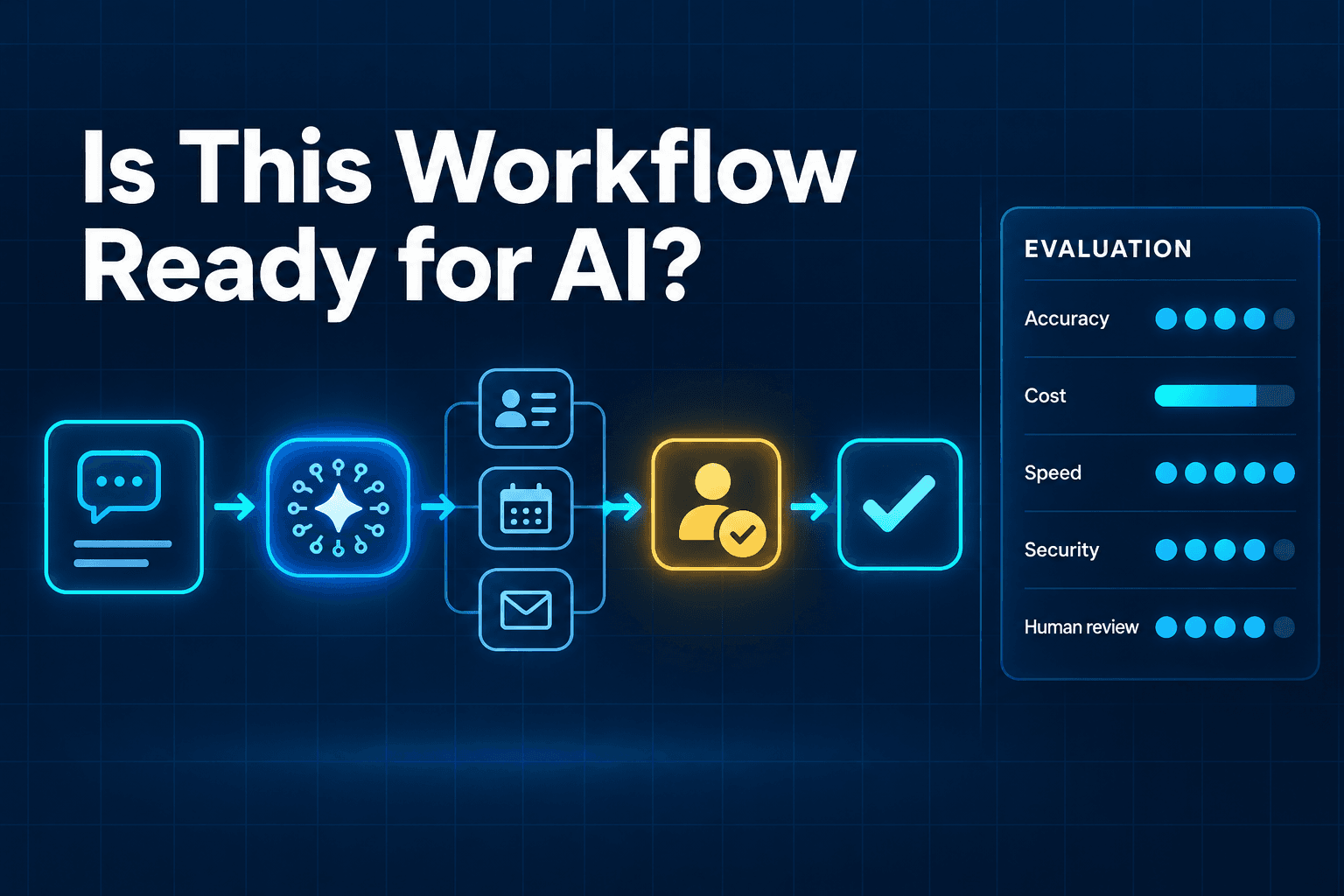
Use this AI agent governance checklist before an agent goes live. It turns “be careful” into concrete operating controls.
1. Assign a named business owner
Every agent needs one accountable owner. This person is responsible for the agent's goal, quality, access, review process, and shutdown decision.
Avoid shared ownership. When everyone owns the agent, nobody is clearly responsible for reviewing a bad outcome or approving a permission increase.
The owner does not need to be a security specialist. They do need to understand what the agent is meant to accomplish and what it must never do.
2. Create a unique identity for each agent
Do not run several agents through a shared admin account. Give every agent its own identity, credentials, and permissions.
A unique identity answers basic questions quickly:
- Which agent took this action?
- What systems can it access?
- Who approved its permissions?
- Can we revoke its access without interrupting other workflows?
Microsoft's guidance for governing and securing AI agents recommends distinct identities, central visibility, clear ownership, and continuous monitoring. These are practical controls, not enterprise bureaucracy.
3. Document what the agent can read, change, send, and trigger
Create a one-page access map for every agent. It does not need to be complicated. List:
| Action category | Questions to answer |
|---|---|
| Read | Which systems, fields, folders, or records can it view? |
| Create | Can it create notes, tasks, drafts, or bookings? |
| Edit | Which fields can it update, and which are off-limits? |
| Send or execute | Can it email, publish, delete, charge, or trigger another workflow? |
This map makes hidden authority visible. It also gives managers, technical teams, and vendors a shared reference when the workflow changes.
4. Add approval gates for high-impact actions
Some actions should always stop for human review. Good examples include:
- Sending customer-facing messages
- Issuing refunds or changing payment terms
- Signing or changing contracts
- Deleting records
- Changing lead ownership for high-value accounts
- Publishing public content
- Triggering procurement or price changes
Approval gates are not a sign that automation has failed. They let teams automate the low-risk work first, learn from exceptions, and earn confidence before expanding.
5. Keep an audit trail a manager can review
Your log should record more than the model's final response. For each meaningful action, capture:
- Agent identity
- Trigger and source data
- Tool or system used
- Action taken
- Result or error
- Timestamp
- Human approver, where applicable
- Exceptions or overrides
A non-technical manager should be able to sample actions each week and understand what happened. If they cannot, the system may be too opaque to operate responsibly.
6. Build a simple kill switch and rollback plan
Before launch, answer four questions:
- How do we pause the agent immediately?
- How do we revoke its access?
- How do we stop queued or scheduled actions?
- How do we identify and reverse the records it changed?
Then test the plan. A kill switch that has never been tested is only a theory.
A Practical Permission Matrix for Business AI Agents
A permission matrix helps teams start small and avoid vague phrases such as “give it CRM access.”
| Agent type | Can read | Can write | Requires approval |
|---|---|---|---|
| Lead qualification agent | New lead form data and approved CRM fields | Qualification notes and tags | Changing lead owner or sending outreach |
| Appointment agent | Availability and appointment status | Proposed bookings and reminders | Reschedules involving VIP accounts or exceptions |
| Reporting agent | Approved business data | Draft report workspace | Publishing reports or changing source data |
| Accounts receivable agent | Invoice status and contact details | Draft follow-up tasks | Sending payment notices or changing payment terms |
Start with the lowest permission tier that still lets the agent prove value. For example, let an accounts receivable agent draft follow-up tasks before allowing it to send notices.
Review actual performance and exception patterns before expanding access. In many cases, an agent delivers most of its value without the ability to take the highest-impact actions.
Where Human Approval Still Belongs
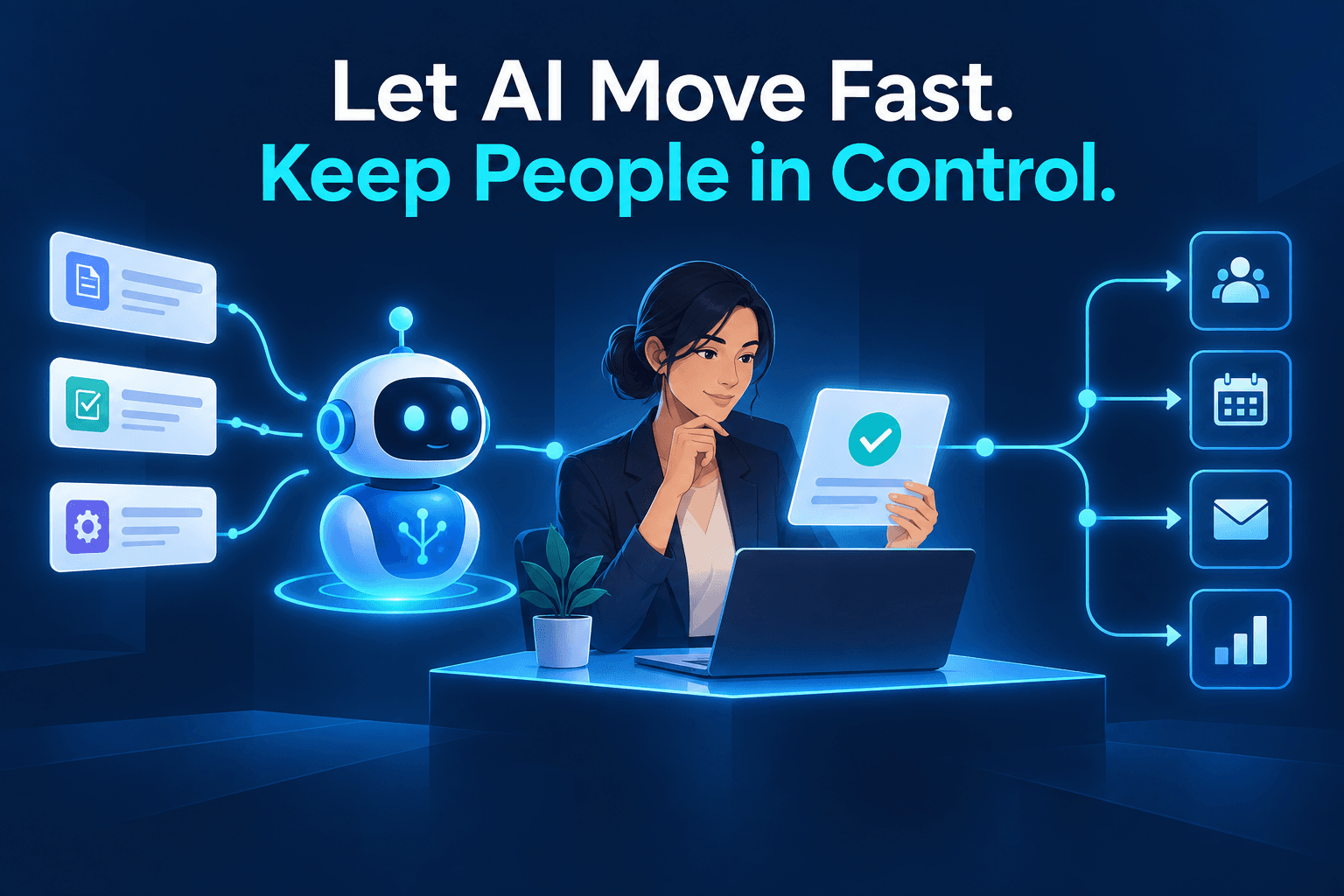
The best approval design focuses people where judgment matters most.
Use approval when an action is irreversible, external, or expensive
Require a person to approve actions that are:
- Irreversible: deleting records or changing legal documents
- External: emailing customers, posting publicly, or sending contracts
- Expensive: issuing refunds, initiating purchases, or changing pricing
- Sensitive: disclosing personal, financial, or confidential data
These are moments where a small error can create real business, legal, or reputational consequences.
Let agents run when actions are low-risk and reversible
Agents can often work independently when they are:
- Creating internal tasks
- Categorizing leads
- Drafting summaries
- Flagging incomplete records
- Suggesting follow-up priorities
- Applying low-risk tags
Approval design is not about keeping people busy. It is about reserving human judgment for decisions where it adds the most value.
Common Mistakes That Make AI Automation Unsafe
Most unsafe deployments fail in predictable ways:
- Giving one general-purpose agent access to everything. Broad access makes testing, accountability, and incident response much harder.
- Using shared credentials. You lose clear attribution and cannot remove one agent's access cleanly.
- Connecting production systems too early. Start with test records or a limited segment before exposing live customer data.
- Treating model output as an audit log. A response is not a record of source data, tools used, actions taken, and approvals.
- Automating exceptions before the standard workflow is reliable. Handle the predictable 80% first; keep unusual cases with people.
- Forgetting to remove access. Retired agents, changed workflows, and unused integrations should lose access promptly.
As you add more specialized agents, it is especially important to avoid common multi-agent workflow mistakes. Complexity grows quickly when agents can trigger one another across shared systems.
A 30-Day Plan to Deploy a Secure AI Agent
You do not need to solve every governance question before starting. You do need a measured rollout.
Week 1: Choose one narrow workflow
Pick repetitive work with a clear owner and measurable outcome. Good candidates include lead categorization, internal meeting summaries, data-quality checks, or drafting follow-up tasks.
Avoid vague briefs such as “help with operations.” A focused workflow is easier to secure and improve.
Week 2: Map systems, data, and permissions
Document the source systems, data types, outputs, actions, sensitive fields, and approval points. Build the one-page access map and identify the agent's unique identity.
Decide what the agent can do without approval and what must pause for review.
Week 3: Pilot with limited access
Use test records or a low-risk customer segment. Keep permissions narrow and review action logs daily.
Track where the agent succeeds, where it needs corrections, and what exceptions it cannot handle. This is also the time to test the kill switch and rollback process.
Week 4: Measure and expand carefully
Review completion rate, exception rate, correction rate, response time, and human review time. If results are reliable, expand one permission or one workflow step at a time.
Do not expand access because an agent might need it later. Expand only when real evidence shows that the added authority will create meaningful value.
Build AI Agents That Earn More Trust Over Time
AI agents should not be judged by how many tools they can connect to. They should be judged by whether they make the right work easier without creating unseen risk.
Least privilege does not eliminate risk. It reduces the potential impact of mistakes, misuse, and unwanted actions while giving your team a clear way to monitor and improve automation.
AI-Automated helps businesses map workflows, define appropriate permissions, build approval paths, and deploy agents with measurable outcomes and clear ownership.
Ready to assess your next workflow? Book an AI Automation Audit.
Frequently Asked Questions
What is least privilege access for AI agents?
Least privilege means an AI agent receives only the data, tools, and permissions needed to complete its defined job. It does not receive broad access simply because that access may be useful later.
Should every AI agent have its own identity?
Yes. A unique identity makes it possible to assign precise permissions, track actions, investigate issues, and remove access when the agent changes roles or is retired.
When should an AI agent need human approval?
Require approval for actions that are difficult to reverse, affect customers or external partners, create financial consequences, or involve sensitive data.
Can an AI agent safely update a CRM?
Yes, when it has a narrow purpose, only the CRM permissions it needs, a clear log of its changes, and an approval process for high-impact updates such as changing ownership, deal stages, or customer communications.
How do I audit an AI agent's actions?
Maintain a log that records the agent's identity, trigger, source data, tool called, action taken, timestamp, result, approver when applicable, and any exception or failure.