8 Mistakes to Avoid When Designing Multi-Agent Workflows
Most teams do not break multi-agent systems because the models are weak. They break them because the workflow is sloppy.
That sounds harsh, but in practice it is usually true. One agent can look great in a demo. Add a second, third, and fourth agent, then connect them to your CRM, inbox, calendar, ticketing system, and knowledge base, and suddenly the real problem shows up. Nobody is sure who owns what, context gets dropped between steps, and bad updates spread faster than a rumor in a group chat.
That timing matters. In PwC’s AI agent survey, 79% of companies said AI agents were already being adopted, and 66% of adopters said they were seeing measurable productivity gains. At the same time, only 21% of organizations have a mature governance model for agentic AI, according to Deloitte’s 2026 State of AI in the Enterprise reporting. That gap is exactly where promising AI Automation projects become cleanup projects.
If you want multi-agent workflows that survive contact with real business operations, these are the eight mistakes to avoid.
1. Treating a messy process like it deserves more agents
The fastest way to build a fragile system is to multiply confusion. If your lead intake flow is already inconsistent for humans, adding an intake agent, enrichment agent, scoring agent, routing agent, and QA agent does not create order. It just automates the chaos.
We have found that teams often reach for orchestration before they have mapped the actual process. That is backward. A multi-agent design only works when the handoffs, approvals, and system of record are already clear. Otherwise, each agent is guessing where the job starts and ends.
This is why a simpler workflow usually wins first. For example, if you are automating inbound leads, start with one agent to classify the inquiry, one agent to update the CRM, and one rule-based routing layer. Then expand only after the flow is stable. If your team is still figuring out ownership, how to build an AI intake system for service businesses is a better starting point than a sprawling agent stack.
More agents should be earned, not assumed.
2. Don't let every agent think for itself
This is where teams get seduced by the demo.
It feels smart to give every agent broad reasoning ability, custom prompts, and tool access. What actually happens is drift. One agent classifies a lead one way, another summarizes it differently, and a third updates the CRM with a field format nobody agreed on. Now you do not have a workflow. You have a committee with API keys.
The counterintuitive move is to make some agents dumb on purpose. The best AI Agents in production are often specialized. One decides, another validates, another only writes to systems under narrow rules. That split keeps judgment separate from action.
A simple pattern looks like this:
| Agent role | What it should do | What it should not do |
|---|---|---|
| Intake agent | Classify, extract fields, flag confidence | Update downstream systems |
| Action agent | Write approved data to CRM or help desk | Reinterpret the request |
| QA agent | Check required fields, policy rules, edge cases | Invent missing facts |
If your workflow depends on CRM updates, The Complete Guide to CRM Automation for Teams That Hate Manual Data Entry shows why narrow actions beat clever improvisation every time.
3. The handoff is usually the failure point, not the model
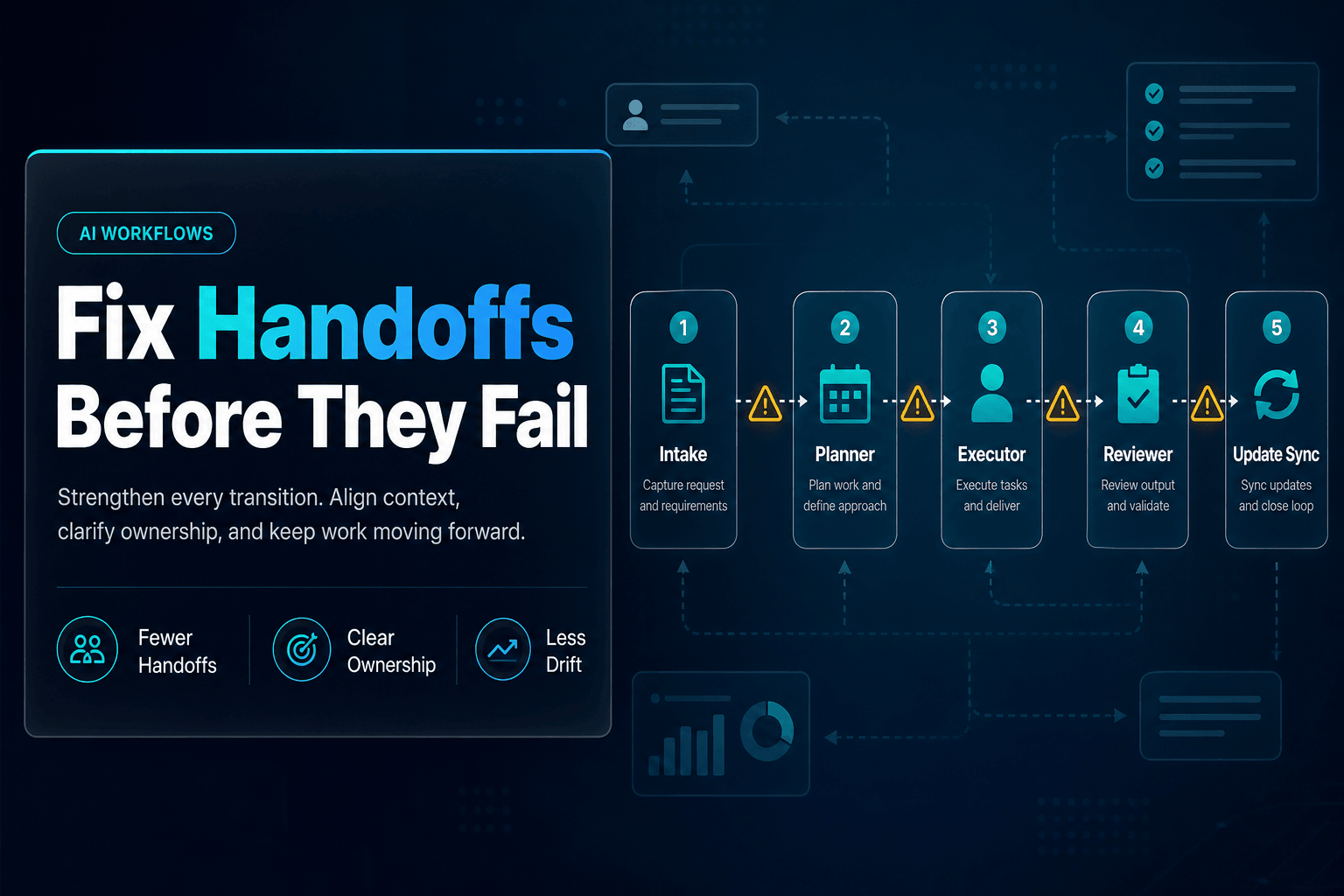
Most workflow errors do not start with a bad answer. They start with a bad handoff.
One agent pulls account context. Another drafts a reply. A third updates the system. Somewhere in the middle, a customer ID is missing, the wrong opportunity record gets matched, or a confidence score never gets passed forward. The result is not dramatic. It is worse. It looks plausible.
That risk grows as adoption scales. In McKinsey’s 2025 State of AI research, 23% of respondents said their organizations were already scaling an agentic AI system, while another 39% said they were experimenting with AI agents. More workflows mean more handoffs, and more handoffs mean more places to quietly lose context.
What helps is forcing every agent transition to carry structured state, not just natural language. Pass record IDs, status labels, confidence thresholds, next-step flags, and source references. If you rely on free-form summaries alone, you are asking for silent failure.
This is also why structured data is the secret ingredient in better AI automations. Agents are far more reliable when they can read and update clean fields instead of playing telephone with paragraphs.
4. Giving agents tool access like it's Halloween candy
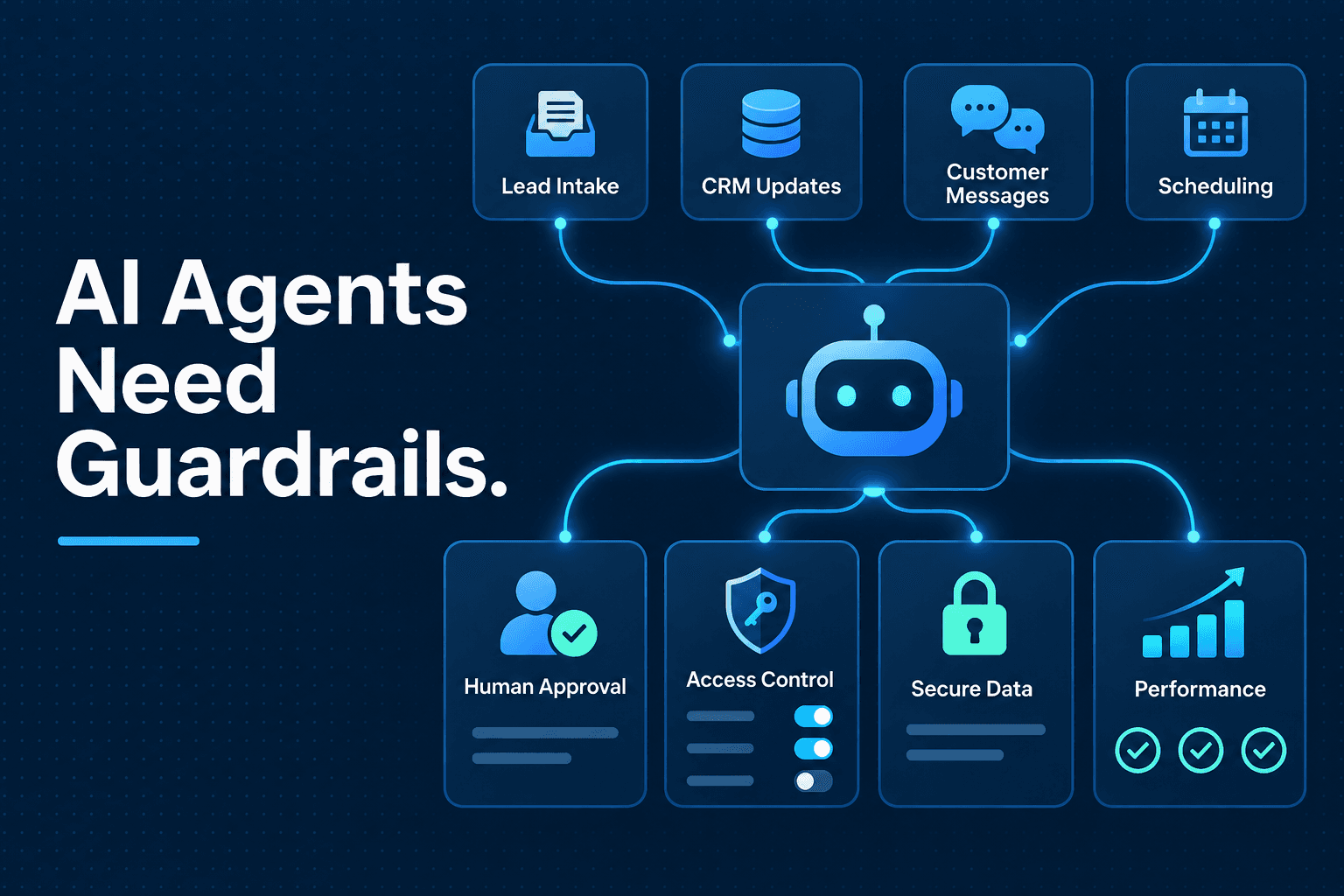
A multi-agent workflow does not need unlimited access to everything. It needs the minimum access required to finish the task.
That sounds obvious. It is not how most early deployments are built. Teams often wire every agent into the CRM, inbox, internal docs, spreadsheets, and scheduling tools because it feels faster during setup. Then one badly scoped prompt or edge case turns into duplicate records, exposed data, or unwanted outbound messages.
This is not a theoretical problem. In PwC’s July 2026 governance guidance for AI agents, the firm explicitly warns about permission laundering in multi-agent workflows and argues that each agent needs a verified identity, defined role, and task-specific permissions.
In practice, we prefer access by role:
Research agent: read docs, read web, no system writes
Routing agent: read CRM, update owner field only
Follow-up agent: draft message, require approval before send
QA agent: read workflow logs, no customer-facing actions
If an agent can do damage, it should not also be the one deciding whether damage is a good idea.
5. Waiting too long to define one source of truth
Here is a boring detail that saves projects: decide where workflow state lives before you build the workflow.
We have seen teams use Slack threads as task memory, email as approval history, the CRM as partial customer context, and a spreadsheet as the “temporary” tracker that somehow becomes permanent. Then they wonder why their Workflow Automation becomes impossible to audit.
A multi-agent system needs one operational memory layer. That might be your CRM, a ticketing system, or a structured table designed for workflow state. What matters is that agents read from it, write to it, and treat it as canonical.
This is also why structured operational memory matters more than clever agent prompts. Agents should read and write to a controlled set of fields for leads, tickets, research items, or workflow status, not invent state in chat history. If you want the revenue-side version of that idea, how to design a lead routing system that sends every prospect to the right person shows why ownership and state tracking matter more than fancy routing logic.
The workflow should always be able to answer one simple question: what is the current state, and who changed it?
6. Human review should shrink over time, not disappear on day one
A lot of teams hear “autonomous” and immediately try to remove people from the loop. That is usually how trust dies.
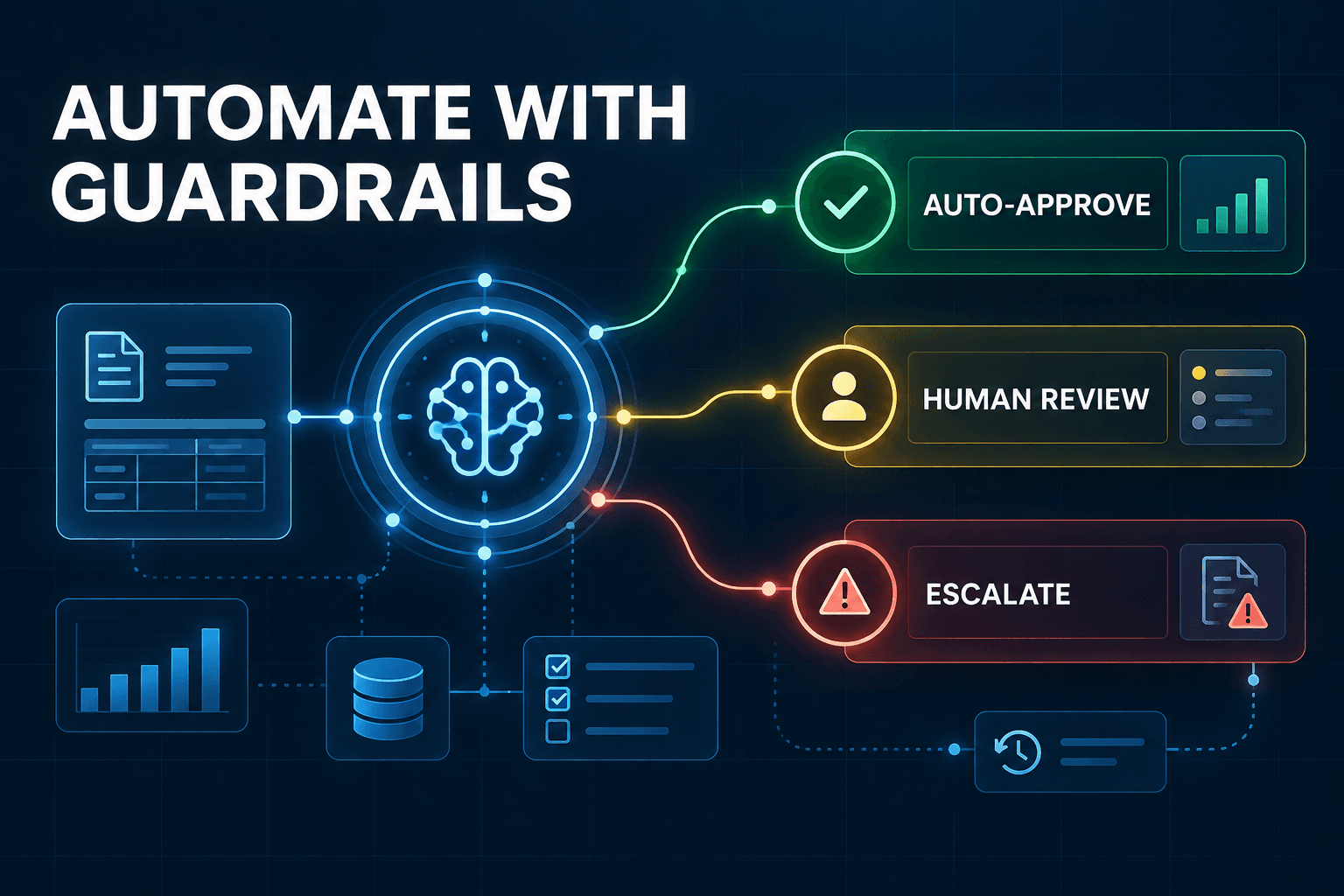
The better pattern is staged autonomy. Start with review on sensitive steps, then relax it only after the workflow proves it can behave. This is not slower. It is how you avoid deploying a machine that confidently creates admin work for your team.
Even large organizations are struggling here. IBM’s Think 2026 recap says seven in ten executives surveyed reported that inadequate AI governance was slowing their AI transformation. The issue is not whether agents are useful. It is whether anyone can trust what they are doing at scale.
A simple approval ladder works well:
| Risk level | Example action | Review rule |
|---|---|---|
| Low | Summarize call notes | Auto-approved |
| Medium | Route lead, update owner | Sample review |
| High | Send pricing, change policy status | Human approval required |
If your workflow touches lead response, Why Speed to Lead Still Wins in 2026 and How AI Helps You Get There is a good reminder that fast does not have to mean reckless.
7. Measuring "agent activity" instead of business outcomes
This one shows up in almost every weak rollout.
Teams celebrate the number of agent runs, automations triggered, or summaries generated. None of that proves the workflow is useful. A broken system can be very busy.
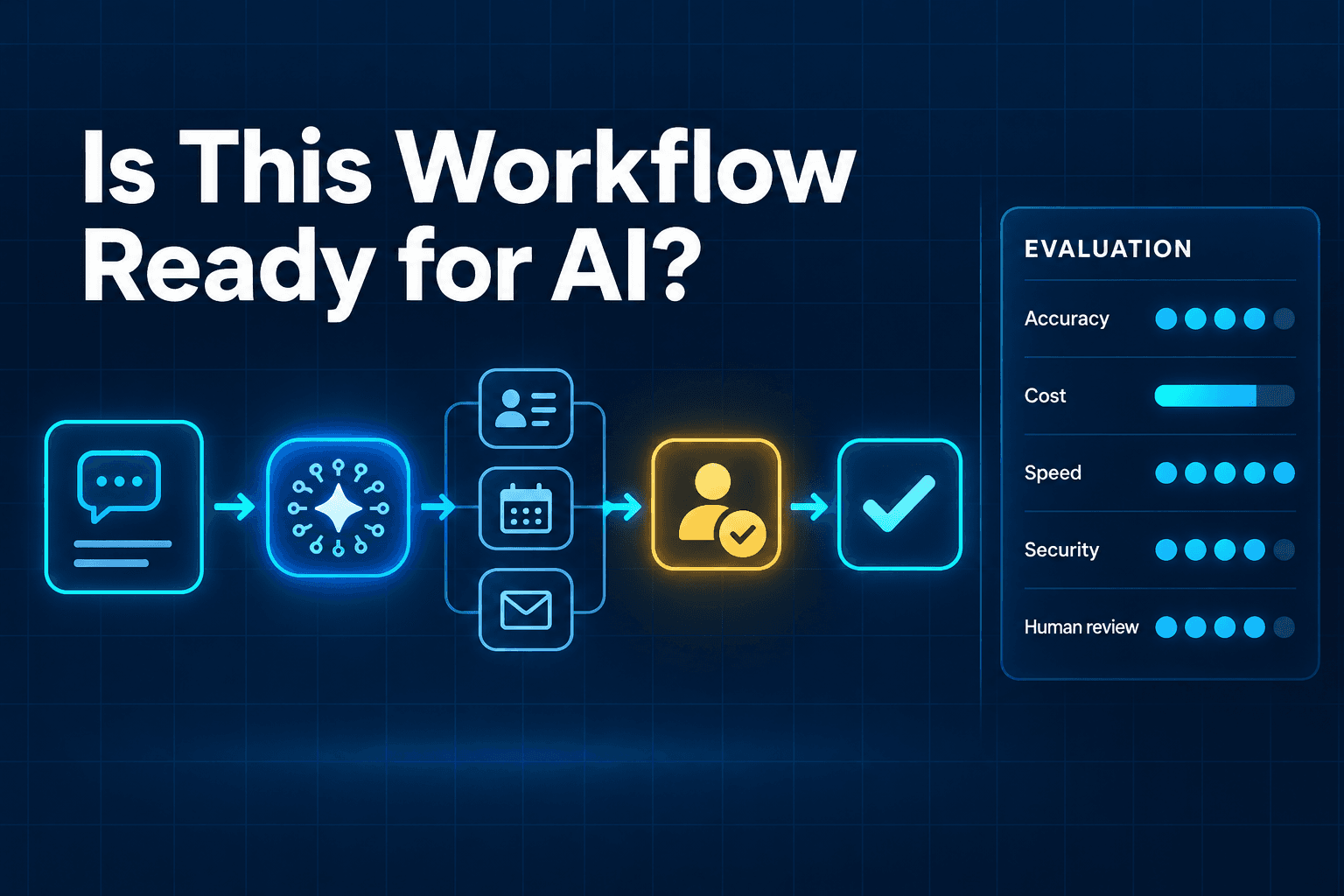
What you actually want are outcome metrics tied to the process: time to first response, qualification accuracy, manual hours saved, handoff quality, error rate, conversion rate after automation, or backlog reduction. If a multi-agent setup adds operational complexity but does not improve one of those, it is just expensive choreography.
This is also where the contrarian view matters. In Gartner’s September 30, 2025 survey on autonomous AI agents, 75% of respondents said they were piloting, deploying, or had deployed some form of AI agents, but only 15% were considering, piloting, or deploying fully autonomous agents. That gap is a hint: many teams are learning that more autonomy is not automatically the KPI that matters.
Measure what the business feels, not what the dashboard can count.
8. Building the workflow before deciding who owns the exception
The happy path gets all the attention. The exception path is where the real design work lives.
What happens when the lead score is low confidence? When two records match the same contact? When the agent cannot verify pricing from the knowledge base? When a customer asks for something outside policy? If the answer is “the system will figure it out,” the system will absolutely figure out how to create a mess.
The best Multi-agent Systems are designed around escalation just as much as automation. Each workflow needs a named human owner, a clear fallback condition, and a usable handoff package. That means the person receiving the exception gets the transcript, extracted fields, reason for escalation, attempted actions, and recommended next step.
We use a simple rule: every exception should arrive better prepared than if a human had handled the whole thing manually. If it does not, the automation is not helping.
For teams building customer-facing flows, AI Agents vs Chatbots: Key Differences, Use Cases, and the Future of Intelligent Automation is useful here because it highlights the difference between answering a question and carrying a workflow forward responsibly.
The Bottom Line
The real job in multi-agent design is not making agents look clever. It is making workflows behave.
If you avoid these eight mistakes, you end up with something far more valuable than a flashy demo. You get AI Automation with clear ownership, scoped permissions, cleaner handoffs, and business metrics that actually matter. That is what makes Lead qualification, CRM Automation, and broader operations workflows worth trusting.
If you want help building multi-agent workflows that can qualify leads, update systems, and keep humans in the loop without turning your ops stack into a science project, AI-Automated can help. We build practical agent systems for real teams, the kind that do the boring work well, which is exactly where the money is.