Voice AI for Small Business Calls
What if the biggest problem with your phone process isn’t call volume, but what happens in the first 15 seconds? For a lot of small businesses, that’s where revenue leaks out: missed calls, slow routing, bad handoffs, and follow-up notes that never make it into the CRM. That’s why Voice AI is getting real attention right now. According to HubSpot’s 2025 customer service data, 60% of consumers want companies to adopt voice AI technology, and 70% of Gen Z say they prefer to make a phone call when they’re dealing with a problem that can’t be solved easily. Voice still matters. The difference is that now it can be faster, smarter, and far less manual.
For small teams, this matters more than it does for enterprises. A national brand can afford a few dropped calls, slow callbacks, or messy notes. A five-person home services company, real estate team, or agency can’t. One unanswered inbound lead on a Tuesday afternoon can mean a lost job, a lost listing, or a lost account.
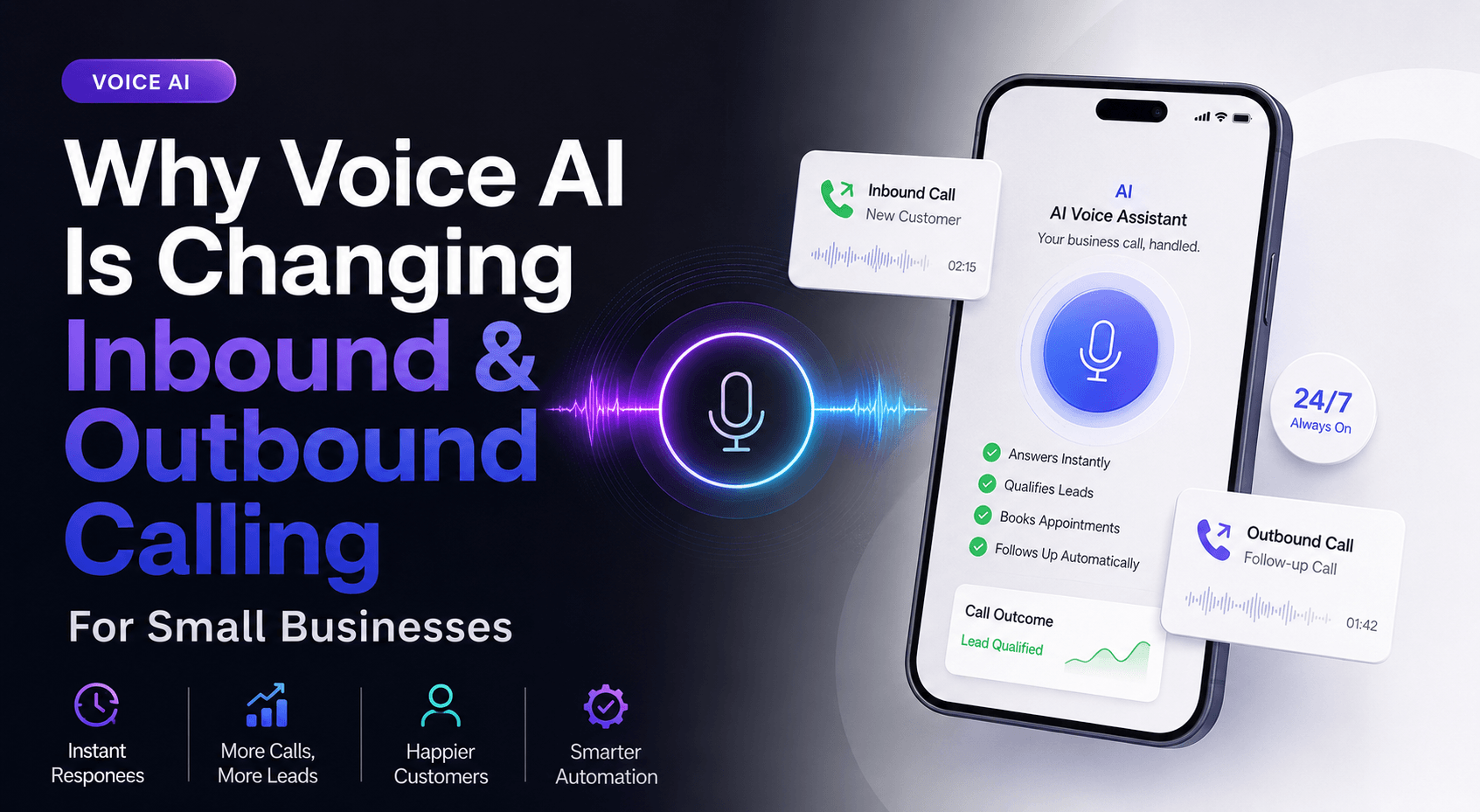
We’ve found that Voice AI works best when you stop thinking about it as a “bot that answers the phone” and start treating it like part of a broader AI Automation system. The call is only one moment. The real value comes from what happens before, during, and after it:
- answering or triaging calls instantly
- qualifying leads in real time
- booking appointments without back-and-forth
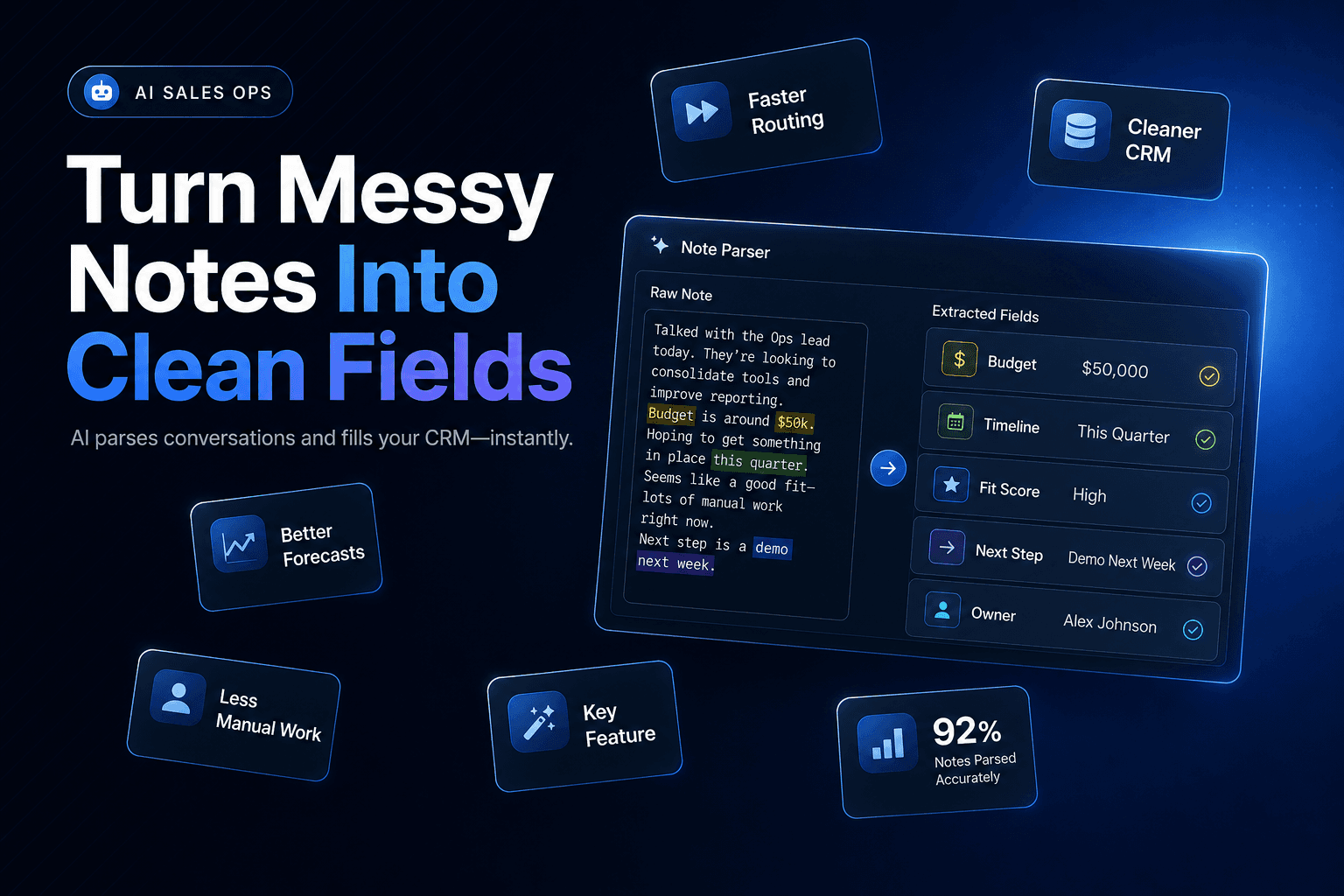
- updating records through CRM Automation
- triggering the right follow-up automatically
That’s the shift. Small businesses are no longer just adding a phone assistant. They’re redesigning how calls move through the business.
The highest-friction moment isn’t the call — it’s the handoff after it
Most owners assume their phone problem is “we miss calls after hours” or “our reps spend too much time dialing.” Sometimes that’s true. But in practice, the bigger issue is what happens after a conversation ends.
A lead calls. Someone answers. They ask decent questions. Then the details live in a notebook, a partial CRM record, or one person’s memory. By the next day, the context is gone.
That’s where Voice AI changes the economics of calling. Instead of treating a phone call like an isolated event, it captures structured data while the conversation is happening: intent, urgency, service type, objection, next step, and whether the caller is worth immediate sales attention. Dialpad’s 2025 contact center research found that 52% of agents and supervisors are already using AI-driven call summaries to improve customer satisfaction. That tells you where the near-term value is: not replacing every conversation, but reducing the admin drag around them.
For a small business, that can look like this:
- A prospect calls a roofing company after seeing a storm damage ad.
- Voice AI answers immediately, confirms the ZIP code, issue type, insurance status, and timeline.
- The system creates or updates the contact in the CRM.
- The owner gets a summary, priority score, and recommended next step before calling back.
That’s not flashy. It’s profitable.
This is also where Lead qualification gets cleaner. If you’ve already read our guide on 9 tools to automate lead qualification, the same principle applies here: the point isn’t to automate judgment; it’s to make sure the next human starts with context instead of guesswork.
Don’t send every caller to a human right away
A lot of small businesses still treat every incoming call like it deserves the same path. That sounds customer-friendly, but it creates a mess. High-intent buyers wait behind billing questions. Existing clients get bounced around. Staff spend peak hours answering calls that should have been resolved in one minute.
Voice AI works best when it acts as a front-line filter.
Zendesk’s 2025 CX Trends research found that 61% of consumers expect more personalized service with AI. That expectation matters because it changes what “good automation” looks like. People don’t want a longer menu. They want faster resolution and a sense that the system understands why they called.
For small businesses, smart routing often beats full automation. We’ve seen the most practical results when Voice AI handles narrow, high-frequency tasks such as:
- screening new leads by service area, budget, or timeline
- routing existing customers to support or account management
- handling appointment confirmations and reschedules
- collecting intake details before a rep joins the call
- sending missed-call text follow-up when no one picks up
The non-obvious win is that your human team becomes more available for calls that actually need them.
A real estate team, for example, doesn’t need agents manually answering every sign-call question. Voice AI can ask whether the caller wants to buy, sell, or schedule a showing; collect timeline and financing status; then route only serious conversations to the right agent. That’s much closer to an AI Agent than a traditional IVR tree.
If inbound lead response is a bottleneck, our article on 10 ways to use AI agents for inbound lead follow-up goes deeper on how to connect these calls to downstream follow-up.
Outbound calling gets better when AI does the prep, not just the talking
Outbound is where a lot of Voice AI hype gets ahead of reality. Yes, AI voices are more natural than they were two years ago. But for small businesses, the best use case usually isn’t a fully autonomous cold-calling machine.
It’s pre-call work.
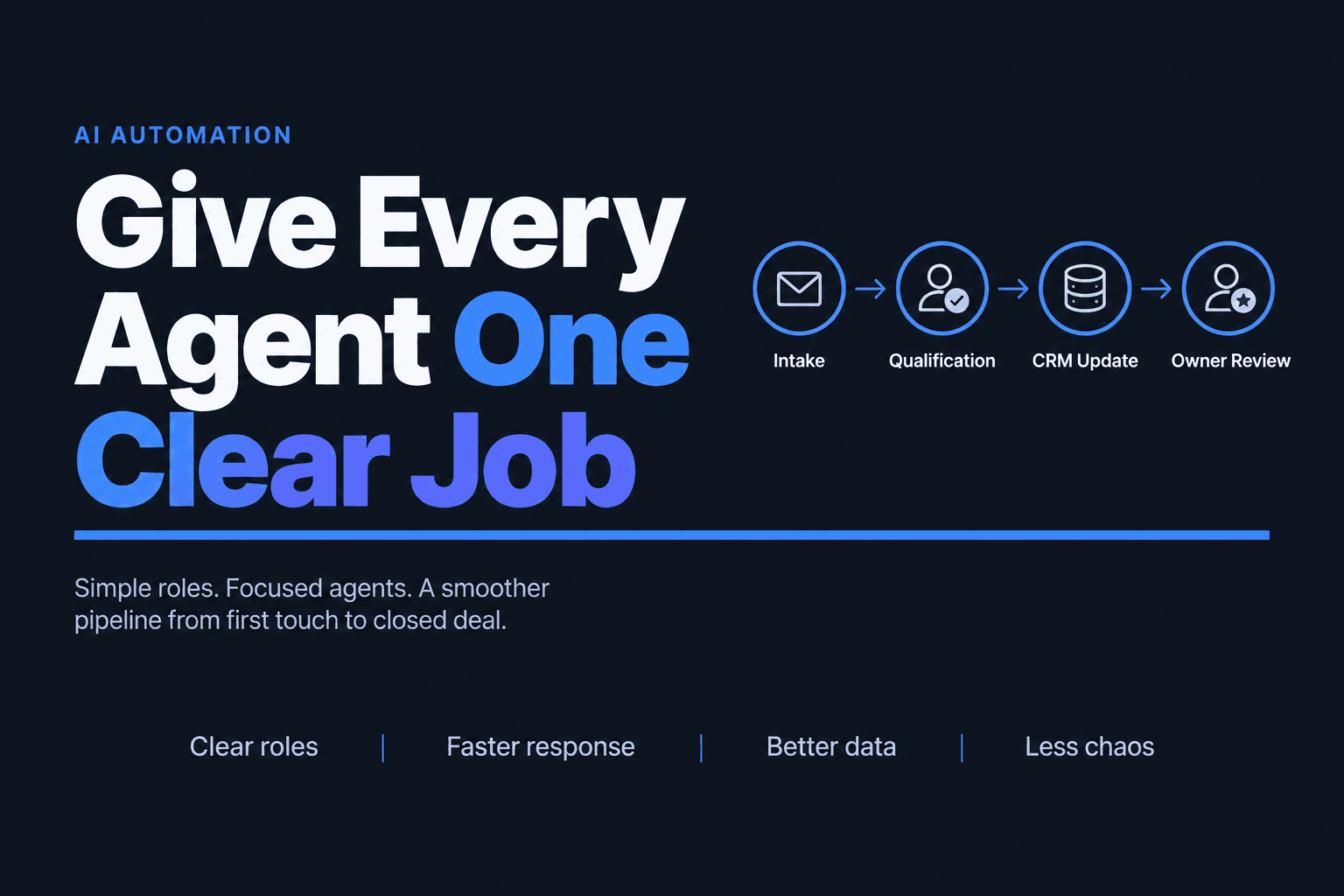
The businesses getting the best results use Voice AI and Workflow Automation to handle the repetitive setup around outbound: list prioritization, lead enrichment, voicemail drops, follow-up sequences, call summaries, and CRM updates. Then they decide where a human should step in.
That matters because phone calls still convert well in many service categories. Invoca’s 2025 benchmark report, based on more than 60 million phone calls, found a 22% call conversion rate in business services. If phone calls are already one of your highest-intent channels, improving the workflow around them can have a direct revenue impact.
Here’s a more useful outbound stack for a small team:
StepWhat AI handlesWhat humans handleList prepenrichment, deduping, priority scoringapproving segmentsFirst touchvoicemail, callback scheduling, simple qualificationnuanced conversationsLive assisttranscription, objection prompts, note captureclosing and relationship-buildingAfter callsummaries, tasks, CRM updates, nurture triggerscustom follow-up for top accounts
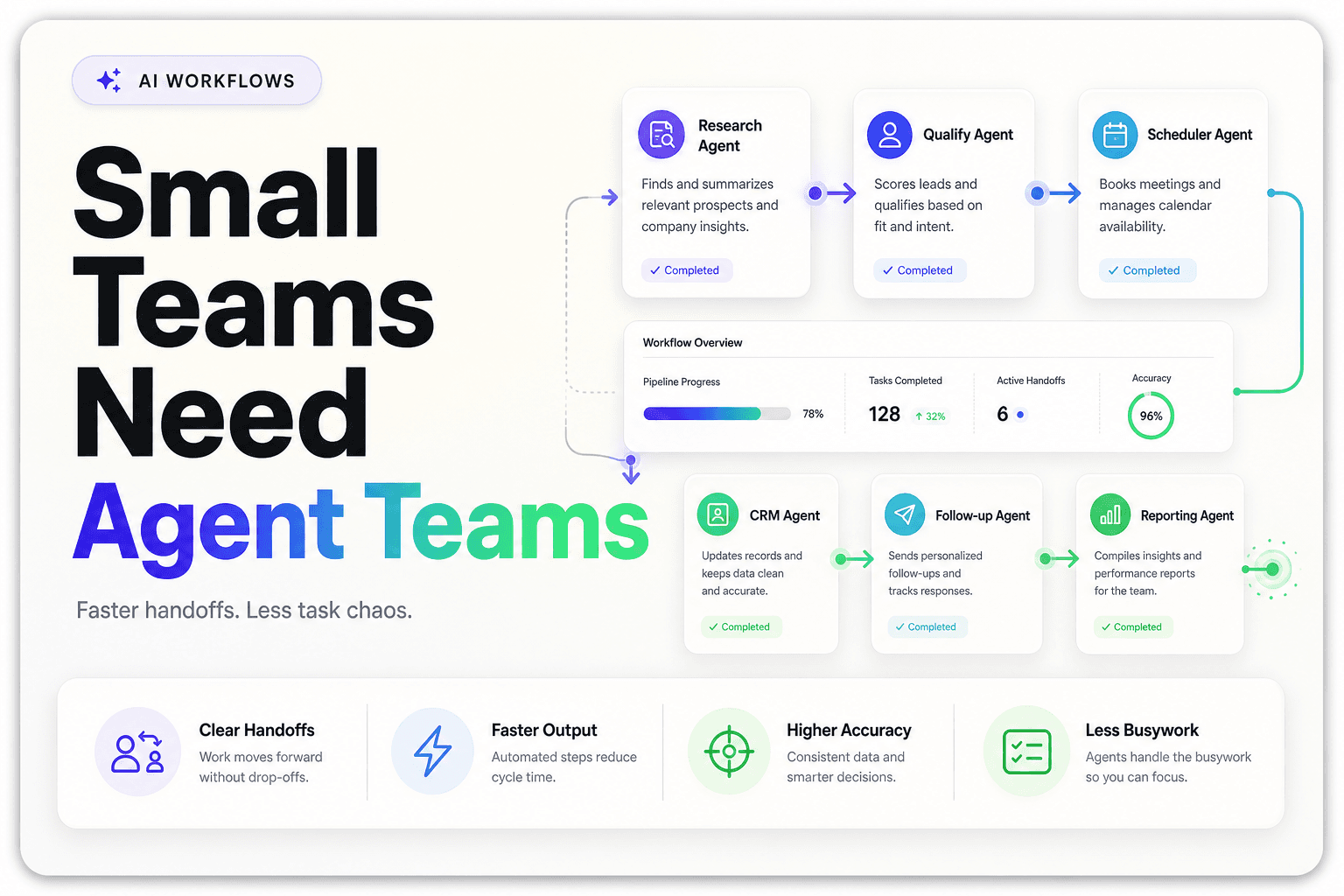
This is where Multi-agent Systems start to become practical. One agent qualifies. Another updates the CRM. Another triggers text or email follow-up. The voice layer is just one part of the workflow.
For agencies and sales teams, that’s a much stronger operating model than trying to replace reps with a single talking bot.
Here’s what actually goes wrong with Voice AI deployments
The contrarian view: most Voice AI problems are not voice problems.
They’re workflow problems, data problems, and expectation problems.
Salesforce’s 2026 service research says 66% of customer service organizations now use agentic AI, but consumer trust is still limited, with just 44% of consumers trusting AI to handle their customer service needs. Adoption is moving fast. Trust is not keeping pace.
That gap explains why weak implementations backfire. Qualtrics reported in 2025 that nearly one in five consumers who used AI for customer service saw no benefits from the experience, and AI-powered customer service fails at a much higher rate than other AI tasks.
What actually breaks?
1. The AI has no business context
If your phone agent can’t see service areas, appointment inventory, lead source, or customer status, it will sound competent while doing dumb things.
2. Teams automate the wrong calls
Billing lookup? Good candidate. Appointment rescheduling? Usually good. Sensitive complaints, negotiation, or complex sales discovery? Usually not.
3. The handoff is clumsy
Nothing kills trust faster than making someone repeat everything to a human because the summary, transcript, or routing didn’t carry over.
4. Owners expect magic from one tool
Voice AI alone rarely fixes response-time problems. It needs to connect to calendars, CRMs, ticketing systems, and follow-up workflows.
Gartner’s 2025 service survey also found that while many leaders are exploring customer-facing AI, only 35% of customers whose last service interaction was by phone say they’re willing to adopt a generative AI digital assistant. That’s a useful reality check. The phone channel is still powerful precisely because people trust it.
So the goal isn’t “replace the phone with AI.” It’s to make the phone experience sharper without making it feel cheaper.
If you measure only call volume, you’ll miss the payoff
Small businesses often track the wrong numbers when they roll out Voice AI. They watch call counts, pickup rates, maybe talk time. Those matter, but they don’t tell you whether the system is improving operations.
The better question is: did the call create momentum?
In practice, we look for operational metrics that connect phone activity to pipeline movement and service speed:
- speed to first answer
- percentage of calls routed correctly on the first try
- qualified appointments booked from inbound calls
- post-call admin time per rep
- CRM completion rate within 5 minutes of call end
Those are the metrics that show whether CRM Automation and voice workflows are doing useful work.
McKinsey’s 2025 global AI survey found that 23% of organizations are already scaling agentic AI in at least one business function, with another 39% experimenting. The companies seeing real gains are redesigning workflows, not just dropping AI into old ones.
For a home services company, one fewer missed call might matter. But one more qualified same-day estimate matters more.
For an agency, the meaningful metric may be how many discovery calls arrive with clean notes, source attribution, and next-step tasks already logged.
For a real estate team, it may be how many listing inquiries are routed correctly on the first interaction instead of getting buried in a shared inbox.
That’s the bigger point: Voice AI isn’t just a call-center feature. It’s part of a system for moving leads, customers, and tasks through the business with less friction.
The small-business advantage is speed, not scale
Big companies usually adopt Voice AI to reduce contact center cost. Small businesses should use it for a different reason: speed.
You don’t need to process millions of calls to get value. You need to answer faster, qualify better, and make sure every important conversation turns into action. That’s where Voice AI becomes practical. It gives a lean team the ability to respond like a larger operation without hiring just to cover phones, update records, and chase follow-up.
The businesses that get the most from it are usually the ones with clear call patterns: missed inbound leads after hours, repeated scheduling calls, slow callback loops, or sales reps buried in note-taking and CRM cleanup. Those are solvable problems. And they’re solvable with a mix of Voice AI, AI Agents, and connected Workflow Automation, not with a generic phone bot dropped into the middle of a broken process.
At AI-Automated, we build systems like this for businesses that need practical automation, not demos. If you want to turn inbound and outbound calling into a cleaner, faster revenue workflow, we can help you design the right mix of voice, lead routing, and CRM integration for your business.