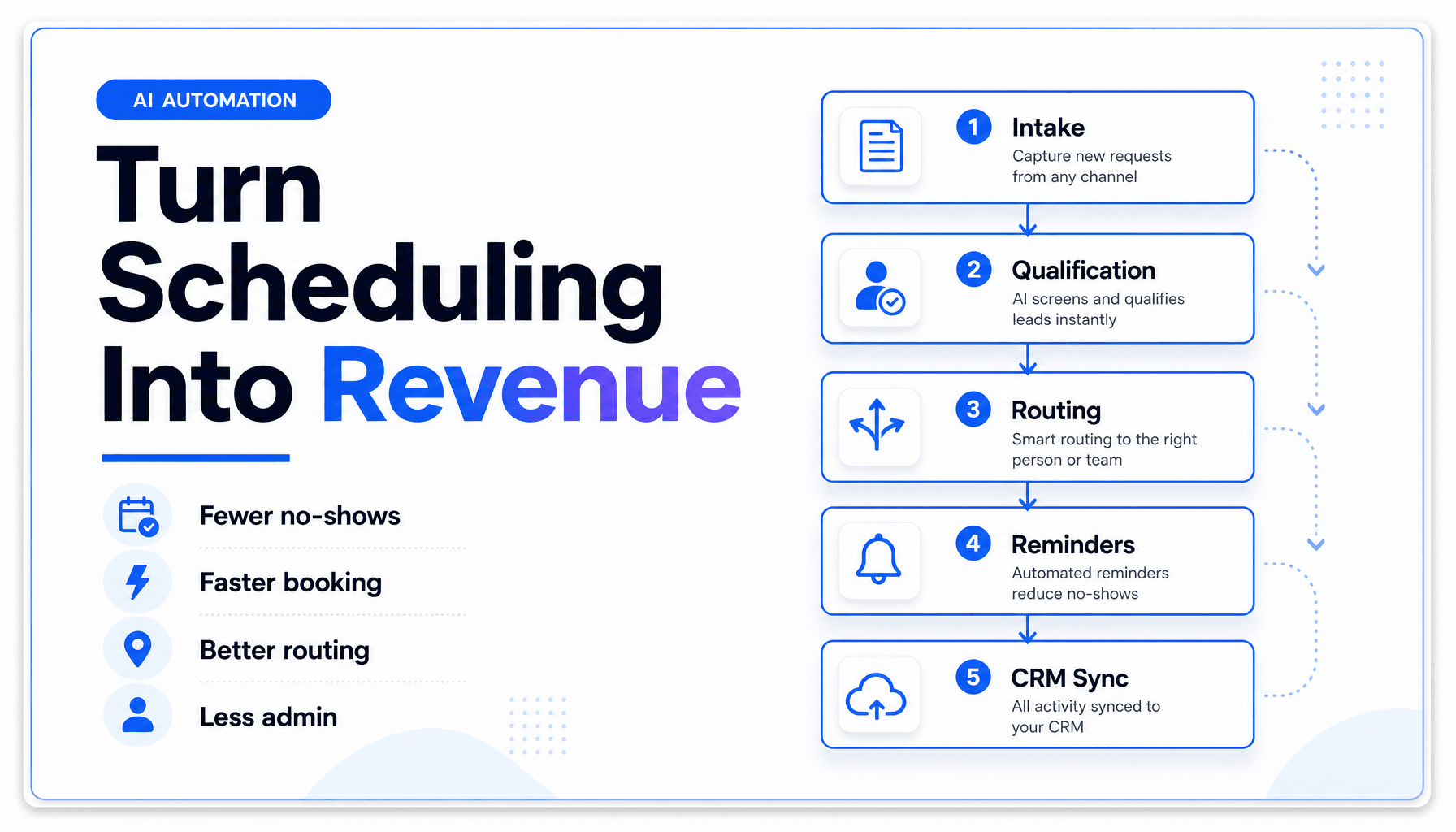
AI Agents for Appointment Booking and Calendar Automation: A Complete Business Playbook
What You’ll Learn
- What AI Agents actually do in appointment booking and calendar automation, beyond a basic scheduling link
- Where teams lose money in the booking flow, and why the problem usually starts before the calendar invite
- How to design a booking workflow that handles intake, qualification, routing, reminders, reschedules, and CRM updates
- Which use cases fit Voice AI, chat, forms, and human handoff
- The most common failure points, including over-automation, bad routing, and messy calendar logic
- A practical rollout plan for small businesses that want Workflow Automation without turning the front desk into a science project
Most booking articles treat scheduling like a calendar problem. In practice, it’s an operations problem with a calendar attached.
A prospect calls after hours. A current customer wants to reschedule. A high-value lead fills out a form but books the wrong appointment type. Someone cancels, nobody backfills the slot, and now you’ve got dead air on the schedule and staff wondering why Tuesday went weird.
That’s where AI Automation gets interesting. Not because an AI can place a meeting on a calendar. Your software could already do that in 2019. The real value is in building AI Agents that can handle the messy parts around the booking itself: intent capture, lead qualification, routing, reminders, follow-up, rescheduling, and CRM Automation.
The timing makes sense. In a 2026 consumer survey, 78% of customers said they prioritize the fastest resolution over using their preferred channel in Verint’s State of Customer Experience 2026. Separately, 66% of customer service organizations report adopting AI agents in 2026, up from 39% in 2025, and 70% say they saw measurable value within 60 days in Salesforce’s State of Service: AI Agents Edition coverage. Customers want speed. Teams want less admin. Booking is where those two demands collide.
The highest-friction moment usually happens before the booking link
A lot of missed appointments are really missed decisions.
A booking form does not qualify intent
If someone lands on your site and books a slot, that doesn’t mean they booked the right slot. We’ve found the first hidden failure is mismatch: wrong service, wrong team member, wrong duration, wrong urgency, wrong location, wrong expectation.
That’s why AI Agents beat static forms in appointment-heavy businesses. An intake agent can ask follow-up questions, classify the request, and decide whether the next step should be a booking link, a phone call, a waitlist, or a human review. If you’re already thinking about broader routing logic, how to build an AI lead intake system that routes, scores, and responds automatically is the adjacent playbook.
Speed matters more than channel purity
Customers do not wake up wondering whether your process is “chat-first” or “calendar-first.” They want to get scheduled without friction. In Verint’s 2026 CX research, 69% said they would switch to automated service if it fully resolved their issue. That’s the important caveat: if it resolves the issue.
For booking, that means your automation cannot stop at “Here’s our calendar.” It needs to finish the job.
Dead time compounds faster than teams realize
A single unfilled cancellation slot looks small. Ten a week becomes a utilization problem. In healthcare, a 2025 before-and-after study covering 135,393 appointments found that an AI-driven no-show workflow cut no-show rates by 50.7% and reduced patient wait times by 5.7 minutes on average in JMIR Formative Research. Different industry, same lesson: once you use prediction and workflow logic around scheduling, the calendar performs better.
Don’t automate the calendar first, automate the decisions around it
The calendar is the last mile. The workflow starts earlier.
What an appointment-booking agent actually does
A useful booking agent handles a chain like this:
New inquiry arrives
→ classify request
→ identify customer or lead
→ ask missing questions
→ check service rules and availability
→ offer the correct slot options
→ confirm booking
→ write to CRM
→ trigger reminders
→ monitor for reschedule or no-show risk
→ escalate edge cases to a human
That’s not a chatbot with a date picker. That’s Workflow Automation with judgment gates.
If your team is already moving toward specialized systems, The Complete Guide to Multi-Agent AI Systems for Small Business Operations is useful context for splitting intake, action, and QA into separate roles.
One agent is fine, until the workflow branches
Simple booking flows can work with one agent. The moment you add multiple appointment types, priority routing, or staff constraints, a single do-everything agent gets sloppy.
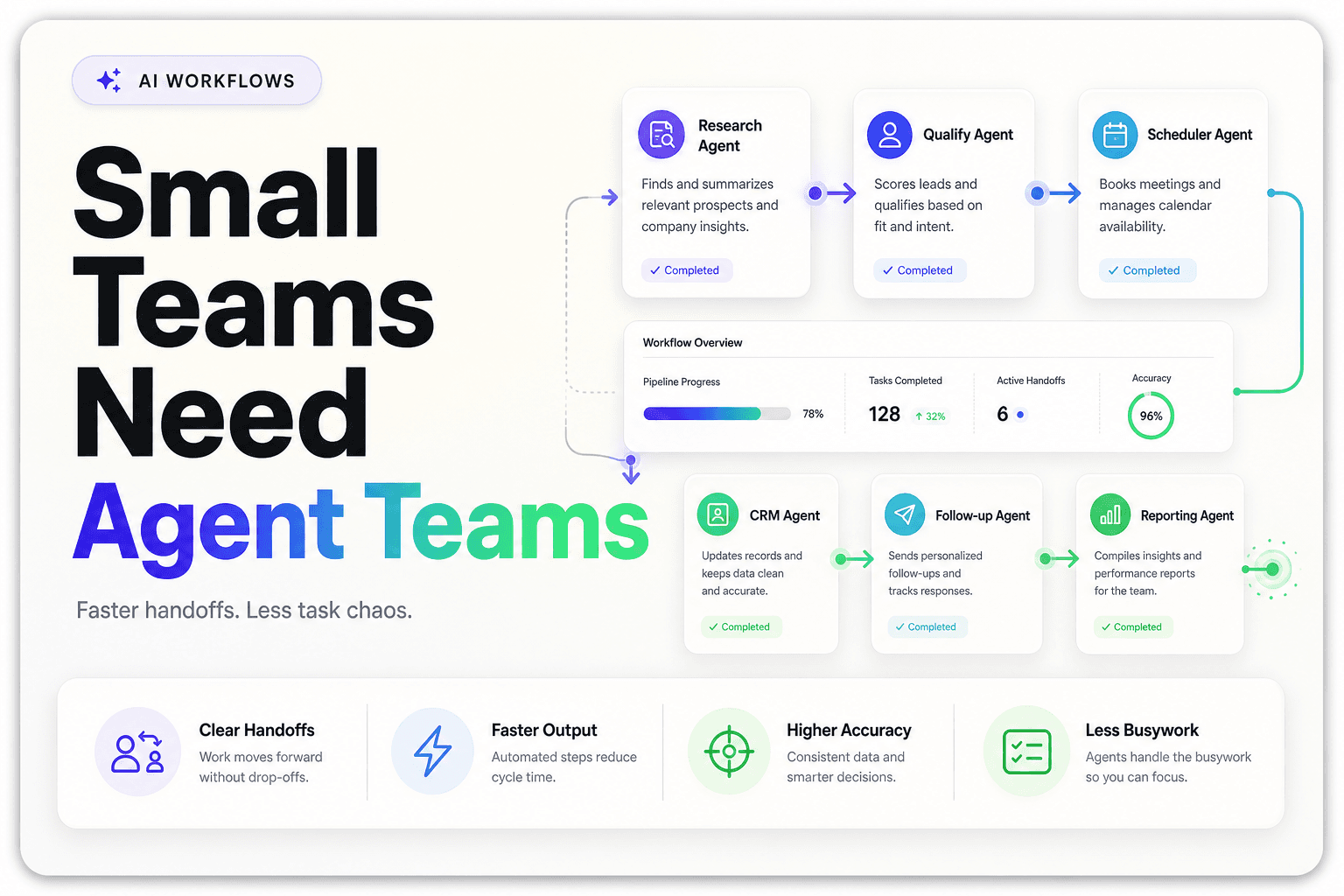
We usually break the work into roles:
| Agent role | Job | Why it matters |
|---|---|---|
| Intake agent | Captures reason, urgency, location, service type | Prevents wrong-slot bookings |
| Qualification agent | Checks fit, account status, lead quality, or prerequisites | Stops low-quality or ineligible bookings |
| Scheduling agent | Reads calendar rules and offers valid times | Reduces double-booking and bad routing |
| Action agent | Writes to CRM, calendar, email, SMS, and task systems | Keeps records synced |
| QA or review agent | Flags low-confidence cases for human handoff | Protects customer experience |
This is also where tool access matters. If the agent can’t read your calendar, CRM, and service rules safely, it can’t do much beyond sounding polite. That’s the whole point behind what the Model Context Protocol is and why it matters for AI workflows.
The boring rules are what make it work
In practice, the strongest booking systems are not the most “intelligent.” They’re the most constrained.
Good systems know things like:
- appointment type A requires 45 minutes
- appointment type B can only be handled by licensed staff
- same-day slots should only appear for urgent issues
- virtual consults should not route to field staff
- existing clients should skip questions new leads must answer
- reschedules inside 24 hours need a different policy
This is where most failed AI booking projects faceplant. The model is not the main problem. The missing operating rules are.
Self-service is great, right up until people book the wrong thing
Here’s the mildly contrarian bit: more self-scheduling is not automatically better.
Self-scheduling works best when the menu is narrow
A 2025 study in Frontiers in Digital Health found that online appointment scheduling improves flexibility and can reduce no-shows, but also notes that outcomes depend on the booking context and implementation details in Efficient patient care in the digital age. Translation: self-service is helpful, but it is not magic.
We’ve found self-booking performs best when one of these is true:
- the service is standardized
- the qualification logic is simple
- the customer already knows what they need
- the downside of a wrong booking is low
If none of those are true, a pure booking page is too blunt an instrument.
More booking freedom can create more operational cleanup
Teams love the idea of “let people book anything, anytime.” Front-desk staff usually hate living with the consequences.
Common cleanup work after overly open self-scheduling includes:
- changing appointment types manually
- moving bookings to different staff
- chasing missing intake details
- fixing time-zone issues
- reconciling duplicates in the CRM
- explaining why the booked service wasn’t actually available
If your pipeline data is already messy, this compounds quickly. That is why using AI agents to clean up CRM data automatically becomes surprisingly relevant to scheduling operations.
Voice beats forms in a few high-friction cases
Not every booking should start with a form. Voice AI tends to outperform static workflows when:
- callers are mobile and in a hurry
- the business gets after-hours inquiries
- older or less tech-comfortable customers dominate
- urgency needs to be detected in real time
- the team loses leads from missed calls
For those cases, the booking system should start with a conversation, not a page. Why Voice AI is becoming the first layer of customer communication and 8 ways to use Voice AI to cut missed calls in a small business both map well to the intake side of scheduling.
If reminders are generic, you’re automating noise
Most reminder systems are too simple for the problem they’re trying to solve.
Not all appointments have the same no-show risk
A first consult, a repeat service, and a high-ticket sales demo should not get the same reminder flow. Different booking types carry different risk, lead time, and reschedule behavior.
The strongest systems vary reminders based on:
- customer status
- appointment type
- days between booking and appointment
- prior no-show history
- channel preference
- whether confirmation is required
That 2025 JMIR no-show study is useful here because it shows the gain did not come from reminders alone. It came from identifying high-risk appointments and managing them differently.
Rescheduling should be easier than disappearing
A lot of “no-shows” are really “I meant to cancel and forgot.” If rescheduling is annoying, people ghost the appointment instead.
Your reminder flow should make three actions equally clear:
- confirm
- reschedule
- cancel
And each action should trigger downstream automation:
- calendar update
- CRM note
- staff notification
- waitlist backfill
- follow-up sequence if needed
If reschedules are a recurring pain point, 6 ways to automate appointment rescheduling without losing the human touch goes deeper on the recovery side.
Waitlists are one of the easiest hidden ROI wins
This gets overlooked constantly. If someone cancels, the workflow should not stop at “slot reopened.” A capable agent can identify who is eligible, send an offer, confirm the replacement booking, and update the record.
For service businesses with dense schedules, that one step often creates more ROI than the original booking widget.
The real build is not “calendar automation,” it’s system choreography
Once you automate booking properly, you’re really orchestrating systems.
Your booking stack needs shared context
A booking agent usually needs access to:
- calendar availability
- service catalog and rules
- CRM records
- lead source data
- messaging tools
- staff schedules
- forms or intake answers
- payment or deposit logic, if applicable
If those systems don’t talk, humans become the integration layer. That’s expensive and weirdly common.
CRM Automation is not optional here
If a booking gets created but the CRM stays stale, the team loses context immediately. Reps call without history. support follows up blindly. attribution gets muddy. This is why CRM Automation should be part of the booking workflow, not an afterthought.
A clean sequence often looks like this:
Booking confirmed
→ contact matched or created in CRM
→ source and campaign logged
→ appointment type written to timeline
→ owner assigned
→ reminder sequence activated
→ post-appointment follow-up queued
For lead-heavy teams, this also connects directly to why speed to lead still wins in 2026 and how AI helps you get there. Booking is often the first real conversion event, not just admin.
Human handoff should be designed, not improvised
Good handoff means the human gets context, not homework.
When the automation cannot safely continue, it should pass along:
- who the person is
- what they asked for
- what the system already checked
- why the handoff happened
- recommended next step
That’s the difference between an assistant and an annoyance.
The best booking automations start smaller than most vendors suggest
You do not need to automate every booking path on day one. Please don’t. That’s how teams end up with a haunted calendar.
Start with the easiest high-volume path
Pick one workflow with these traits:
- frequent
- repetitive
- rule-based
- costly when delayed
- low legal or compliance risk
Examples:
- discovery calls for agencies
- estimate appointments for home services
- intro consults for professional services
- demo booking for SaaS
- repeat appointment reschedules for existing customers
Then measure it hard.
Use a scorecard that cares about operations, not novelty
Before rollout, define success in plain English:
| Metric | Why it matters |
|---|---|
| Time to confirmed booking | Shows whether the workflow actually reduces friction |
| Booking completion rate | Tells you if people finish the process |
| Wrong-slot rate | Exposes bad qualification logic |
| Reschedule rate | Helps identify weak timing or unclear expectations |
| No-show rate | Reveals reminder and confirmation quality |
| Manual touches per booking | Measures real admin savings |
| CRM completion rate | Checks whether data is actually usable downstream |
If you cannot measure those, you cannot prove that the automation helped.
Expect governance to matter earlier than you think
Even SMB teams need a few rules:
- which bookings can be fully automated
- what requires approval
- what data the agent can read and write
- who owns the workflow
- how failures are reviewed
We’ve found most “AI problems” in scheduling are really ownership problems. Nobody knows who sets the rules, so the system drifts.
Free tool
What is slow follow-up actually costing you?
Set your lead volume, deal value, and response time. Our Lost Revenue Calculator shows the monthly and annual leak in real time, then breaks it down by speed vs. persistence so you know where to fix first.
Run the free calculatorKey Takeaways
- AI Agents for booking are most valuable when they handle intake, routing, reminders, reschedules, and CRM Automation, not just slot selection.
- The main failure in scheduling is usually bad decision-making before the booking happens, not the calendar itself.
- Self-service works best when services are simple and constraints are clear. Open-ended booking menus often create more cleanup than they save.
- Voice AI is especially useful for missed-call recovery, urgent intake, and after-hours appointment capture.
- Strong appointment automation depends on explicit business rules, shared system context, and measurable KPIs.
- The smartest rollout is narrow, high-volume, and heavily measured, not “automate everything” on week one.
Appointment booking automation is easy to underestimate because it looks operationally boring. That’s exactly why it matters.
When booking works, leads get routed faster, calendars stay fuller, staff spend less time fixing preventable errors, and customers stop bouncing off your process. When it doesn’t, the front desk becomes your unofficial middleware and everyone quietly blames “scheduling” for problems that are really workflow design failures.
If you want to build a booking system that does more than send calendar links, AI-Automated helps businesses design AI Automation workflows with AI Agents, Voice AI, and Multi-agent Systems that qualify leads, book the right appointments, keep CRMs clean, and hand off edge cases without chaos. If that sounds like your kind of boring, practical win, let’s talk.