How to Build an AI Voice Receptionist That Actually Sounds Helpful
What happens when your phone answers every call, but still makes people want to hang up?
That is the trap with a lot of AI voice receptionist projects. They technically work. They also sound like a beige IVR menu got access to a language model. In 2026, that is not good enough. Zendesk research found 65% of customers say voice AI improves phone interactions, which is promising, but only if the experience actually feels useful. Helpful is the keyword. Not flashy. Not “human-like.” Helpful.
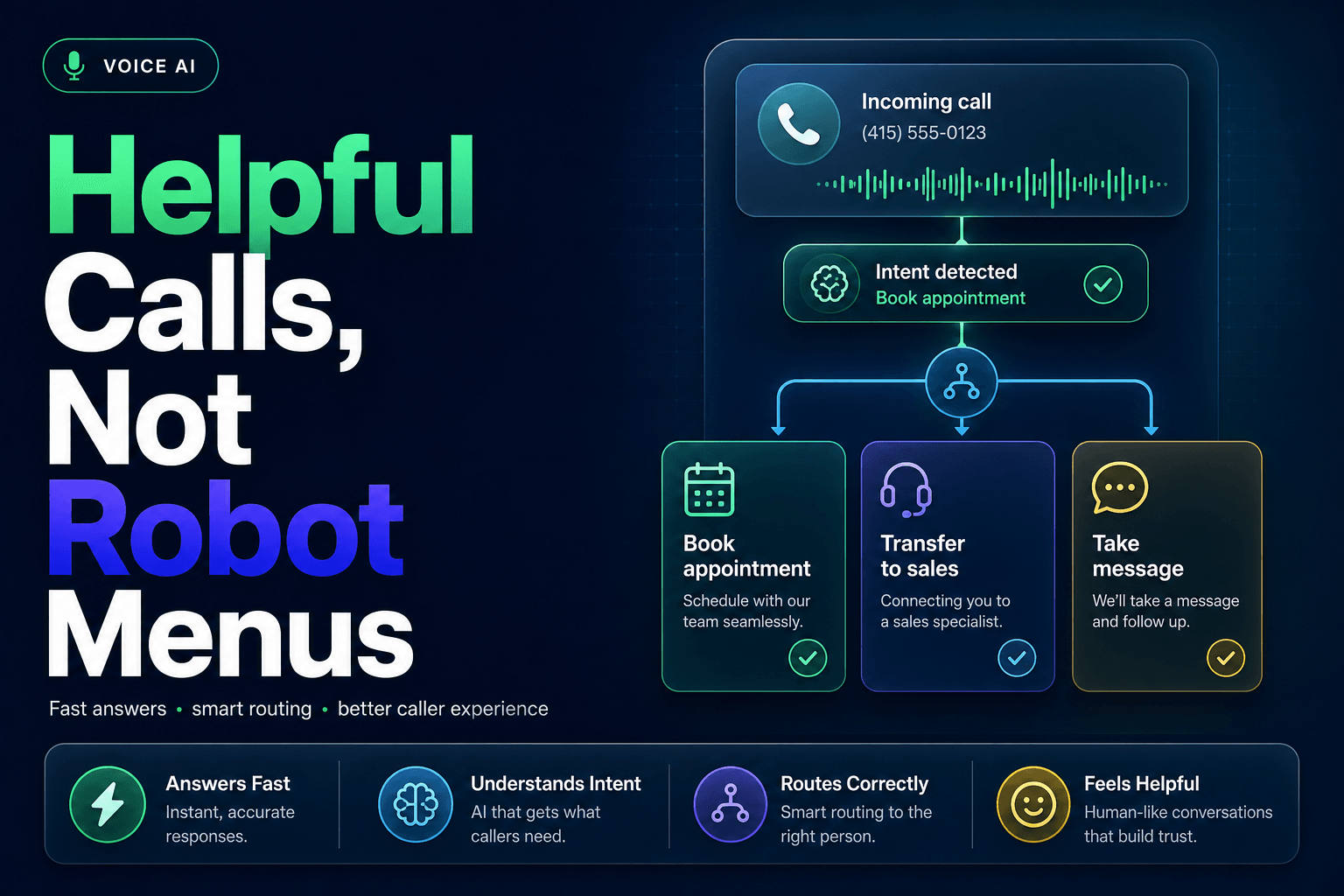
If you are building an AI voice receptionist for a small business, agency, clinic, or real estate team, the goal is simple: answer fast, understand intent, route correctly, and leave the caller feeling like the business has its act together. We’ve found the best systems do not try to impress people with personality first. They reduce friction first.
Sounding human is overrated, sounding clear is not
A lot of teams obsess over whether the receptionist sounds realistic. Meanwhile, the caller is just trying to book an appointment, check if you serve their area, or talk to the right person before they lose patience.
That priority mismatch matters. In Verint’s 2025 State of Customer Experience report, 56% of customers said getting information quickly is the most critical part of good CX, and customers were four times more likely to rank speed as essential than empathy. That does not mean tone is irrelevant. It means speed, clarity, and clean handoff are carrying more weight than a perfectly polished synthetic voice.
What actually helps:
- short opening lines
- clear options without menu-speak
- confident answers to common questions
- fast transfers with context attached
- a graceful fallback when the system is unsure
What usually hurts:
- overexplaining
- fake enthusiasm on every response
- asking callers to repeat information already provided
- pretending to know an answer instead of escalating
A strong opener is boring in the best way. “Thanks for calling BrightPath Dental. I can help with scheduling, insurance questions, or getting you to the right person.” That works. It tells the caller what can happen next. It does not sound like a robot reading a mission statement.
If you want the broader phone workflow to hold up after the greeting, our guide on why Voice AI is becoming the first layer of customer communication breaks down what has to happen after hello.
The first 15 seconds decide whether the caller trusts the system
Trust forms fast on the phone. Faster than most teams expect.
If the AI receptionist rambles, misses the reason for the call, or forces someone into the wrong branch, the caller starts planning their exit. That is especially risky because inbound phone intent tends to be high. According to a RingCentral 2025 datasheet, about 1 in 5 missed calls is a potential customer ready to book, convert, or resolve something urgent. The same source says 85% of missed callers will not attempt to reach you again.
So the first seconds need structure. We usually recommend this order:
- identify the business
- state what the assistant can help with
- invite natural language, not keypad behavior
- confirm the caller’s intent in plain English
- either resolve or route immediately
Here is the pattern in practice:
"Thanks for calling Oak & Stone Property Group.
I can help with new listings, showing requests, tenant issues, or reaching our team.
What can I help you with today?"
Then the follow-up should narrow, not restart:
"Got it, you want to schedule a showing for a listing in Tampa.
Is this for today, or are you looking later this week?"
That second line matters. It proves the system heard the caller and moves the task forward. It also reduces repeat work later in the workflow. If your intake process needs tighter downstream routing, this pairs well with how to design a lead routing system that sends every prospect to the right person.
Do not give the AI every job on day one
This is where teams get ambitious and weird.
They start with “answer calls after hours,” which is sensible. Two meetings later, the AI receptionist is supposed to handle sales, support, billing, scheduling, emergency triage, cancellations, FAQs, and lead qualification in both English and Spanish, while updating five systems and sounding warm but not too warm. That is how you end up with a phone agent that fails in public.
A mildly contrarian truth: the most helpful AI voice receptionist is often narrower than the sales demo suggests.
We’ve found the best first-wave scope is usually 3 to 5 call intents, such as:
- new lead intake
- appointment booking or rescheduling
- hours, location, and service-area questions
- basic existing-customer routing
- urgent issue escalation
That narrower scope improves accuracy, keeps prompts sane, and gives you cleaner analytics. It also makes testing much easier. In Gartner’s June 2025 survey, only 35% of customers who last interacted via phone said they were willing to adopt a GenAI digital assistant. People are open to automation when it works, but they are not asking you to turn every phone interaction into an experiment.
A practical launch plan looks like this:
- Week 1: after-hours lead capture and FAQs
- Week 2: appointment requests and confirmations
- Week 3: routing by intent and location
- Week 4: CRM logging and follow-up triggers
If the business depends heavily on calendars, use the same playbook we outlined in AI agents for appointment booking and calendar automation, then layer voice on top instead of rebuilding the logic from scratch.
The voice is only half the product, the workflow does the real work
Callers do not care whether your transcription accuracy is 96% if the request disappears into a black hole afterward.
This is the part many articles skip. A helpful AI voice receptionist is not just a voice layer. It is an intake and routing system connected to real operations. If it collects a caller’s name, need, urgency, and preferred time, that information should land somewhere useful. CRM Automation is not optional here. Otherwise your team still has to replay calls, copy notes, and guess what happened.
The minimum useful workflow usually includes:
- transcript and summary pushed into the CRM
- lead qualification tags or intent labels
- ownership assignment by team, service, or geography
- follow-up task or SMS confirmation
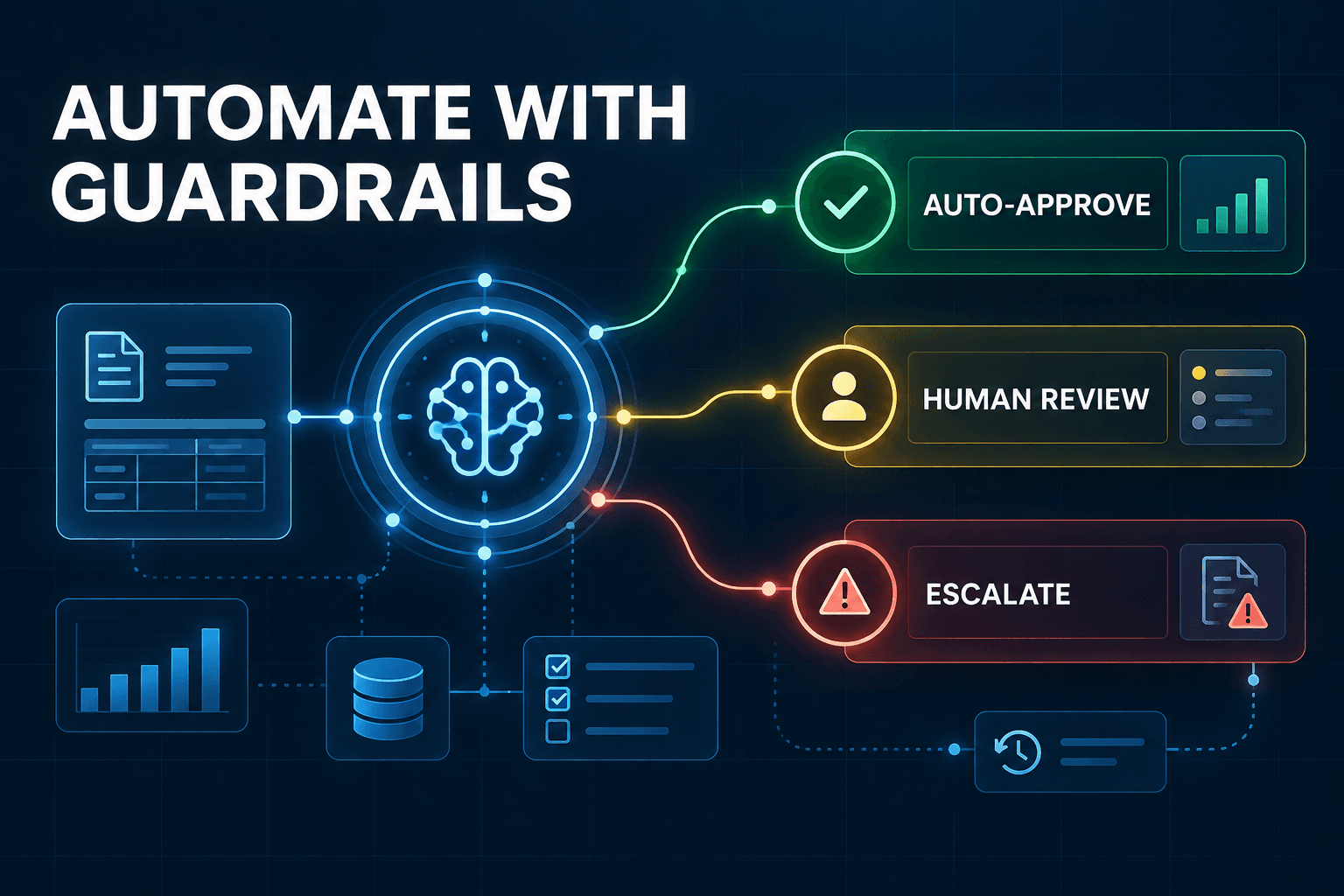
- escalation rule for uncertain or high-risk calls
For example, a home services company might route “no AC” differently from “quote for new install.” A dental office might route “severe pain” differently from “cleaning next month.” A real estate team might separate buyer inquiry, showing request, and maintenance issue before a human ever picks up.
This is exactly why we tend to connect voice flows with CRM automation for teams that hate manual data entry and how to build an AI intake system for service businesses. The call should not end as a note. It should become the next action.
If callers keep repeating themselves, your handoff is broken
Nothing makes an AI receptionist feel less helpful than a bad transfer.
The caller explains the issue. The AI says it will connect them. Then the human answers with, “Can you tell me what’s going on?” At that point, the system has turned automation into extra work. Verint’s 2025 report lists repeating themselves when transferred as one of the top customer frustrations, which tracks exactly with what we see in practice.
A good handoff needs three things:
A summary humans can scan in 5 seconds
Not a full transcript. A usable note.
Example:
Caller: Sarah M.
Intent: New patient appointment
Need: Evening cleaning, this week if possible
Insurance: Delta Dental
Urgency: Low
Requested callback: Text preferred
A reason for escalation
The AI should know why it is handing off. Not just that it failed.
Examples:
- caller asked for pricing exception
- caller sounded frustrated after second clarification
- urgent issue detected
- confidence score too low on intent classification
A next step the caller understands
“I'm connecting you to scheduling with your details so you won't need to repeat everything.”
That one line does a lot of work. It sets expectation and reassures the caller that the system was paying attention.
If you want to avoid the most common breakdowns here, 7 mistakes to avoid when deploying Voice AI for inbound calls covers the failure modes we see most often.
Measure these four things, or you are flying blind
Most teams look at answered calls and call it a win. That is a vanity metric.
A voice receptionist can answer everything and still create a quiet mess. What you want are operational metrics tied to outcomes.
Track these first:
MetricWhat it tells youHealthy signContainment rateHow often the AI resolves without handoffRising only for low-risk intentsSuccessful handoff rateWhether routed calls reach the right human with contextFew repeat explanationsBooking or lead capture rateWhether calls turn into pipelineHigher than voicemail baselineTime to follow-upWhether unresolved calls move quicklyMinutes, not next-day drift
You should also review actual call recordings weekly. Not just dashboards. We’ve found three calls with the same awkward moment can tell you more than a month of averages.
RingCentral shared customer examples where Integral Recruiting handled 93% of calls with AI, Big Think Capital freed up 10% of team time, and Owen Security made 3x more sales calls with the extra capacity. Those outcomes are useful, but only when the workflow behind them is tight. Otherwise “handled” can simply mean “picked up.”
Helpful voice systems are measurable because they move work forward, not because they sound futuristic.
An AI voice receptionist should make your business feel easier to reach, easier to understand, and easier to do business with. That usually has less to do with the voice itself than people think. The real lift comes from tight intent capture, sensible scope, clean handoff, and workflow automation that turns calls into action.
If you want to build a voice receptionist that captures leads, qualifies callers, updates your CRM, and routes requests without sounding like a hostage negotiation with an IVR menu, AI-Automated can help. We build practical AI Agents and Voice AI systems that connect to the tools your team already uses, so the phone finally starts pulling its weight.