AI Agents for Target Account Research
What if your reps walked into every first touch with a 60-second account brief instead of a blank CRM record?
That’s the real promise of AI Agents in outbound prospecting. Not “fully autonomous selling.” Not magic personalization at scale. Just a better way to handle the slow, repetitive work that happens before outreach: reviewing a company site, checking for hiring activity, identifying likely use cases, spotting bad-fit accounts, and pushing a clean summary into your CRM. That matters because buyers now do most of the early homework themselves, with 96% of prospects researching before speaking with a sales rep, while reps still only spend about two hours a day actively selling.
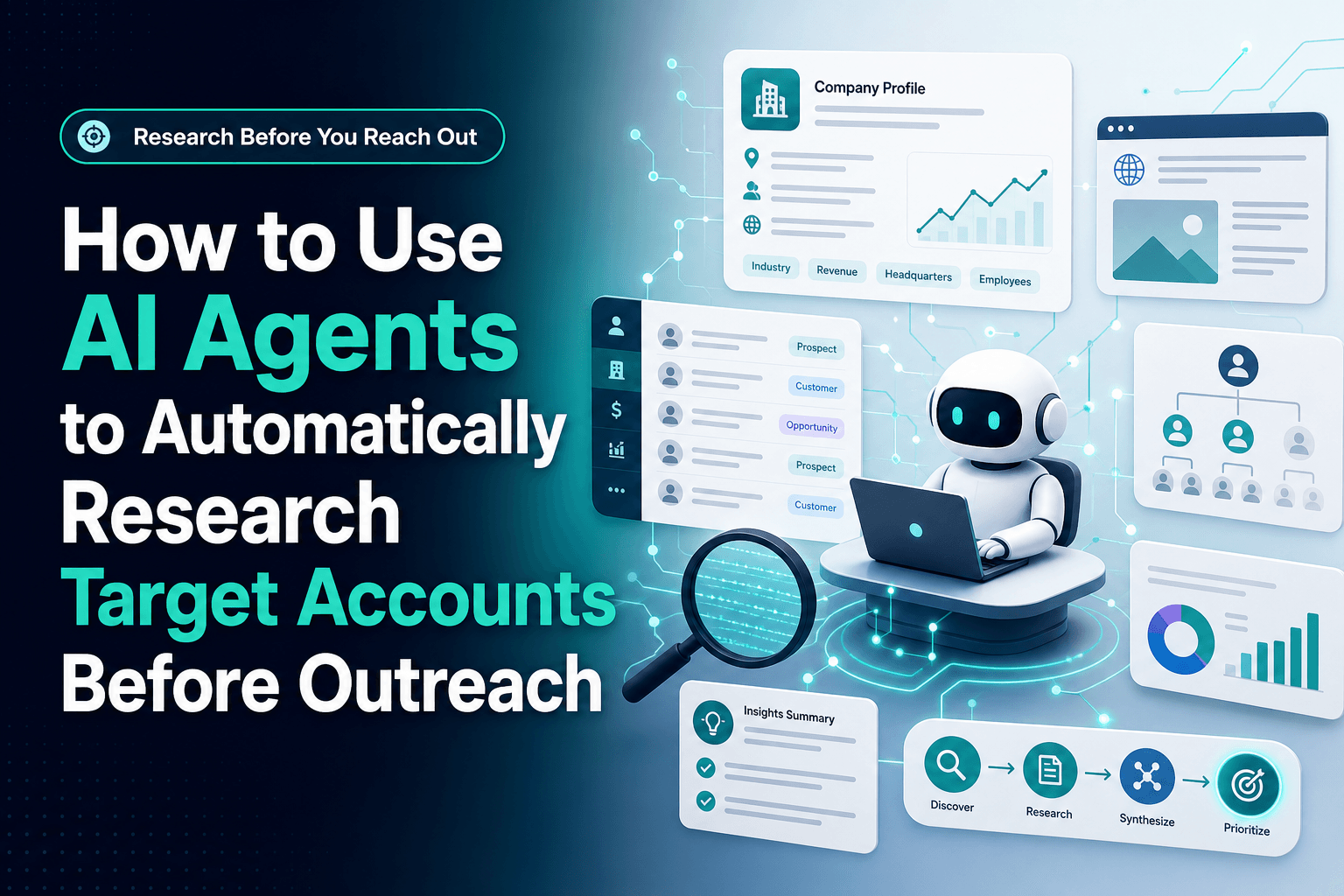
We’ve found the best account-research workflows are not the fanciest ones. They’re the ones that turn scattered public information into usable context fast enough to improve the first email, the first call, and the first routing decision. If you want better Lead qualification, cleaner CRM Automation, and less time wasted on bad-fit accounts, this is one of the highest-leverage places to start.
The real bottleneck isn’t writing the email, it’s getting the account right
Most outbound problems start upstream.
A rep can write a decent cold email in five minutes. What slows the process down is figuring out whether the account is worth touching at all. Someone has to piece together the company’s business model, location footprint, hiring signals, likely tech stack, service lines, and whether the lead belongs in the pipeline or nowhere near it.
In practice, that research work usually breaks in a few predictable places:
- The rep checks three tabs and misses the one fact that actually matters
- Notes get pasted into free-text fields nobody can filter later
- Qualification criteria change from rep to rep
- Accounts with weak fit get the same effort as strong-fit accounts
- Good accounts wait because the research step takes too long
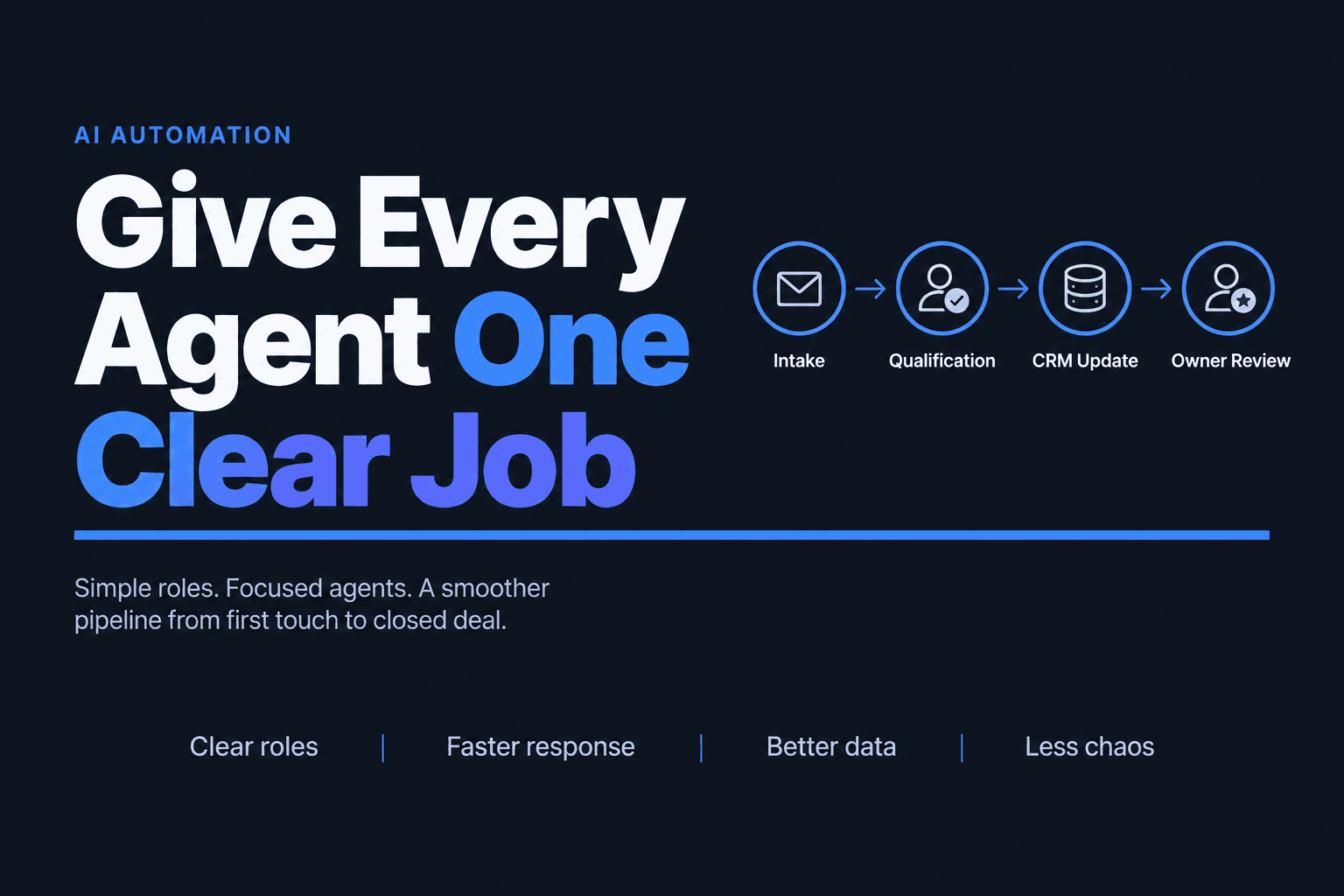
That’s where AI Automation helps. An agent can be trained to answer the same set of practical questions for every account:
- What does this company actually do?
- Is it in our target segment?
- What signals suggest urgency, fit, or expansion?
- What’s the most likely opener for outreach?
- Should this account go to sales, nurture, or disqualify?
This is also why account research works better as an operations workflow than as a one-off prompt. You want repeatable output, structured fields, and a trail you can review later. If your CRM is still acting like a dumping ground, it’s worth tightening that foundation first with a system like AI-powered CRM optimization before you add more agent behavior on top.
Don’t ask one agent to “research the account” — split the work into roles
The fastest way to get unreliable output is to give one prompt too much responsibility.
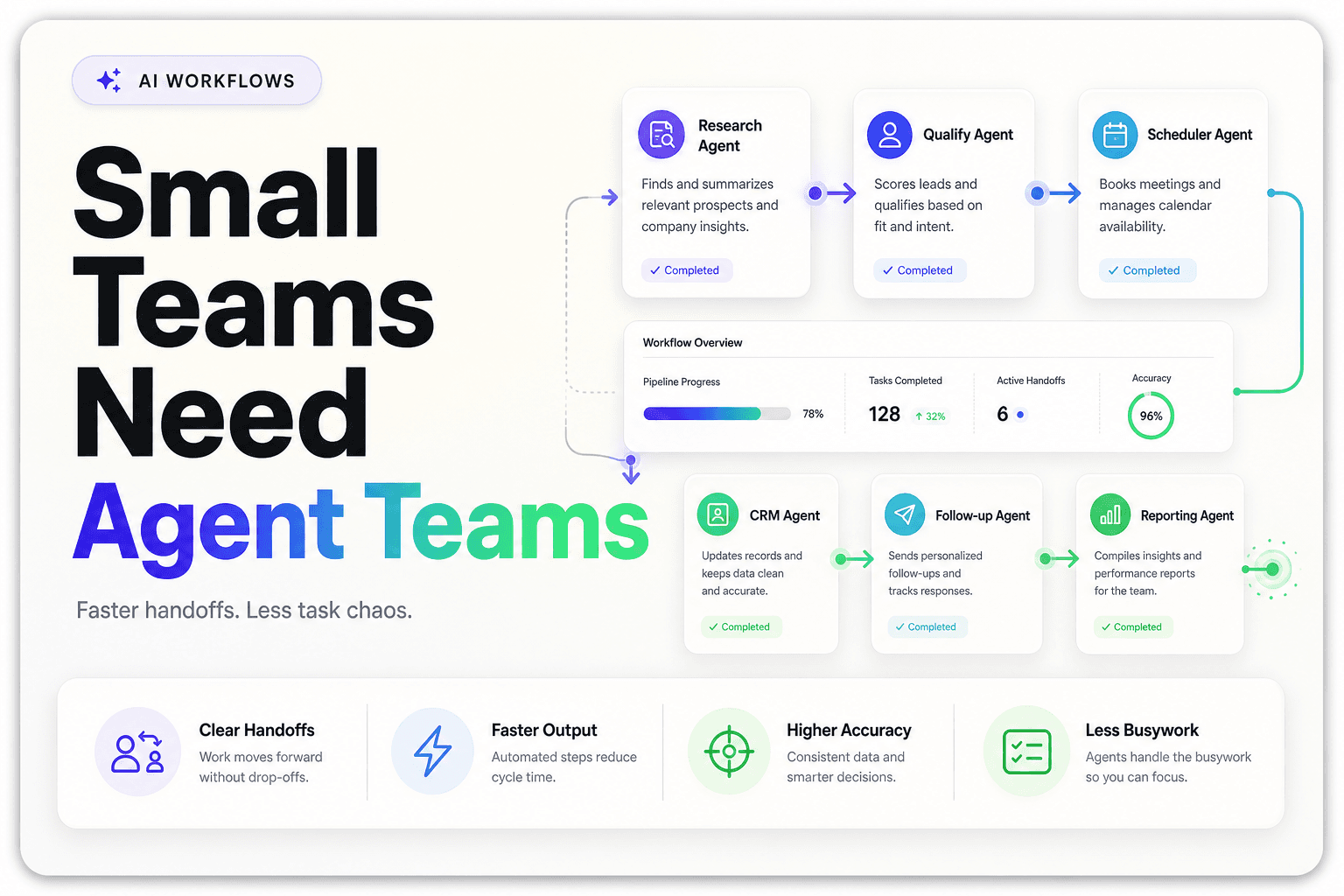
What actually works better is a small Multi-agent System or role-based workflow where each agent handles one job well. Even at the enterprise level, this pattern is becoming normal: 23% of organizations in McKinsey’s 2025 AI survey said they are already scaling agentic AI in at least one business function, and another 39% said they are experimenting with it.
For target account research, we usually break the flow into distinct roles:
1. The collector
This agent gathers source material: homepage copy, about page, services pages, public FAQs, contact details, location pages, hiring pages, and selected social or directory data.
2. The interpreter
This agent turns raw content into plain-language summaries:
- core offer
- target customer
- likely revenue model
- geography
- pain points they probably care about
3. The qualifier
This agent compares the account against your ICP and rules:
- employee count range
- vertical fit
- service complexity
- inbound capacity
- multi-location footprint
- signs they need faster lead response
4. The CRM writer
This agent outputs structured fields and a short brief the rep can actually use.
That separation matters because each step becomes easier to audit. If the summary is wrong, you know whether the problem came from bad source collection, weak qualification logic, or a messy CRM mapping issue. That’s how Workflow Automation stays useful instead of becoming an expensive black box.
Reply in under 10 minutes? Research the account before the handoff, not after
A lot of teams do account research too late.
They wait until a rep is ready to write the first message, then ask that rep to dig through the site, LinkedIn, the CRM, and whatever enrichment tool happens to be open. That creates delay at the exact moment speed matters most. It’s one reason research should happen automatically at the moment a target account enters the workflow, after a form fill, list import, ad conversion, or booked call.
This matters operationally because adoption is already moving in that direction. LinkedIn reported in March 2025 that 56% of sales professionals use AI daily. The teams getting value are not just generating copy faster. They’re moving prep work earlier in the process.
A practical sequence looks like this:
New account created
→ domain verified
→ website + public source scan
→ ICP scoring
→ buying-signal flags added
→ CRM fields updated
→ rep brief generated
→ outreach or nurture route assigned
For a real estate team, this might mean recognizing whether a brokerage has multiple offices, active recruiting, and lead-capture forms that imply routing complexity. For a home services company, it might mean identifying service areas, emergency-call positioning, financing offers, and whether the business is built for fast inbound conversion. For agencies, it often means detecting niche specialization and client segment before a single cold email goes out.
If you’re already automating first response, this pairs naturally with AI agents for inbound lead follow-up or appointment booking automation for speed-to-lead, because the same research layer can improve routing and scheduling downstream.
The best account brief is short enough to trust
More data is not the goal. Better decisions are.
One of the biggest mistakes we see is teams building giant research packets nobody reads. If the output looks impressive but sales ignores it, the workflow failed. Reps need a brief they can absorb in under a minute.
A useful account brief usually includes:
- What the company does in one sentence
- Why it might fit your ICP
- Why it might not
- One relevant trigger such as hiring, expansion, or service complexity
- Recommended next action
- Confidence score based on source quality
That last point matters more than people think. A weak-confidence result should not sound definitive. One reason the hype around autonomous prospecting misses the mark is that signal quality is often worse than vendors imply. In a 2026 Forrester analysis, Anthony McPartlin argues that many agentic prospecting claims depend on buying signals that are weak, ambiguous, or contradictory in real B2B environments, and that over-automation can simply industrialize bad outreach faster than ever before in Forrester’s “Seven Reasons to Be Skeptical of Agentic Prospecting”.
That’s the contrarian truth: the fastest research system in the world is still a liability if it sounds confident about bad data.
We’ve found a simple scorecard works better than overexplaining:
| Field | Example output |
|---|---|
| ICP fit | High |
| Data confidence | Medium |
| Primary use case | Multi-location lead routing |
| Risk flag | No visible booking flow |
| Next step | Outbound sequence + manual review |
Short beats clever. Clear beats comprehensive.
If the agent can’t update your CRM cleanly, it’s not helping sales
Account research creates value only when it changes what the team does next.
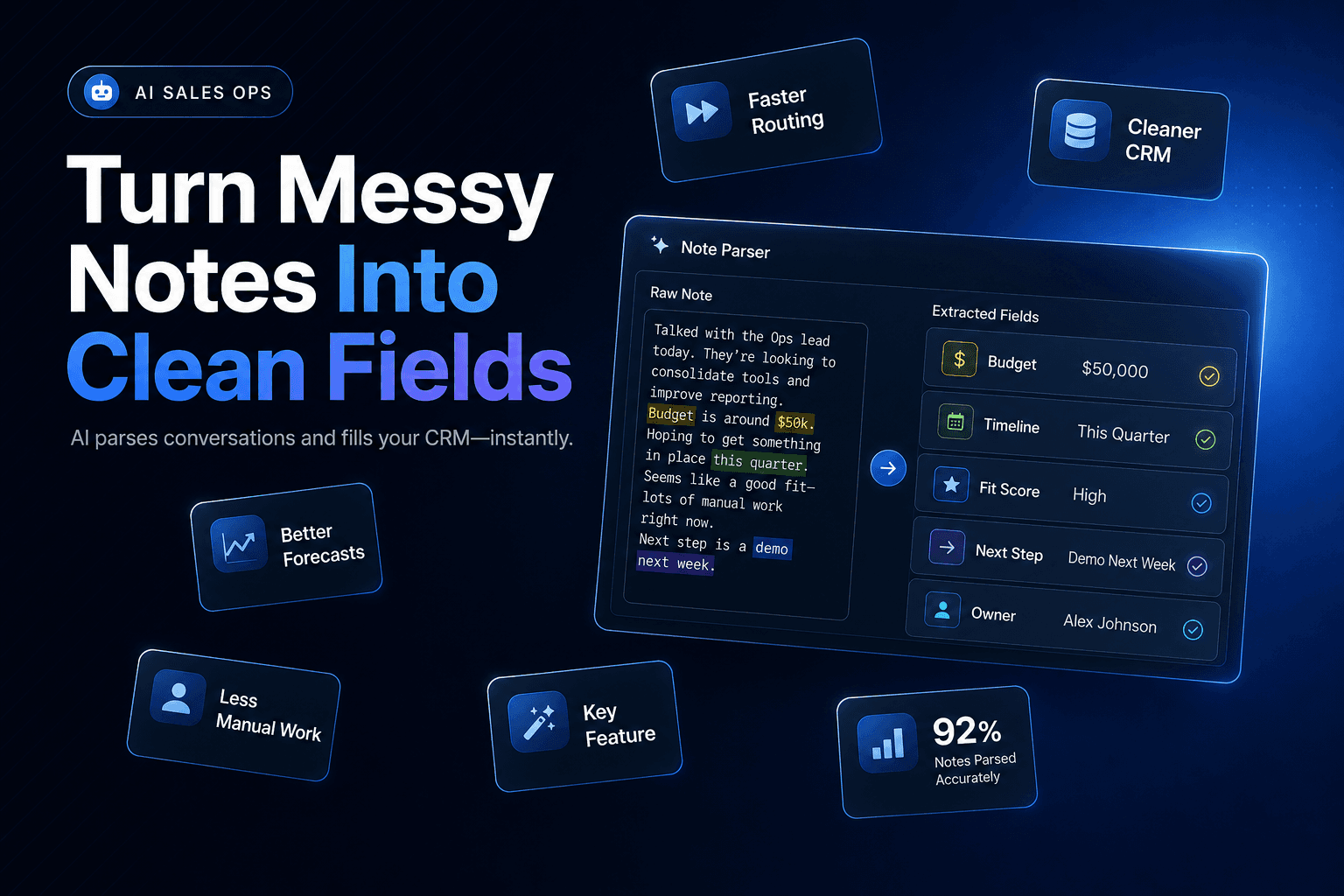
That means the output needs to land in the right place: lead score, owner assignment, account tier, outreach angle, and follow-up task. Otherwise the agent becomes a note generator, not an operations layer.
This is where CRM Automation and Lead qualification have to connect. A good workflow should update fields like:
- industry
- segment
- location count
- service category
- estimated fit
- recommended sequence
- disqualification reason
- review-needed flag
And once those fields are standardized, you can build routing rules around them. For example:
Route high-fit, high-confidence accounts straight to a rep
If the account matches your ICP and the sources are strong, create a task immediately. Assign the owner, set the recommended sequence, and attach the research summary so the rep can start outreach without re-reading the same pages. The goal is zero lag between qualification and first touch.
Hold high-fit, low-confidence accounts for review
These are often worth pursuing, but only after a human checks the summary. Maybe the company looks right on paper but the agent found conflicting revenue signals, or the contact role isn’t confirmed. Route them to a review queue with the review-needed flag set, and let a rep approve or adjust before anything goes out.
Disqualify fast when the mismatch is obvious
If the company is outside geography, too small, or clearly not in your segment, don’t let it clog the pipeline.
This kind of structure matters because sales teams are already under pressure to do more with the same headcount. In the newly published Salesforce State of Sales, Seventh Edition, sellers report spending substantial time on non-selling work while sales organizations continue shifting toward AI-supported workflows. The takeaway is simple: if research doesn’t reduce manual steps inside the system of record, reps still feel the drag.
What usually goes wrong has nothing to do with the model
When these projects disappoint, the LLM usually gets blamed. Most of the time, that’s not the actual problem.
The failure points are usually more boring:
- bad domain matching
- vague ICP rules
- inconsistent CRM fields
- no confidence thresholds
- no review queue for edge cases
- too much output for reps to use
There’s also a strategic mistake that shows up early: teams automate research for every account before deciding which accounts deserve research at all. If your TAM list is messy, the agent will just produce cleaner-looking noise.
A better rollout looks like this:
- Pick one segment with clear qualification rules
- Define 5–7 fields that actually affect outreach
- Test on 50–100 accounts before broader rollout
- Compare agent output to a rep’s manual judgment
- Measure meeting quality, not just research speed
That last metric is the one people skip. Faster research is nice. Better meetings are the point.
And don’t ignore channel fit. In some workflows, a research agent should hand off to Voice AI or booking automation instead of email, especially when speed and qualification matter more than long-form personalization.
The win is not “AI did the research.” The win is: the right rep got the right account with the right context before outreach started.
AI account research is most useful when it behaves less like a content toy and more like an operations system. That means targeted workflows, clear agent roles, grounded business context, and metrics that connect to actual pipeline outcomes. If you want to use AI Agents to automatically research target accounts before outreach, start with one segment, one scoring model, and one CRM workflow you can trust. Then expand from there.
If you want help building that kind of practical AI Automation for account research, qualification, routing, Voice AI, and CRM updates, schedule a consultation with AI-Automated. We build systems that reduce repetitive work, improve lead response, and give your team better context before the first conversation starts.