How to Build an AI Call Routing System That Qualifies, Transfers, and Books Automatically
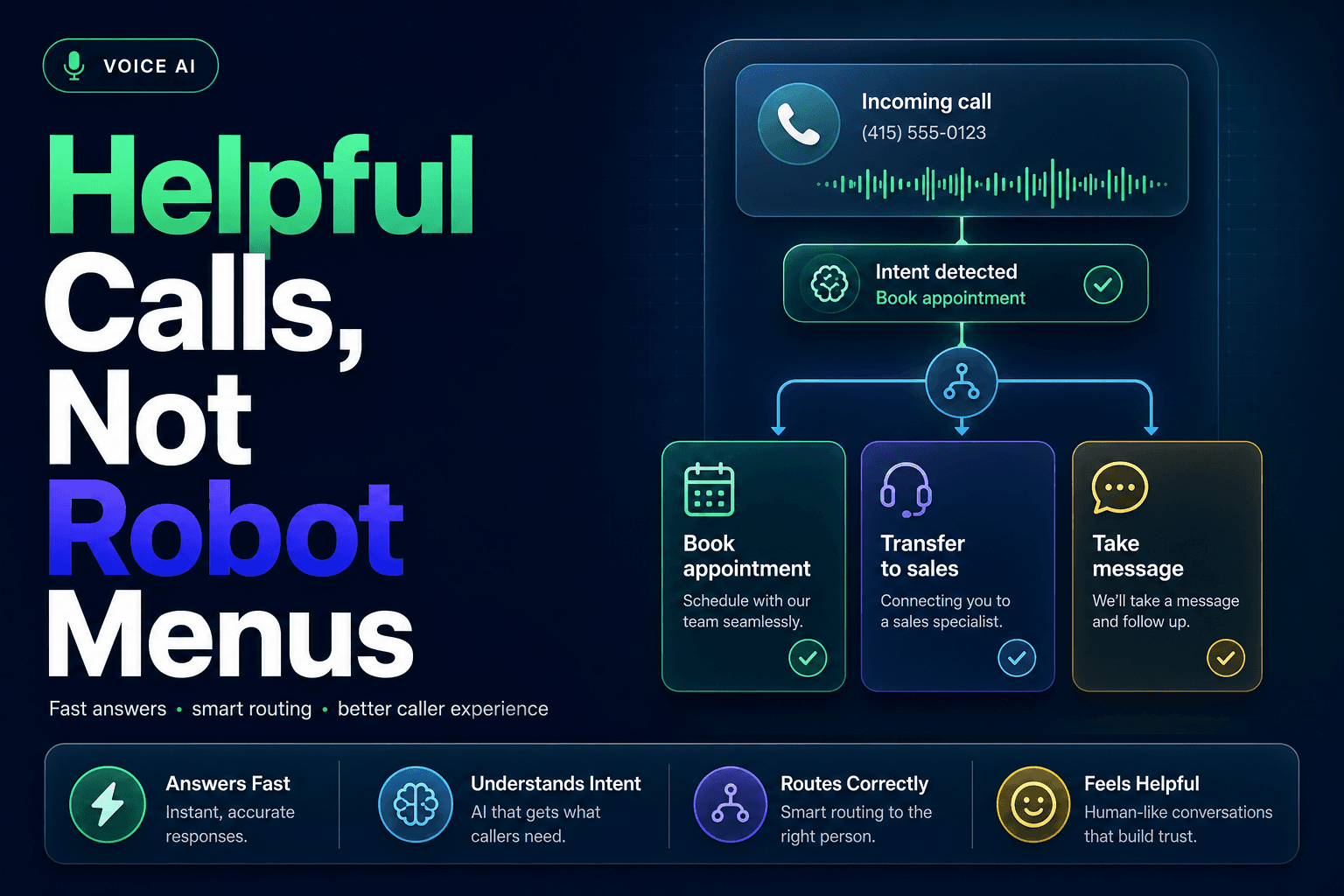
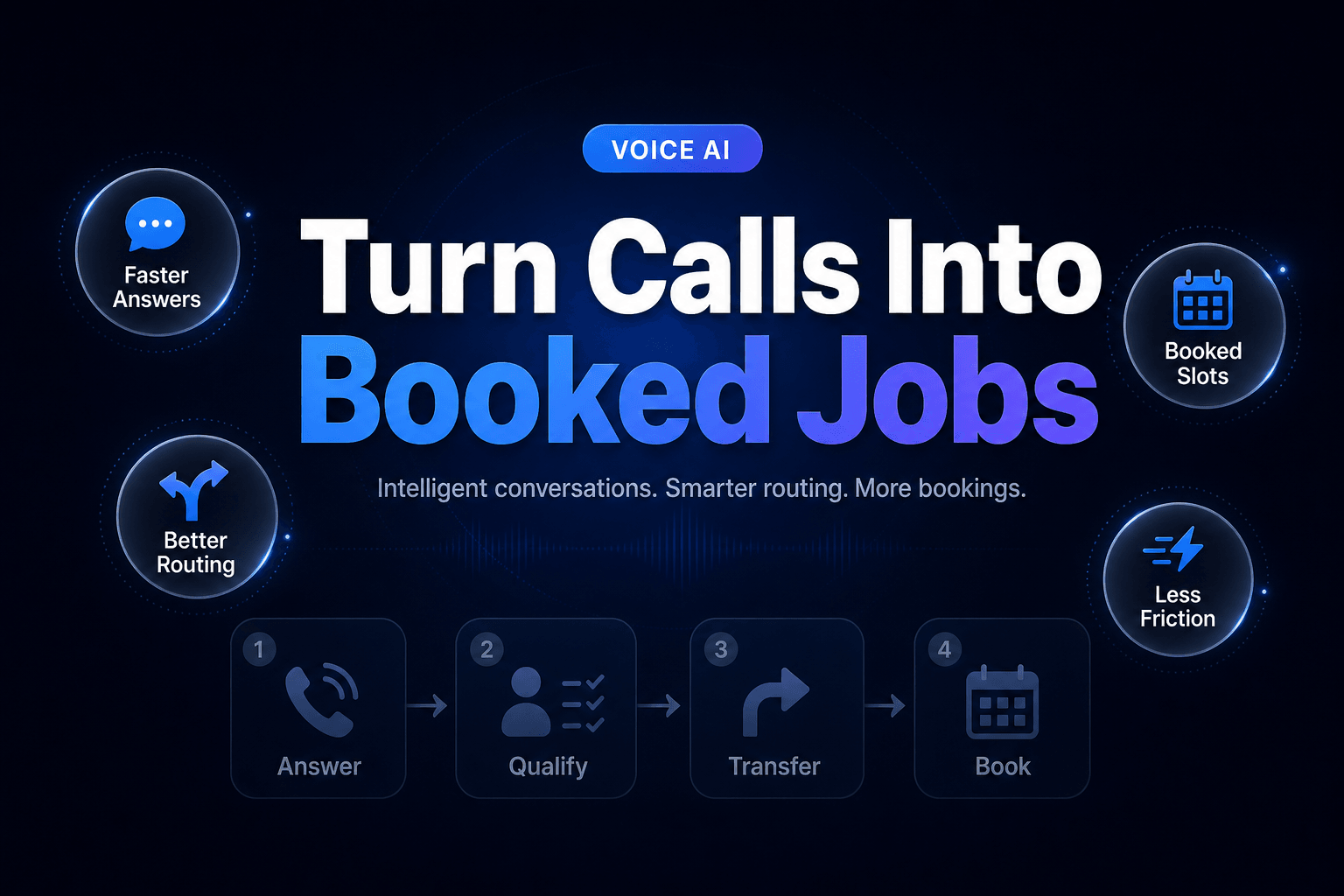
A caller who needs a roof repair, a showing, or a same-week appointment is not calling to admire your phone tree. They want a clear answer and a next step. That is why a useful AI call routing system does more than pick up. It identifies intent, asks only the questions needed to make a decision, moves the caller to the right person, and books the right slot when a calendar is the better answer.
The bar is higher than “the bot answered.” In a 2025 consumer survey, 55% said they would immediately ask for a representative after hearing a robotic IVR, while 71% were willing to use an intelligent voice assistant that could actually complete the task. PolyAI’s 2025 consumer study makes the point nicely: people are not allergic to automation. They are allergic to wasted time.
Here is how we build Voice AI call-routing systems that qualify, transfer, and book without turning a simple phone call into a hostage negotiation.
Ask for the outcome first, then earn every follow-up question
Most bad call flows begin with a long list of questions because the business wants more data. That instinct creates friction fast.
Start with one plain-language prompt that sorts the call into an operational lane:
“Thanks for calling Northside Home Services. Are you looking to schedule service, get help with an existing job, or speak with our team about a new project?”
That one question can determine almost everything that follows. New leads may need service type, zip code, urgency, and property type. Existing customers may need a job number or phone number. Billing calls probably should not be grilled about project budgets at all.
We’ve found a practical Voice AI intake flow usually needs four layers:
- Intent: What does the caller want to accomplish right now?
- Eligibility: Do you serve their location, service type, or account need?
- Priority: Is this urgent, high value, already assigned, or safe for a standard queue?
- Preferred next action: Transfer, booking, callback, text follow-up, or escalation.
The important detail is conditional branching. A caller asking whether you service a ZIP code should get that answer before being asked for an email address. A real estate buyer calling about a specific listing should be matched to the listing agent or coverage team before being offered a generic discovery call.
This is where teams often confuse data collection with Lead qualification. The goal is not to collect every possible field. The goal is to collect enough reliable information to make the next action correct.
For teams that already score web leads, the same criteria should apply on calls. Our guide to designing an AI lead qualification score your sales team will actually trust can help you turn vague “good lead” instincts into rules the phone workflow can use consistently.
Route by urgency and ownership, not by who happens to be available
Round robin works fine for lunch orders. It is shakier for inbound calls.
A high-intent prospect calling about a $25,000 remodel should not land in the same queue as a vendor pitch, a warranty question, or a homeowner who lives 80 miles outside your service area. AI Automation earns its keep when it makes a routing decision based on the reason for the call.
Here is a simplified routing model we use in practice:
New inbound call
  ├─ Existing customer with assigned owner
  │   └─ Transfer to owner, then backup queue after 45 seconds
  ├─ Emergency service request
  │   └─ Transfer to on-call team immediately
  ├─ High-fit new lead in service area
  │   └─ Route to sales or book the earliest qualified appointment
  ├─ Low-fit or unsupported request
  │   └─ Give a clear answer, log outcome, offer approved referral or callback path
  └─ Low-confidence classification
      └─ Transfer to human triage with call summary
The key fields are rarely exotic. For a medspa, the workflow might use treatment type, first-time versus returning client, desired date, and contraindication flags. For a real estate team, it might use property address, buying versus selling intent, price band, financing status, and assigned-agent ownership.
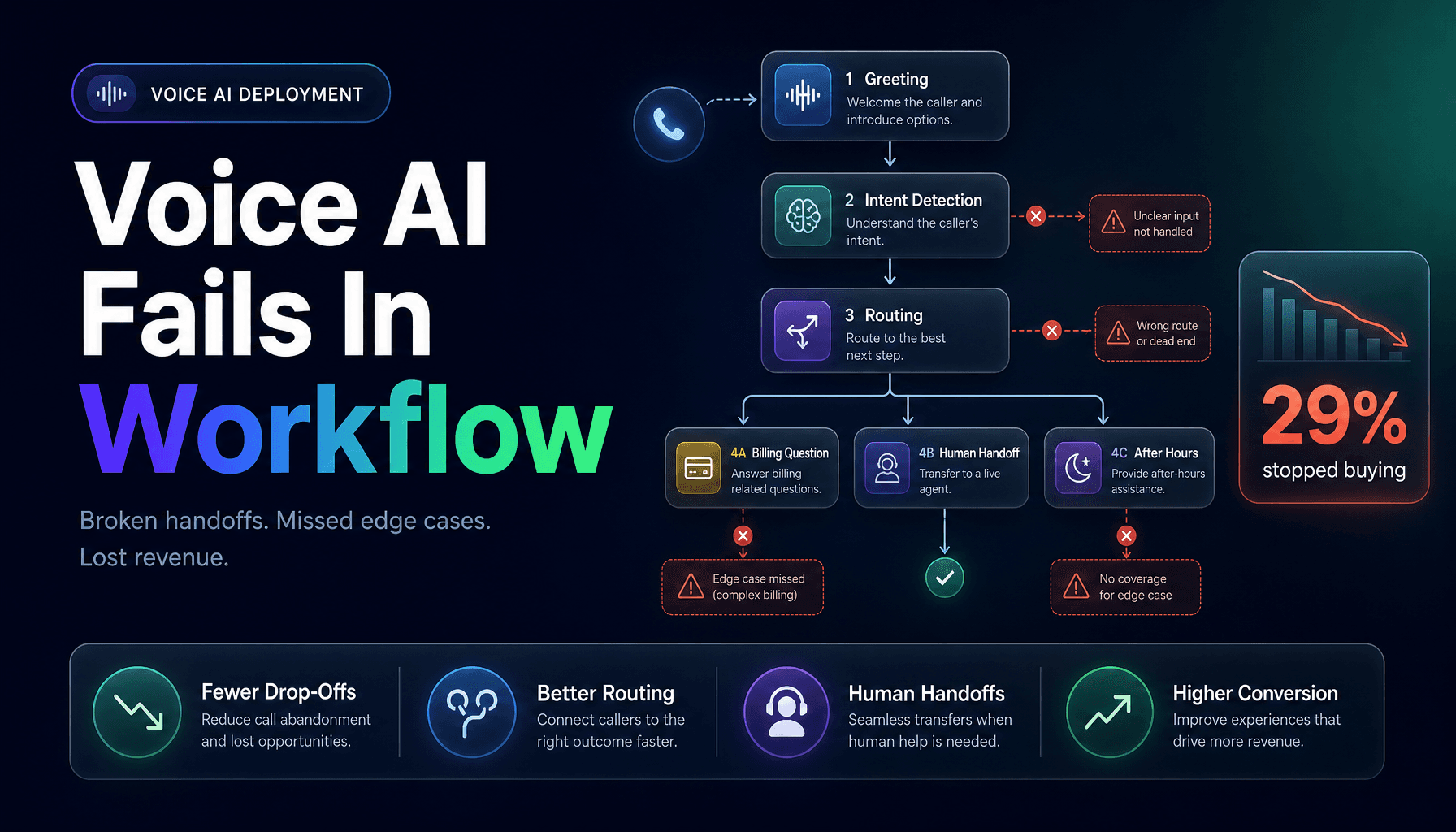
Capacity still matters, of course. Your system should know whether a rep is on PTO, whether an office is closed, and how long a caller can reasonably wait before the call rolls to another person. Build the fallback before launch. Otherwise, the AI simply transfers callers from one dead end to another, which is a remarkably efficient way to create annoyance.
For the broader logic behind ownership, priority, and backup queues, see how to design a lead routing system that sends every prospect to the right person. Phone calls should use the same operating rules as forms, chat, and SMS. Different channel, same buyer.
The transfer is where most call flows quietly fall apart
A transfer that forces someone to repeat themselves is not a handoff. It is a memory test.
Twilio’s 2025 research found that 78% of consumers consider the ability to switch to a human important, yet only 15% reported experiencing a smooth AI-to-human handoff. Twilio’s Inside the Conversational AI Revolution report points to the issue most teams miss: the human needs context before saying hello.
Every transfer should create a compact handoff packet in the CRM, help desk, or Slack alert. Keep it useful enough that the receiving person can act within five seconds.
A good handoff packet includes:
- caller name and callback number
- call reason in one sentence
- qualification answers and any missing fields
- urgency level
- source or campaign, when available
- routing reason and destination
- transcript link or recording link
- recommended next step
For example:
“New HVAC replacement lead. Homeowner in 30318, system is 17 years old, no cooling, requested service today. Budget not discussed. Routed to emergency sales queue after confirming coverage area.”
That summary lets the rep open with, “I see your AC stopped cooling and you need someone in Atlanta today. I can help with that.” Small moment. Huge difference.
Warm transfer language helps too. The AI should tell the caller what is happening and why:
“I’m connecting you with Maya because she handles urgent replacement requests in your area. I’ve shared the details you gave me, so you will not need to repeat them.”
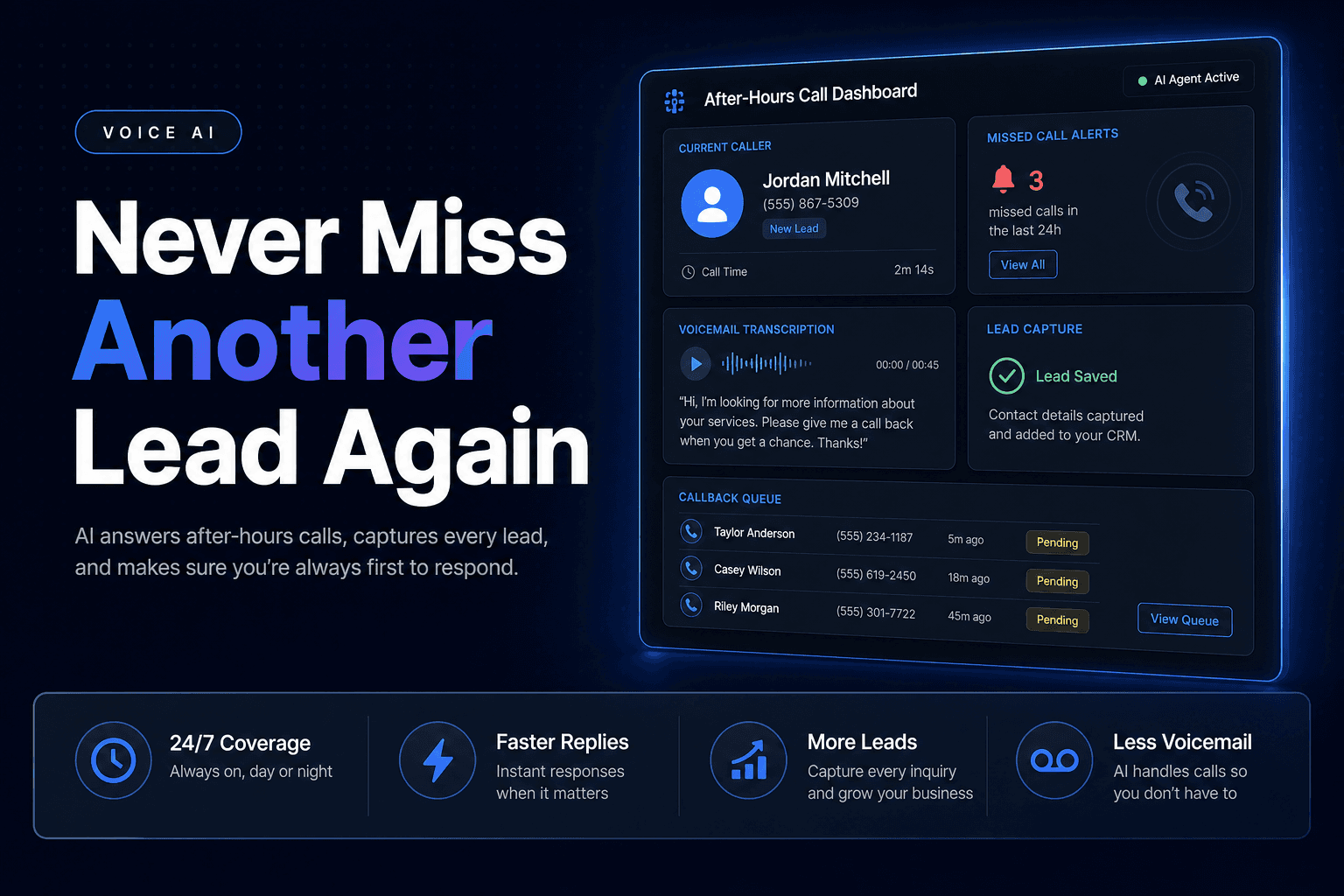
If nobody answers, do not dump the caller into an anonymous voicemail box. Offer an immediate choice: hold briefly, schedule a callback window, receive a text confirmation, or leave a recorded message that is attached to the same CRM record.
That is CRM Automation with a pulse. The call record, owner, next task, and follow-up timer should all appear automatically. No scribbled notes. No “Who talked to this person?” Slack archaeology the next morning.
Booking should happen only after the calendar passes a reality check
Booking sounds simple until the caller selects a time slot that looks open but is unusable.
A calendar-connected AI agent needs more than access to free/busy status. It needs appointment rules. That means service duration, travel radius, staff qualifications, buffers, location, appointment type, and booking horizon.
Take a home-services example. A “diagnostic visit” may be a two-hour appointment, require a technician certified for a specific equipment brand, and need a 30-minute drive buffer. If the system sees an open 10:00 a.m. slot but ignores the technician’s prior job across town, it creates a calendar problem disguised as convenience.
Before presenting options, have the agent check:
- Is the caller qualified for this appointment type?
- Which staff members can handle it?
- Are there real slots after travel and buffer rules?
- Does the caller need a deposit, intake form, or reminder?
- What happens if the preferred day is full?
Keep the choices tight. Offer two or three slots, not an audio version of scrolling through a scheduling app. If the caller says, “Anything after 4:00 on Thursday,” the AI should search within that constraint, confirm the selected time aloud, and send a text or email confirmation immediately.
Then log the booking properly: appointment type, owner, call summary, source, qualification fields, and consent preferences. That record gives your team the context they need before the meeting starts.
For a fuller view of confirmations, reminders, and rescheduling rules, read our AI agents for appointment booking and calendar automation playbook.
A polished voice cannot rescue a trapped caller
Here is the mildly unpopular truth: the voice is not the main project.
Yes, pronunciation matters. Interruptions matter. A friendly tone helps. But teams can spend weeks choosing a voice while leaving the real failure points untouched: unclear escalation rules, unreliable CRM writes, bad business hours logic, and a transfer destination that never answers.
Customers blame the business when it goes wrong. In Invoca’s 2026 telecom buyer research, 85% of consumers said it matters that AI clearly identifies itself, and respondents were 1.9 times more likely to blame the brand than the AI when an AI interaction failed. Invoca’s 2026 Telecom Buyer Experience Report should make every owner pause before treating Voice AI as a set-it-and-forget-it purchase.
Build escape hatches on purpose:
- Let callers ask for a person at any point.
- Escalate after two failed attempts to understand an answer.
- Route immediately for safety concerns, payment disputes, legal issues, or angry callers.
- Never let the agent invent pricing, availability, policy exceptions, or technical advice.
- Record low-confidence outcomes for weekly review.
AI Agents should be allowed to say, “I’m not confident I have that right. Let me connect you with the right person.” That sentence prevents more damage than a dozen clever prompts.
We also recommend reviewing a sample of calls every week, especially transfers and bookings. Listen for repeated questions, abandoned calls, incorrect routing, and calendar errors. Those are workflow design issues, not “AI quirks.” Fix the rule, update the prompt, and test the edge case again.
Build the phone system around the work that happens after “hello”
The best AI call routing system feels almost boring to the caller. Someone answers quickly. The questions make sense. The right person gets involved. The appointment is real. Nobody has to repeat their story.
Behind that simple experience is serious Workflow Automation: intent detection, qualification rules, ownership checks, availability logic, CRM updates, transfer summaries, and fallback paths that protect the caller when automation reaches its limit.
Do not begin by asking which voice sounds most human. Begin with 20 real calls. Map what callers wanted, what details determined the next action, where staff had to intervene, and what information disappeared during handoffs. That gives you the raw material for a call flow people will actually use.
AI-Automated builds custom Voice AI and CRM Automation systems that answer inbound calls, qualify leads, route urgent conversations, and book appointments without adding more front-desk busywork. If your phone line still depends on voicemail, memory, and whoever happens to notice a missed call first, schedule a consultation with our team.